BGMI Name Style: The Complete Guide to Creating a Cool
Your bgmi name style is the first thing other players notice when you drop into the battlegrounds, and it can set the tone for your entire presence in the game. A well-crafted name does more than just look good, it helps you stand out in the lobby, earn respect from teammates, and even intimidate opponents before the match begins. This guide walks through everything you need to know about creating a stylish BGMI name, from using symbols and generators to avoiding common pitfalls. If you’re a casual player or a competitive grinder, you’ll find practical tips to make your in-game identity truly your own.
Key Takeaways
- A bgmi name style is more than just a username, it’s your digital identity that helps you stand out in lobbies and reflects your personality.
- Combining symbols, special characters, and creative fonts is the easiest way to craft a unique name without relying on generic generators.
- Using a pubg name generator can spark ideas, but manual tweaking ensures your name stays one-of-a-kind and avoids overused templates.
- Platform-specific limits (like BGMI’s 14-character cap) mean you need to balance style with readability, a name that’s too complex can be hard for teammates to remember.
- Staying up to date with 2026 trends, such as minimalist symbols or clan tags, keeps your name feeling fresh and relevant in the community.
What Is a BGMI Name Style?
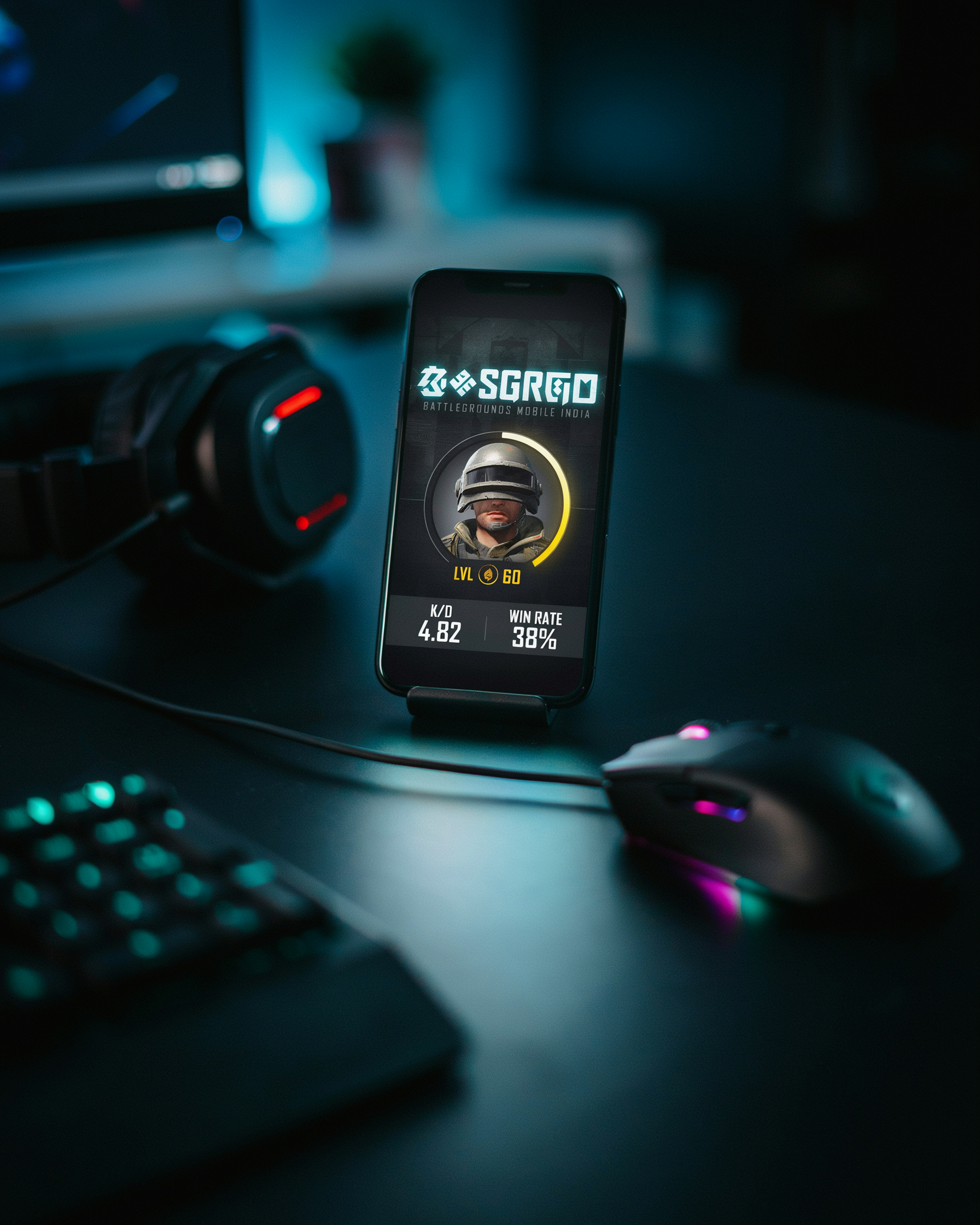
A bgmi name style is the creative combination of letters, symbols, and fonts that turns an ordinary in-game name into something eye-catching and personal. It’s not just about choosing a cool word; it’s about how you present that word on screen. Players use special characters, Unicode fonts, and decorative elements to craft names that feel unique, even when the base word is common. For example, adding a bgmi name symbol like a crown, a star, or a heart around your name instantly gives it flair. These bgmi symbols come from the vast Unicode character set, which includes everything from arrows and musical notes to geometric shapes. By mixing these with stylized text from a pubg name generator, you can create a name that reflects your personality, whether you want to look fierce, funny, or elite. The key is to balance creativity with readability so your name stands out in the lobby without becoming a jumbled mess.
Why Your In-Game Name Matters
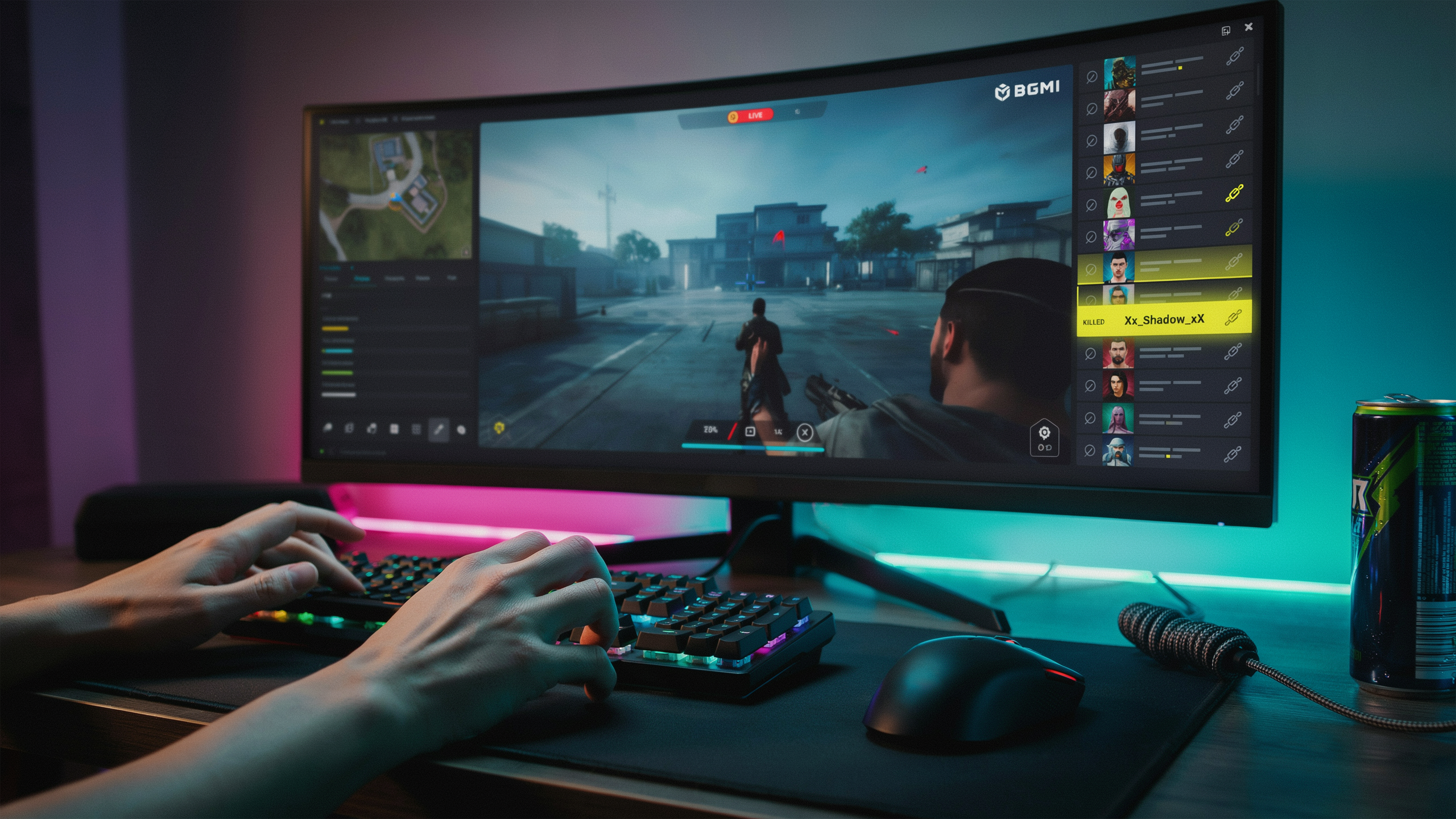
Your in-game name is the first thing other players see, and in a game like BGMI, first impressions count. A well-crafted bgmi name style does more than just identify you, it shapes how opponents and teammates perceive your skill, personality, and dedication. When I spot a player with a clever or intimidating name, I immediately pay more attention, and I know I’m not alone. A name like “xX_Slayer_Xx” or “HeadshotKing” sends a clear message before the match even starts: this player means business.
There is a real psychological edge here. A name that looks professional or aggressive can make enemies hesitate, even if only for a split second. That moment of doubt is all you need to land the first shot. On the flip side, a generic or poorly styled name can make you seem like an easy target. I have seen squads target players with default names simply because they assume those players are less experienced. Your name is part of your in-game armor, it can intimidate, confuse, or earn respect.
Beyond intimidation, a unique name builds recognition. When you consistently perform well, people remember your name. They might invite you to their clan, follow you on social media, or simply fear you in the lobby. I have built a small reputation just by sticking with a memorable name and playing consistently. It becomes your brand. In the BGMI community, a recognizable name opens doors to custom rooms, scrims, and even esports opportunities. So, don’t underestimate the power of a good bgmi name style, it’s your digital identity, and it speaks volumes before you ever fire a shot.
Popular Trends in 2026
I have been tracking bgmi names across leaderboards and social media, and the trends in 2026 are all about standing out without overcomplicating things. Minimalistic symbols are huge right now. Players are moving away from cluttered names packed with random characters and instead choosing one or two clean symbols like a star, crown, or arrow placed before or after their name. This keeps the bgmi name style readable while still adding a personal touch. Clan tags remain a staple, but the format has evolved. Instead of long bracketed prefixes, I see short, uppercase two- or three-letter tags separated by a dot or space, giving a professional esports vibe. Another trend I love is the use of Unicode fonts that mimic cursive, bold, or double-struck letters. These fonts make a simple name look completely different without needing extra symbols. For example, a name like “Shadow” can become “𝕾𝖍𝖆𝖉𝖔𝖜” or “𝐒𝐡𝐚𝐝𝐨𝐰” using a pubg name generator that supports these styles. I also notice more players combining trends: a short clan tag, a Unicode font for the main name, and a single symbol at the end. This layered approach creates a unique identity that’s still easy to recognize in kill feeds and lobbies. The key is balance. A stylish name should look cool but not be a puzzle to read.
How to Use Symbols in Your BGMI Name
Adding a bgmi name symbol is one of the fastest ways to make your in-game identity stand out. Symbols like crowns, stars, hearts, and arrows can transform a plain name into something that catches the eye in the lobby and on the kill feed. The process is simple once you know where to find the right characters and how to paste them into the game.
Start by opening your device’s web browser and searching for a collection of bgmi symbols. Many sites offer curated lists of Unicode characters that work inside BGMI. Look for symbols that match your vibe: a crown for a royal feel, a star for a competitive edge, or a heart for a softer touch. Avoid overly complex symbols, because some may not render correctly on all devices.
Once you have found a symbol you like, tap and hold to copy it. Then open BGMI and navigate to your profile. Tap the edit icon next to your current name and paste the symbol into the text field. You can place it at the beginning, middle, or end of your name. For example, a name like “RapidFire” becomes “♛RapidFire” or “RapidFire★” with just one extra character.
Keep in mind that BGMI’s name-change feature usually requires a Rename Card, which you can earn through events or purchase in the shop. Also, some symbols may be blocked by the game’s profanity filter, so test a few options before committing. A good rule is to use one or two symbols at most; overloading your name with too many characters can make it hard to read and may even violate the game’s naming policy.
Using a BGMI Stylish Name Generator
When I want a fresh bgmi name style without spending an hour brainstorming, I turn to a bgmi stylish name generator. These tools work by combining your base text with a library of Unicode symbols, fancy fonts, and decorative characters. You type in a word like “Shadow” or “Raven,” and the generator instantly produces dozens of variations with crowns, wings, stars, and other flourishes that work inside BGMI’s text field.
The biggest advantage is speed. A good stylish name generator gives you 50+ options in seconds, which is perfect when you’re squad-wiping and need a quick rename between matches. I also love that generators expose me to symbol combinations I’d never think of on my own, like combining a flame emoji with a glitch-text font. The downside is that popular generators can produce overused styles, so I always tweak the output to add a personal touch.
I recommend trying a dedicated pubg name generator that’s built specifically for battle-royale games. These tools often include BGMI-specific filters, so you avoid symbols that the game blocks or that render as blank squares on mobile. After generating a list, I copy my top three picks into a notepad, mix and match the best elements, and test them in the game’s rename screen to see how they look against different backgrounds. A generator is a starting point, not the final answer, but it cuts the creative work in half and helps you land a bgmi name style that actually stands out in the lobby.
Step-by-Step: Creating Your Own Style
I start every new BGMI name style by brainstorming a base word. That word can be my real name, a nickname, a favourite character, or even an abstract term like “Venom” or “Frost”. The key is to pick something that already feels personal, because the symbols and styling will build on that foundation. Once I have a base, I write it down and then think about the vibe I want to project. Do I want to look aggressive, funny, mysterious, or just clean and minimal? That decision guides every choice that follows.
Next, I open a notes app or a text editor and begin experimenting with symbols. I pull up a list of BGMI symbols that the game supports, which usually includes stars, hearts, arrows, musical notes, and special punctuation. I try placing them before, after, or even in the middle of the base word. For example, if my base is “Shadow”, I might test “★Shadow★”, “꧁Shadow꧂”, or “S꙰h꙰a꙰d꙰o꙰w꙰”. I always check that the symbols render correctly in the game’s font, because some fancy Unicode characters turn into blank squares on certain devices. This step is where a pubg name generator can save time, but I still prefer to tweak the output by hand so the result feels uniquely mine.
After I have a few candidates, I test availability directly in BGMI. I go to the rename screen and type each option exactly as I want it to appear. The game will tell me if the name is already taken or if it contains forbidden characters. I keep a shortlist of three to five names that pass this check. Sometimes I need to adjust spacing or swap a symbol to find an available variant. This trial-and-error process is where many players give up, but it’s also where a truly original bgmi name style emerges. I never settle for the first available name because I know that a little extra effort makes the difference between a forgettable tag and one that gets friend requests.
Finally, I finalize the name by reading it aloud and imagining it on a leaderboard. I ask myself whether it’s easy to remember and whether it reflects my playstyle. If I’m a sniper, I might lean toward sharp, edgy symbols. If I play for fun, I might add a laughing emoji or a playful font. Once I’m happy, I confirm the change and take a screenshot. I also save the symbol combinations in a note so I can recreate the style later if I ever switch names. This step-by-step method has never failed me, and it turns what could be a frustrating chore into a creative part of the game.
Tips for a Unique and Memorable Name
When I set out to craft a bgmi name style that stands out in the lobby, I follow a few personal rules that have never let me down. First, I avoid numbers unless they carry real meaning, like a birth year or a squad number. Random digits at the end of a name, like “Sniper123,” make it look generic and forgettable. Instead, I draw inspiration from my hobbies, favorite characters, or even a funny inside joke with my squad. A name tied to something personal feels more authentic and is harder for others to copy.
Another tip I swear by is to keep the name easy to read and pronounce. If your teammates struggle to call out your name during a clutch moment, it defeats the purpose. I also run a quick search on social media and in-game leaderboards before settling on a name. Nothing is worse than spending hours perfecting a bgmi name style only to find three other players with the same one. A little research upfront saves that headache.
Finally, I recommend testing the name with a few friends before committing. Sometimes a name that sounds cool in your head falls flat when spoken aloud. I once thought “Xx_ShadowBlade_xX” was the peak of creativity, but my squad just called me “X.” Lesson learned. A great bgmi name style balances creativity with practicality, and that balance is what makes it truly memorable.
Platform-Specific Considerations
When you settle on a bgmi name style, the device you play on can make or break how it looks in the lobby. I have tested dozens of names across Android phones, iPhones, and PC emulators, and the rendering differences are real. Android devices generally handle Unicode symbols well, but older or budget phones with custom ROMs sometimes replace rare characters with tofu boxes. If your squad mostly plays on Android, stick to widely supported symbols like stars, hearts, and basic arrows.
iOS is more restrictive. Apple’s system font blocks many decorative Unicode ranges, so a name that looks sleek on a Xiaomi might appear as a string of question marks on an iPhone 13. I always recommend checking your name on a friend’s iOS device before finalizing it. Emulators like Gameloop add another layer: they emulate Android, but the font rendering engine differs from a physical device. A pubg name generator can help you preview how symbols render, but nothing beats a real-device test.
One trick I use is to keep a backup name without symbols for cross-platform scrims. That way, your identity stays readable whether you’re on a OnePlus, an iPad, or a PC. The best bgmi name style is one that survives every platform your friends use.
Common Mistakes to Avoid
When you’re crafting your bgmi name style, it’s easy to get carried away and end up with something that hurts your in-game presence more than it helps. I have seen players make the same errors over and over, and I have made a few myself. The biggest mistake is piling on too many symbols. A name like ✿◕‿◕✿SniperKing✿◕‿◕✿ might look cool in a preview, but in the kill feed it becomes an unreadable mess. Other players can’t search for you, and your squadmates will struggle to call you out. Another common pitfall is using banned or unsupported characters. BGMI and PUBG Mobile block certain Unicode ranges, and if your name contains them, the game will either reject it or display blank boxes. I once spent an hour designing a name only to find half the symbols stripped out in the lobby. Cultural insensitivity is a serious issue too. Names that mock or appropriate religious symbols, ethnic slurs, or regional stereotypes will get you reported and banned. Even if you think it’s edgy, it’s not worth the risk. Finally, avoid copying a popular streamer’s exact name with a slight tweak. It makes you look unoriginal, and you’ll never build your own identity. Instead, use a pubg name generator for inspiration, then modify it to reflect your personality. Keep it clean, readable, and uniquely yours.
Frequently Asked Questions
How do I change my BGMI name in the game?
You can change your BGMI name from the in-game profile screen by tapping the edit icon next to your current name. The first rename is free, but subsequent changes cost UC or require a Rename Card, which you can earn through events or purchase in the shop.
What symbols are allowed?
BGMI supports a wide range of Unicode symbols, including stars, hearts, arrows, and special characters from various scripts. You can copy symbols from a pubg name generator or character map and paste them directly into the name field, but avoid emojis as they often appear as blank squares.
Is it safe to use a BGMI stylish name generator?
Most online generators are safe if they only provide text and symbols for you to copy. Avoid any tool that asks for your game login or personal information. Stick to well-known sites and never download executable files from untrusted sources.
How many characters can a BGMI name have?
The character limit for a BGMI name is typically 14 characters, including letters, numbers, and symbols. Some special Unicode symbols count as one character each, so plan your bgmi name style carefully to stay within the limit while still looking stylish.
Can I use spaces in my BGMI name?
Yes, spaces are allowed in BGMI names and count toward the character limit. Many players use spaces to separate words or symbols, creating a cleaner look. However, leading or trailing spaces may be trimmed automatically by the game.