PUBG & BGMI Name Ideas: Creative, Stylish, Unique
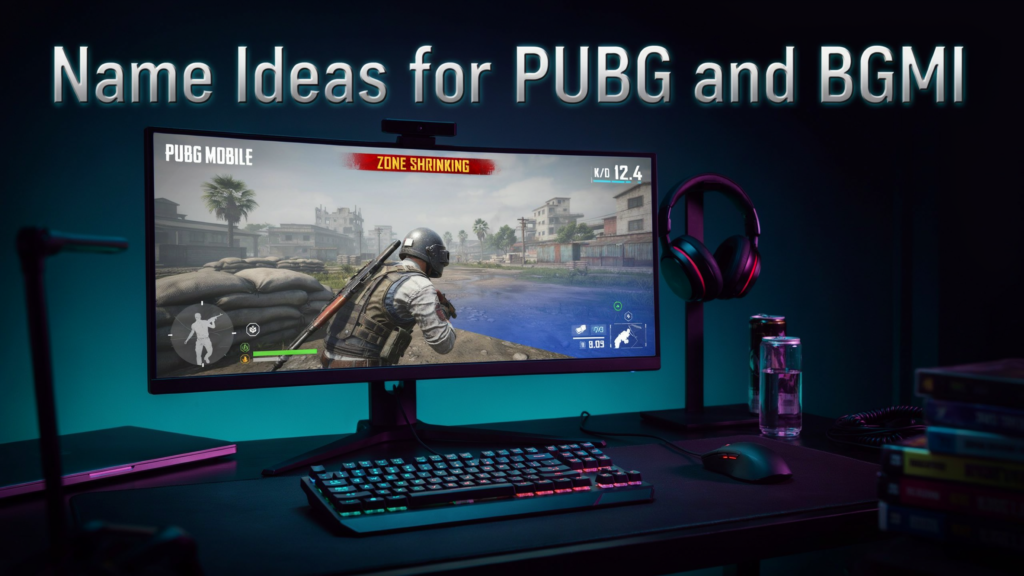
Every PUBG Mobile and BGMI player knows your in-game name is the first thing opponents see before you even fire a shot. Whether you’re pushing rank in Erangel or styling on enemies in Livik, the right name ideas can set the tone for your entire gaming identity. A memorable name does real work in the lobby.
Key takeaways
- A unique name builds instant recognition and respect in lobbies.
- The right name can intimidate opponents before the match even starts.
- Investing time in name ideas pays off through stronger squad chemistry and personal brand.
- PUBG Mobile and BGMI both reward creativity, but rules limit what you can actually use.
Why Your In-Game Name Matters
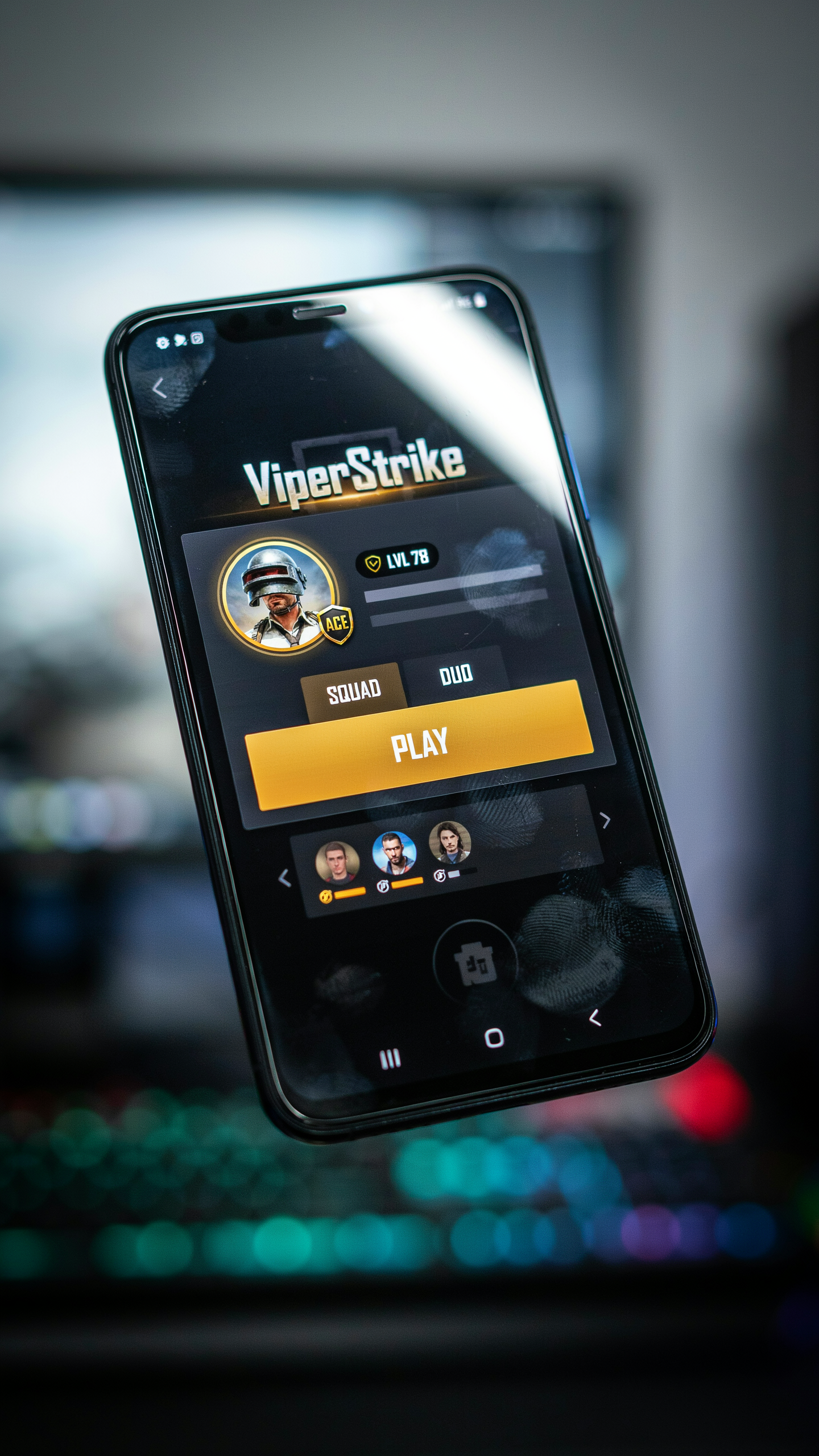
A random default name gets you ignored. A sharp, stylized tag gets you recognized in the kill feed. Your name is your reputation in a game where you’re matched with strangers every single match. A strong name is the difference between being ignored and being remembered.
You’ve probably seen a name like GHOST×REAPER or SilentDeath in the lobby and assumed that player was skilled before they even landed. That’s the power of good name ideas. A unique name signals confidence, experience, and personality. It tells other players that you take the game seriously, and that you’re not just another bot farming the leaderboard.
For BGMI players in India, names carry even more weight. The community is massive, and standing out among millions of active players is genuinely hard. A clever name in Hindi, a regional reference, or a smart use of symbols can make you instantly recognizable in your local server. Players have built entire YouTube channels and esports careers off the back of a single iconic name. That’s why spending time on name ideas is an investment.
Your name also shapes how your squad communicates. When you play with the same team regularly, a consistent, memorable name helps build chemistry. Teammates call you out faster, and opponents learn to fear your tag. In a fast-paced battle royale, that split-second recognition can win you fights. Does your name represent the player you want to be?
Understanding PUBG Mobile and BGMI Name Rules
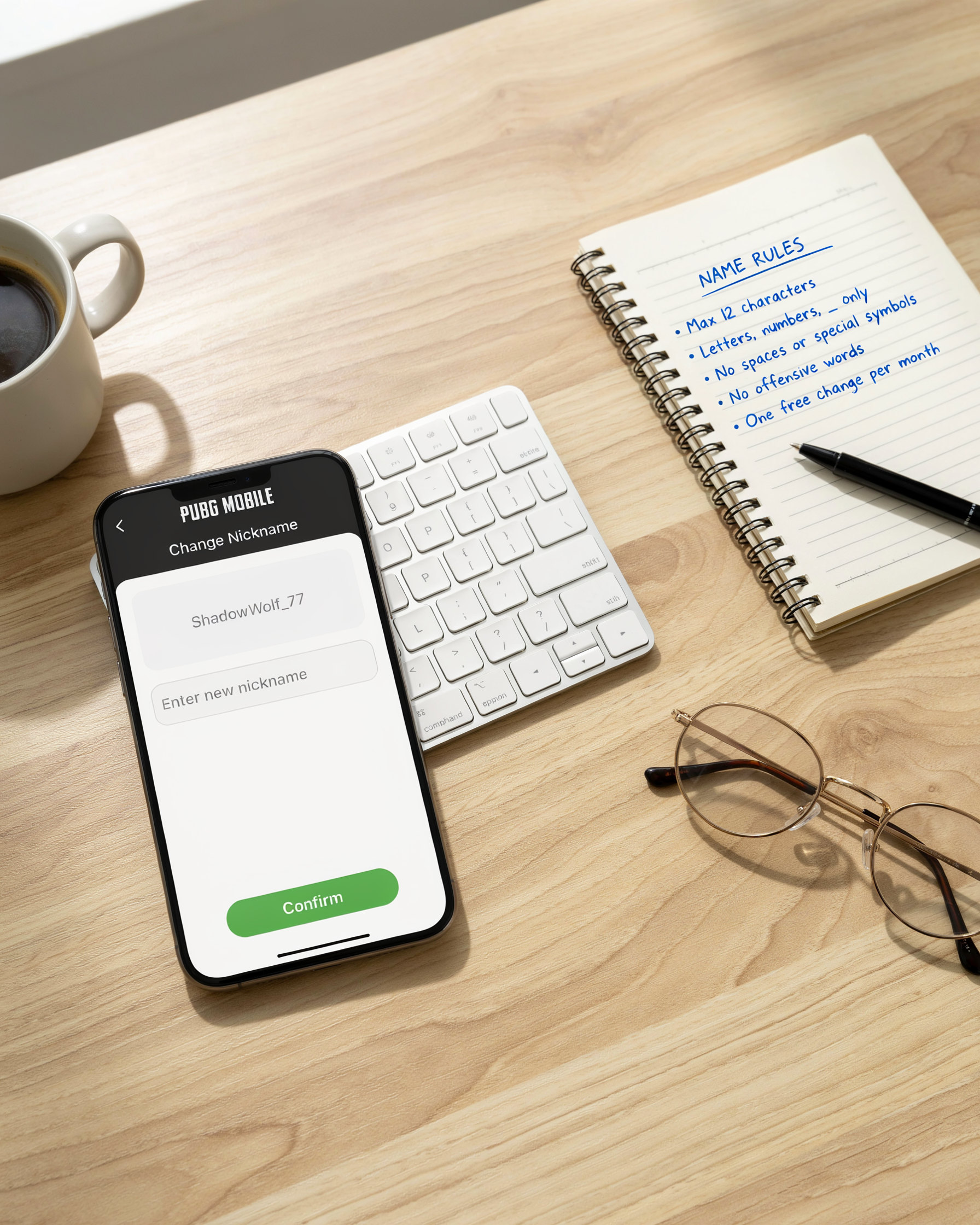
Before you commit to a list of name ideas, you need to know the technical boundaries that PUBG Mobile and BGMI enforce. Both games cap your in-game name at 14 characters, which includes letters, numbers, and any symbols you add. That limit feels tight when you want something like “ShadowStrikePro” but it forces the kind of brevity that makes a name memorable.
Allowed characters are narrower than most players expect. You can use uppercase and lowercase Latin letters, digits 0 through 9, and a small set of symbols: underscore, period, and a few Unicode glyphs that survive the game’s filter. Emojis, brackets, and most decorative Unicode fonts get stripped or rejected during name creation. On BGMI, the same 14-character cap applies, but the symbol whitelist is slightly stricter than the global PUBG Mobile build, so a name that works on one platform may fail on the other.
Platform-specific restrictions add another layer. If you play on an emulator, the game may flag names that mimic official esports tags or contain banned words from the regional filter. Changing your name also costs Rename Cards in both games, so testing a name idea in a private lobby or on a secondary account is worth the effort before you spend the card.
One practical workaround is to generate a shortlist of name ideas that stay under 12 characters, leaving room for a clan tag or a two-digit number suffix. For example, “ViperX” and “Nova_7” both fit comfortably and read cleanly on the kill feed, which is where your name gets judged the most. If you’re stuck, a pubg name generator can filter by character count and symbol rules so you only see options that pass the game’s checks.
Creative Strategies for Generating Name Ideas
Brainstorming name ideas for a new PUBG Mobile or BGMI account doesn’t have to be a chore. A few simple techniques turn the process into a fun puzzle. The first trick is wordplay: take a common gaming word like “sniper,” “rush,” or “clutch” and twist it with a pun, a rhyme, or a double meaning. For example, “SniperNoSniping” plays on the classic line, while “ClutchOrKick” hints at high-stakes endings. Puns work especially well because they make other players smile when they see your name in the kill feed.
Alliteration is another reliable method. Pick a letter you like, then pair two words that start with the same sound. “SilentStriker,” “RuthlessRusher,” and “BlazingBullet” all roll off the tongue and stick in memory. Write down ten adjectives and ten nouns, then mix and match until something clicks. If you want a name that sounds aggressive, lean on hard consonants like K, T, and R. For a more mysterious vibe, soft sounds like S, L, and M work better.
Combining adjectives with nouns is the most flexible strategy of all. Start with a mood or trait you want to project: “Fearless,” “Shadow,” “Venom,” “Frost,” “Iron.” Then add a concrete object or role: “Reaper,” “Wolf,” “Ace,” “Phantom,” “Titan.” The combinations are nearly endless, and you can flip the order to change the feel. “ShadowReaper” sounds like a stealthy assassin, while “ReaperShadow” feels more poetic. Add a number or short suffix when the base name is taken, like “VenomWolf07” or “FrostTitanX.”
One underrated trick is to borrow from your own playstyle. If you always land hot and push fights, a name like “FirstBloodHunter” or “DropZoneDemon” tells your squad exactly what to expect. If you prefer long-range support, “AWMWhisperer” or “ScopeGuardian” fits better. The best name ideas feel true to how you actually play, because then every match reinforces your identity instead of contradicting it.
Finally, don’t be afraid to mix languages or pop culture references. A Hindi word like “Yoddha” (warrior) paired with an English word like “Strike” gives you “YoddhaStrike,” which stands out in a global lobby. Just make sure the reference is something you genuinely like, because you’ll be seeing that name for hundreds of hours.
Using Symbols and Special Characters
Symbols and special characters are the fastest way to make your name ideas stand out in the lobby. PUBG Mobile and BGMI both support a wide range of Unicode characters, which means you can add crowns, stars, arrows, and even tiny emojis to your in-game name without breaking the rules. The key is knowing which symbols the game actually accepts, because not every character you paste will render correctly on every device. The most reliable ones are the basic Unicode set: ★ ☆ ✦ ✧ ♛ ♔ ☠ ☯ ✿ ❀ and the arrow family ← ↑ → ↓. These render cleanly in the kill feed and on the scoreboard, which is exactly where you want your name to pop.
When you add symbols to your name ideas, placement matters more than quantity. A single crown before your name, like ♛Shadow or ♛Ruthless, reads as clean and intentional. Piling five or six symbols on both sides, like ✦✦✦Shadow✦✦✦, looks cluttered and makes your name harder to read in the heat of a fight. One symbol at the start, one at the end, or one on each side if the name is short works best. For example, ✦Nova✦ works because the name itself is only four letters, so the symbols frame it without overwhelming it. For longer names like RuthlessPredator, a single leading symbol is usually enough.
Emojis are a different story. BGMI and PUBG Mobile do not support full-color emoji in player names, but they do support a limited set of monochrome Unicode symbols that look like emojis, such as ☠ (skull and crossbones), ☯ (yin yang), and ✿ (flower). These are technically text characters, not emoji, so they pass the game’s name filter. If you try to paste an actual emoji like 💀 or 🔥, the game will either strip it out or show a blank box. Stick with the Unicode symbols and you’ll never have that problem.
Stylized fonts are another popular trick, but they come with a catch. Many websites offer “fancy text” generators that convert your name into bold, italic, or script-style Unicode characters. These can work in PUBG Mobile and BGMI, but only if the font uses characters from the standard Unicode range. Some stylized fonts use characters from obscure Unicode blocks that the game does not render, which means your name will appear as a string of boxes to other players. Before you commit to a stylized font, test it in a custom room or ask a friend to screenshot your name from their device. A good pubg name generator will only use symbols and fonts that are known to work in the game, so you don’t waste time on a name that breaks.
One more thing: don’t use symbols to bypass the profanity filter. The game’s moderation system is smart enough to recognize common symbol substitutions, and getting reported for an offensive name can lead to a temporary ban. Use symbols to enhance your name ideas, not to hide something that would get you in trouble. A clean, stylish name with one or two well-placed symbols will always age better than a risky one.
Themed Name Ideas for Different Playstyles
Your playstyle says a lot about who you are in the lobby, and the right name ideas can telegraph your role before the match even starts. The best names always match the way someone actually plays. A sniper who calls themselves “RushKing” feels off, just like a support player named “LoneWolf” sends the wrong signal to teammates.
When brainstorming name ideas for a squad, start with the role first. Snipers want something cold and precise. Rushers need energy and aggression. Support players benefit from names that sound reliable and team-focused. Clan members often blend their personal style with a shared tag so the whole squad feels unified. The table below breaks down the core themes for each playstyle, along with a few example names.
| Playstyle | Core Theme | Example Name Ideas |
|---|---|---|
| Sniper | Precision, patience, cold calculation | SilentScope, OneTapWidow, GhostBullet, ColdBore |
| Rusher | Speed, aggression, momentum | BlitzEntry, FragTrain, PushGod, RedZoneRush |
| Support | Reliability, healing, team focus | MedicMain, ReviveAngel, CoverFirst, AmmoMule |
| Clan member | Unity, identity, shared tag | WolfPack_Alpha, SteelSquad_Medic, NightOps_Scout |
For snipers, lean into words that imply stillness and accuracy. Names like SilentScope or OneTapWidow tell enemies exactly what to expect when they peek a window. A rusher, on the other hand, wants a name that sounds like the first five seconds of a hot drop. BlitzEntry and FragTrain both carry that momentum, and they’re easy for teammates to call out in a firefight.
Support players often get overlooked in name discussions, but a good support name builds trust before the match begins. MedicMain tells your squad you’ll prioritize revives, while CoverFirst signals that you think about positioning before kills. Clan members should always coordinate their name ideas around a shared tag, because a unified squad name is intimidating in the kill feed. A full WolfPack squad landing together can make an entire lobby back off.
One trick for generating name ideas for any playstyle is to combine a role word with a short action or object. Sniper plus “scope” gives you SilentScope. Rusher plus “frag” gives you FragTrain. Support plus “medic” gives you MedicMain. This pattern keeps names short, readable, and instantly recognizable in the heat of a match. If you want to explore more options, a pubg name generator can help you remix these themes into something that feels uniquely yours.
Avoiding Common Naming Mistakes
When reviewing name ideas from players, the same traps trip people up every season. The biggest one is copying a name that’s already everywhere. If you pick a name that half the lobby uses, you lose the identity that makes a name worth having in the first place. Overused names like generic clan tags or predictable word combos make you blend in, and blending in is the opposite of what a good name should do.
Another mistake is choosing a name that’s hard to read. Players stack so many symbols and fancy fonts that their name becomes a blur of squiggles. When your squadmates can’t type your name or call you out in a fight, the name stops working. A clean, readable name with one or two well-placed symbols beats a wall of decorations every time.
Offensive or toxic names are a bigger problem than most players realize. PUBG Mobile and BGMI both have reporting systems, and names that cross the line can get you flagged or even banned. Avoid anything that could be seen as hateful, sexual, or threatening. The risk isn’t worth the temporary edge of an edgy name.
Finally, don’t settle for a name that doesn’t feel like you. A rushed name idea that you’ll want to change in a week is wasted effort. Take the time to test a few options, say them out loud, and imagine seeing them on a kill feed. The right name should feel natural the moment you lock it in, and that’s the whole point of building a name you’re proud to carry.
Tools to Generate Name Ideas
When brainstorming runs dry, a dedicated pubg name generator can spark fresh name ideas. These tools are built specifically for PUBG Mobile and BGMI players, so they understand the character limits, symbol rules, and style trends that matter in-game. Instead of guessing what might look good on a kill feed, you get suggestions that already fit the platform.
What makes pubgnamegenerator.net useful is that it doesn’t just dump random words at you. It offers themed categories like stylish, pro, funny, and clan names, so you can filter by the vibe you want. You can also combine a base word with symbols or special characters, which saves the trial-and-error of typing them manually. Generate a batch of twenty or thirty options, then narrow down to the three that feel most like you.
One practical tip: don’t treat the tool’s output as final. Use it as a starting point, then tweak a letter or swap a symbol to make the name truly yours. That way you avoid the awkward moment of running into three other players with the same generated name. A good generator gives you raw material; your own edit makes it unique.
If you’re stuck between two favorites, test them in a custom room or training mode to see how they read on screen. Some names look great in a list but get cramped or confusing during fast gameplay. The best tool is the one that lets you iterate quickly, and that’s exactly what a focused name generator does.
How to Copy and Apply Your Name in Game
Once you have settled on a stylish name idea from a generator or your own list, getting it into PUBG Mobile or BGMI takes less than a minute. Test the name in a plain text editor first, because some symbol fonts render differently inside the game client and you don’t want to burn a rename card on a broken character.
Start by selecting the full name with your finger or mouse, then tap Copy. On most phones a long press brings up the copy menu, but a quick double tap on the text usually works faster. If you’re copying from a website like a pubg name generator, make sure you grab the exact styled text and not the surrounding preview label.
Now open PUBG Mobile or BGMI and go to your profile screen by tapping your avatar in the top left corner. Next to your current name you’ll see a small pencil or edit icon. Tap it, then long press inside the name field and choose Paste. The game will show a live preview, so check that every symbol and letter looks correct before you confirm.
Both games require a Rename Card for most changes, and you get a few free ones from events or the beginner rewards. If the name is already taken, the game will reject it and ask you to try another variation, so keep two or three backup name ideas ready before you spend the card.
One trick that works well: paste the name into the in game chat first. If it displays correctly there, it’ll almost certainly work on your profile. Then go back, paste it into the rename field, and hit confirm. The whole process takes under a minute once you have the name copied.
Frequently Asked Questions
How do I change my name in PUBG Mobile or BGMI?
You can change your name using a Rename Card, which costs 180 UC in PUBG Mobile or 180 UC in BGMI. Go to your profile, tap the edit icon next to your current name, and enter your new name. Rename Cards are sometimes given as event rewards, so check the in-game mail and events tab before spending UC.
What is the character limit for a PUBG Mobile name?
PUBG Mobile and BGMI allow up to 14 characters for your in-game name. This includes letters, numbers, and most symbols. Spaces count as characters too, so plan your name carefully if you want to include a space between words.
Are symbols and special characters allowed in names?
Yes, many symbols and special characters are allowed, including stars, hearts, and some Unicode glyphs. However, not all symbols are supported, and some may appear as blank boxes on other players’ screens. Test your name in a custom room before finalizing it.
Can I use the same name as another player?
No, PUBG Mobile and BGMI require unique names. If the name you want is already taken, you’ll get an error message. Try adding a number, a different symbol, or a slight spelling variation to make it unique.
Why does my name show as asterisks or get flagged?
Names containing profanity, hate speech, or other prohibited content are automatically filtered and may show as asterisks. Repeated violations can lead to a forced rename or a temporary ban. Stick to clean, creative names to avoid issues.