Nickname Colors: The Ultimate Guide to PUBG Name Color
Nickname colors are the colored text effects players add to their in-game names in PUBG Mobile and BGMI. Instead of the standard white name above your character, you can make it glow red, blue, green, or any other shade using special color codes. Players chase these colored nicknames because a bright name stands out in the lobby, on the kill feed, and in squad lists. It’s a quick way to look more experienced or simply more stylish without changing your actual username.
Key takeaways
- Nickname colors use hex codes placed before your name, like [FF0000]PlayerName.
- The game reads the code and renders the color, but the code itself stays invisible.
- Color codes count toward your character limit, so keep the visible name short.
- BGMI uses the same system but filters some special characters more strictly.
- Test your colored name in the training lobby before spending a rename card.
Think of it like this: your PUBG name color is a visual upgrade, not a new name. The game reads a hidden code before your text and renders the color on screen. Other players see the effect, but the code itself stays invisible. That’s the whole trick, and it works across most devices as long as you paste the right format.
Players usually want one of two things. Some want a single solid color that matches their clan or squad theme. Others want a gradient or multi-color effect that shifts across the letters. Both use the same underlying system, just with different code placements. We’ll break down exactly how that works in the next section, but first you need to understand what the game actually accepts and what it silently filters out.
How PUBG Name Color Works: The Basic Mechanics
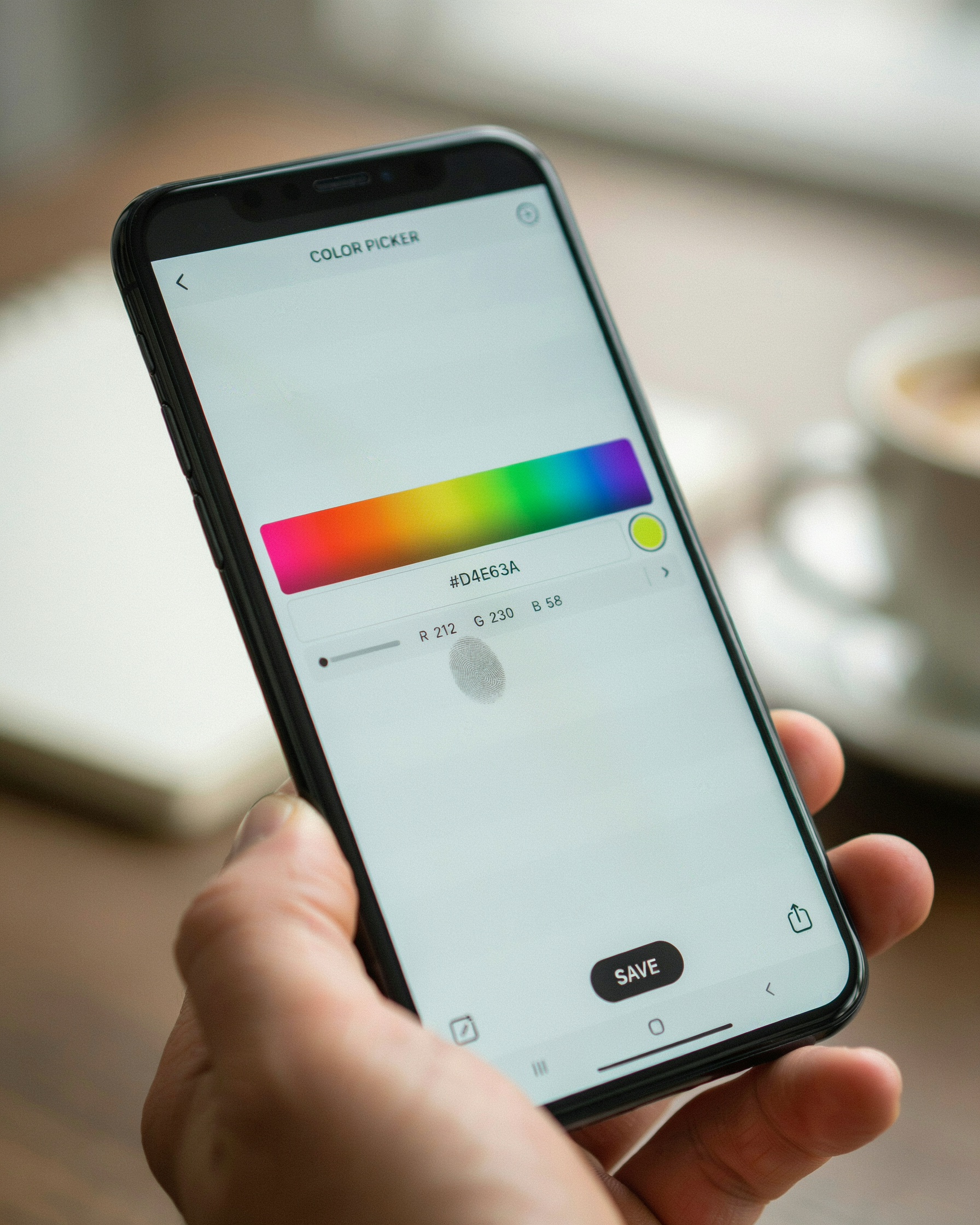
PUBG Mobile and BGMI don’t have a built-in color picker for your name. Instead, the game reads a small piece of markup you type directly into the name field. That markup wraps your text in a color tag, and the game’s chat and kill-feed renderer turns it into colored text. The most common format looks like this: <color=#FF0000>YourName</color>. You replace the hex value with any valid six-digit code, and the game applies that color to everything between the opening and closing tags.
Hex codes are the backbone of pubg color codes. A hex value starts with a hash symbol followed by six characters drawn from 0-9 and A-F. The first two characters set the red channel, the middle two set green, and the last two set blue. So #FF0000 is pure red, #00FF00 is pure green, and #0000FF is pure blue. You can mix any combination to get thousands of shades, which is why players experiment with everything from neon pink to deep violet.
One thing to understand early: the game does not store your name as formatted HTML. It stores the raw string, tags included. That means the tags count toward your character limit, which is why long color codes eat into the space you have for your actual name. A full tag pair like <color=#FF0000> plus </color> uses 23 characters before you even type a single letter. Keep that in mind when you plan a pubg name color that also includes symbols or a clan tag.
Rendering happens client-side, so what you see on your screen is what other players see on theirs, assuming they’re on the same game version. The colored text appears in the lobby, in the kill feed, and in spectator mode. It does not change your name in the friends list or in system messages, where the game strips formatting and shows the raw tag text instead.
PUBG Color Codes You Can Use Right Now
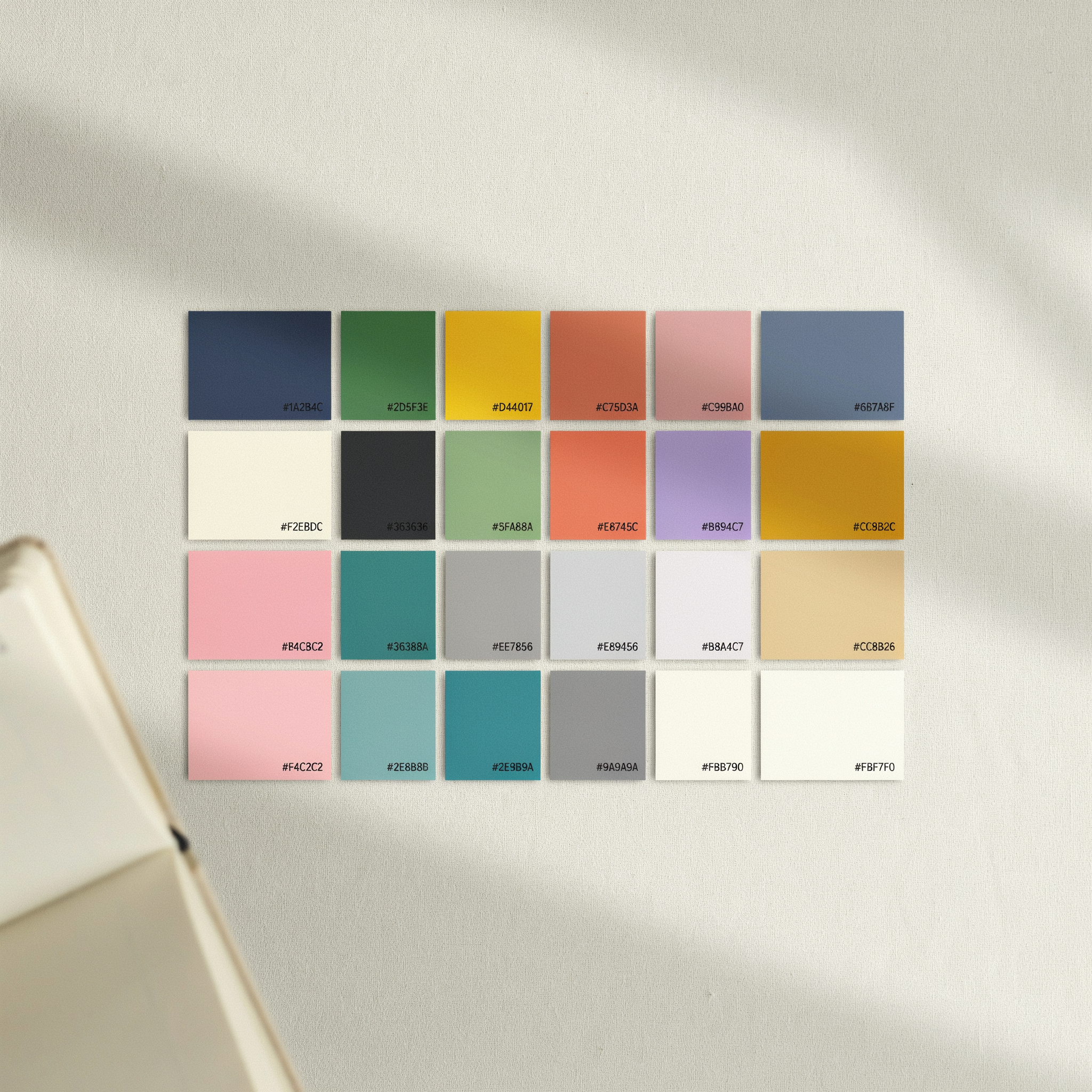
PUBG Mobile and BGMI read the same set of HTML-style hex codes, so the pubg color codes you paste into your name work across both games. The format is simple: a bracket, six characters, another bracket. The first two characters control red, the middle two green, the last two blue. FF is the maximum for any channel, 00 is the minimum.
Here are the codes I reach for most often when I want a colored name that actually shows up in the kill feed:
| Color | Hex Code | Example |
|---|---|---|
| Red | [FF0000] | [FF0000]Sniper |
| Orange | [FFA500] | [FFA500]Rush |
| Yellow | [FFFF00] | [FFFF00]Flash |
| Green | [00FF00] | [00FF00]Toxic |
| Cyan | [00FFFF] | [00FFFF]Frost |
| Blue | [0000FF] | [0000FF]Ghost |
| Purple | [800080] | [800080]Viper |
| Pink | [FF69B4] | [FF69B4]Queen |
| White | [FFFFFF] | [FFFFFF]Snow |
| Black | [000000] | [000000]Shadow |
You can mix codes inside one name too. Something like [FF0000]R[00FF00]a[0000FF]z gives you a red R, a green a, and a blue z. That trick is the foundation of most stylish colored nicknames you see in the lobby.
One thing to know: the game only accepts uppercase letters in hex codes. Lowercase ff0000 usually gets ignored or stripped, so keep everything capitalized. And don’t put spaces between the bracket and the code itself.
If you want a full set of PUBG Name Ideas that already include working color codes, the generator has a few hundred ready to copy. It saves you from typing brackets on a phone keyboard, which is honestly the slowest part of the whole process.
Step-by-Step: Adding Color to Your PUBG Name
Adding a color to your PUBG name is easier than most players expect, but the process differs slightly between Android and iOS. The core idea stays the same: you paste a color code before the name text, and the game renders the rest of the handle in that color. We have tested this flow on both platforms and it works the same way in PUBG Mobile and BGMI.
On Android, open the game and tap your profile picture in the top-left corner. Tap the edit icon next to your current name. In the rename field, type the color code first, then your desired name with no space between them. For example, [FF0000]SniperKing gives you a red name. Tap confirm, and the game applies the change immediately. If you already used your free rename card, you will need another rename card from the shop or an event.
On iOS, the steps are nearly identical. Open your profile, tap the edit icon, and paste the color code plus your name into the rename field. The iOS keyboard sometimes autocorrects the brackets or adds spaces, so double-check the field before confirming. A common fix is to paste the code from a notes app instead of typing it manually.
One detail trips up new players: the color code must come before the name, not after. SniperKing[FF0000] will not work. The game reads the code only when it appears at the start of the string. Also, keep the code format exact: square brackets, six characters, no spaces. If you want to use PUBG Name Generator 2026 to build a colored name, the tool outputs the full string ready to paste, which removes most of the formatting errors.
After confirming, your name appears in the lobby and in kill feeds with the color applied. Other players see the same color, so it is not just a local visual trick. If the color does not show up, the most likely cause is a missing bracket or an extra space, which we cover in the troubleshooting section later.
BGMI Name Color: What’s Different in the Indian Version
BGMI name color works on the same underlying mechanics as global PUBG Mobile, but the Indian version has a few quirks worth knowing before you paste a code. Krafton runs BGMI on a separate build with its own update schedule, so a color code that renders perfectly on the global client can sometimes behave differently after a BGMI patch. Players have reported that certain hex codes show up as plain text until they restart the app or re-enter the name from the profile screen.
The biggest practical difference is character filtering. BGMI’s name filter is generally stricter than the global version with special characters, which means some of the more exotic color code formats get stripped before the color even applies. The standard [FF0000] style codes usually pass through fine, but longer or nested codes are more likely to get rejected. If your colored name isn’t showing in BGMI, try a simpler code first.
One thing that catches people off guard: BGMI sometimes displays colored nicknames correctly in the lobby but not in the kill feed or squad list. This isn’t a ban or a bug on your end. It’s just how the client renders text in different UI layers. The color is still there, it’s just not always visible everywhere.
For a reliable starting point, we keep a set of tested PUBG Name Generator 2026 codes that work across both BGMI and global builds. If you’re building a name from scratch, stick to single hex codes and avoid combining more than two color tags in one name. That’s the pattern that survives BGMI’s filter most consistently.
Colored Nicknames: What Works and What Gets Filtered
Colored nicknames don’t all behave the same way in PUBG Mobile and BGMI. The game’s chat and kill feed read a limited set of HTML-style tags, and anything outside that set gets stripped or shown as plain text. That’s why some codes work perfectly while others leave you with a broken-looking name.
The tags that usually render are the basic color spans like <color=#FF0000> and the shorter hex forms. PUBG’s parser is picky about formatting. It wants the tag written exactly right, no spaces where they shouldn’t be, and a closing tag at the end. Miss the closing tag and the whole name can turn invisible or show the raw code instead of the color.
One common mistake is using a color code that’s too long or includes letters the game doesn’t recognize. Stick to six-character hex values. Some players try to nest colors inside each other, like red inside blue, and that almost always fails. The parser reads the first tag and ignores the rest, so you end up with one flat color instead of a gradient.
Another thing that gets filtered is the use of unsupported symbols alongside the color tag. A few special characters are allowed, but many get removed entirely. If you’re combining PUBG Invisible Name tricks with color codes, test the combination in the training lobby first. What shows in the name-change screen isn’t always what other players see in a match.
Also worth knowing: some color tags work in the lobby but not in the kill feed, or vice versa. The safest approach is to use one simple color tag, a clean name, and nothing else. Fancy layered codes look cool in theory, but they’re the first thing the filter catches. If your colored nickname isn’t showing, strip it back to a single tag and try again.
Using a Name Generator for Colored Names
Typing color codes by hand works, but it gets tedious fast. You have to remember the exact hex value, place the brackets correctly, and hope the game doesn’t mangle the result. That’s where a generator earns its keep. PUBG Name Generator 2026 handles the formatting for you, so you can focus on picking a name you actually like instead of debugging bracket placement.
Here’s the workflow we’ve found most practical. Open the generator, type your base name, and pick a color from the palette. The tool wraps your name in the right code automatically and shows a preview before you copy anything. You can then paste the result straight into the rename field in PUBG Mobile or BGMI. No manual hex hunting, no trial-and-error with invisible characters.
What makes this approach genuinely useful for nickname colors is the preview step. You see exactly how the colored name will render, including whether the shade is bright enough to stand out on the kill feed. Some colors look great in a color picker but wash out against the in-game background. A preview catches that before you spend rename cards on something unreadable.
The generator also pairs well with the other name tools on the site. If you want a colored name that also includes symbols or a stylish font, you can combine the output with the PUBG Name Ideas page to build something more distinctive. It’s a faster path than assembling everything by hand, especially when you’re testing several color options in one session.
Copy-Paste Ready Colored Name Examples
Here are some colored nicknames you can grab right now. Each one includes the exact pubg color codes, so you can copy the whole string and paste it into your profile. The color tags look like [FF0000] or (FF0000) depending on your game version, and the text after the tag gets that color.
Red is the most popular choice for aggressive players. Try [FF0000]RUSHER or [FF0000]ONE TAP. If you want something a little more menacing, [8B0000]DARK SOUL uses a deep blood red that reads well on the kill feed.
Blue tones work great for squad leaders and support players. [00BFFF]SKYLINE gives you a bright cyan, while [0000FF]BLUE DEVIL is a classic royal blue. For a softer look, [87CEEB]CHILL feels calm but still stands out in the lobby.
Green is underused, which makes it a smart pick if you want to look different. [00FF00]TOXIC is loud and impossible to miss. [32CD32]JUNGLE is a bit more muted and works well with nature-themed handles.
Here are a few more pubg name color combos that players ask for often:
[FFD700]GOLD RUSHfor a premium, top-tier look[FF69B4]PINK PANTHERfor a playful but deadly vibe[FFFFFF]GHOSTfor a clean white name that pops on dark backgrounds[FF4500]ORANGE CRUSHfor high energy and fast rotations
Copy any of these exactly as written, including the brackets and the six-character code. If the color doesn’t show up, check that you haven’t added a space between the code and your name. Some devices also strip the brackets, so you may need to use parentheses instead. Test one name in the training lobby before you commit to it in ranked.
Combining Colors With Symbols and Special Characters
Layering nickname colors with symbols is where most players get it wrong. The color code has to sit directly before the text you want colored, with no space between the code and the first character. So if you want a red name with a skull symbol, the order matters: color code first, then the symbol, then the rest of the name. Put the symbol before the code and it stays plain white.
Special characters from the Unicode block work fine inside colored names. Stars, arrows, crowns, and lightning bolts all hold their color as long as they come after the code. A common pattern is to color the whole name one shade, then use a second code to switch the last few characters to a different color. That gives you a two-tone handle without breaking the filter.
Invisible characters are trickier. The zero-width space and the special Unicode blanks that PUBG Invisible Name tricks rely on can sit between a color code and a visible symbol, which sometimes lets you create a gap that reads as a space while keeping the color flowing. It doesn’t work every time, because the game’s filter treats some invisible characters as invalid in colored strings. Test it in the rename screen before you commit.
Fonts are a separate layer. PUBG Mobile doesn’t support custom fonts in the name field, so any “stylish font” you paste is just a set of Unicode lookalike characters. Those characters do accept color codes, but some of them are wider than standard letters, which can push a long name over the character limit. Keep the base name short if you plan to stack color codes with symbols and font-style characters.
Troubleshooting: Why Your Colored Name Isn’t Showing
You pasted the code, hit save, and the name still looks plain. That’s frustrating, but it’s usually one of four things. Let’s work through them in order of how often we see them.
First, check the code format. PUBG color codes use a specific bracket style, and a missing bracket or a stray space breaks the whole thing. The code must sit directly against the first letter of your name with no gap. If you typed [FF0000]Sniper and it didn’t work, try removing any invisible spaces you might have copied along with the code.
Second, unsupported characters. PUBG Mobile and BGMI accept a limited set of symbols inside colored names. Some Unicode characters look fine in a text editor but get stripped silently when the game processes the name. If your name includes a symbol that isn’t in the game’s supported set, the color tag can fail too. Test with a plain letter name first, then add symbols one at a time.
Third, name length. The character limit counts the color code itself, not just the visible name. A code like [FF0000] eats eight characters before your actual name starts. If your full string exceeds the limit, the game may reject the color entirely or truncate the name. Shorten the visible part and try again.
Finally, updates. PUBG and BGMI both change how they handle special characters from time to time, and a method that worked last season may stop working after a patch. We keep our PUBG Name Generator 2026 tool updated to match current filters, so if a code stops working, checking there is faster than guessing. The same applies to PUBG Invisible Name tricks, which break more often than color codes do.
If none of these fix it, try a different color code entirely. Some codes get flagged more aggressively than others, and swapping [FF0000] for [00FF00] sometimes works when the first one doesn’t. Colored nicknames are finicky, but they’re not impossible.
Frequently Asked Questions
Do nickname colors actually work in PUBG Mobile?
Yes, they work when you use the correct format. The game reads hex codes placed before your name text, like [FF0000]PlayerName. Not every code renders on every device, and some get filtered, but the core mechanic is real and still functional.
What is the best color code for a PUBG name?
Red [FF0000] and cyan [00FFFF] are the most reliable choices because they show up clearly against PUBG Mobile’s dark lobby background. Gold [FFD700] looks premium but can appear washed out on low brightness screens. Test a few before committing.
Can I use colored nicknames in BGMI?
BGMI supports the same color code system as PUBG Mobile, though the Indian version applies slightly stricter filtering to some special characters. Basic hex color codes work fine, so a name like [00FF00]SquadLeader usually renders without issues.
Why is my pubg name color not showing up?
Three common causes: you typed the code with a space inside the brackets, you used a code the game doesn’t recognize, or your device’s font doesn’t support the color rendering. Remove spaces, stick to standard six-digit hex codes, and restart the app.
Do I need a special tool to add color to my name?
No, you can type the color code manually in the rename field. But a tool like PUBG Name Generator 2026 saves time by formatting the code correctly and pairing it with symbols that don’t get filtered.