PUBG New Name: The Complete Guide to a Fresh and Stylish
Introduction
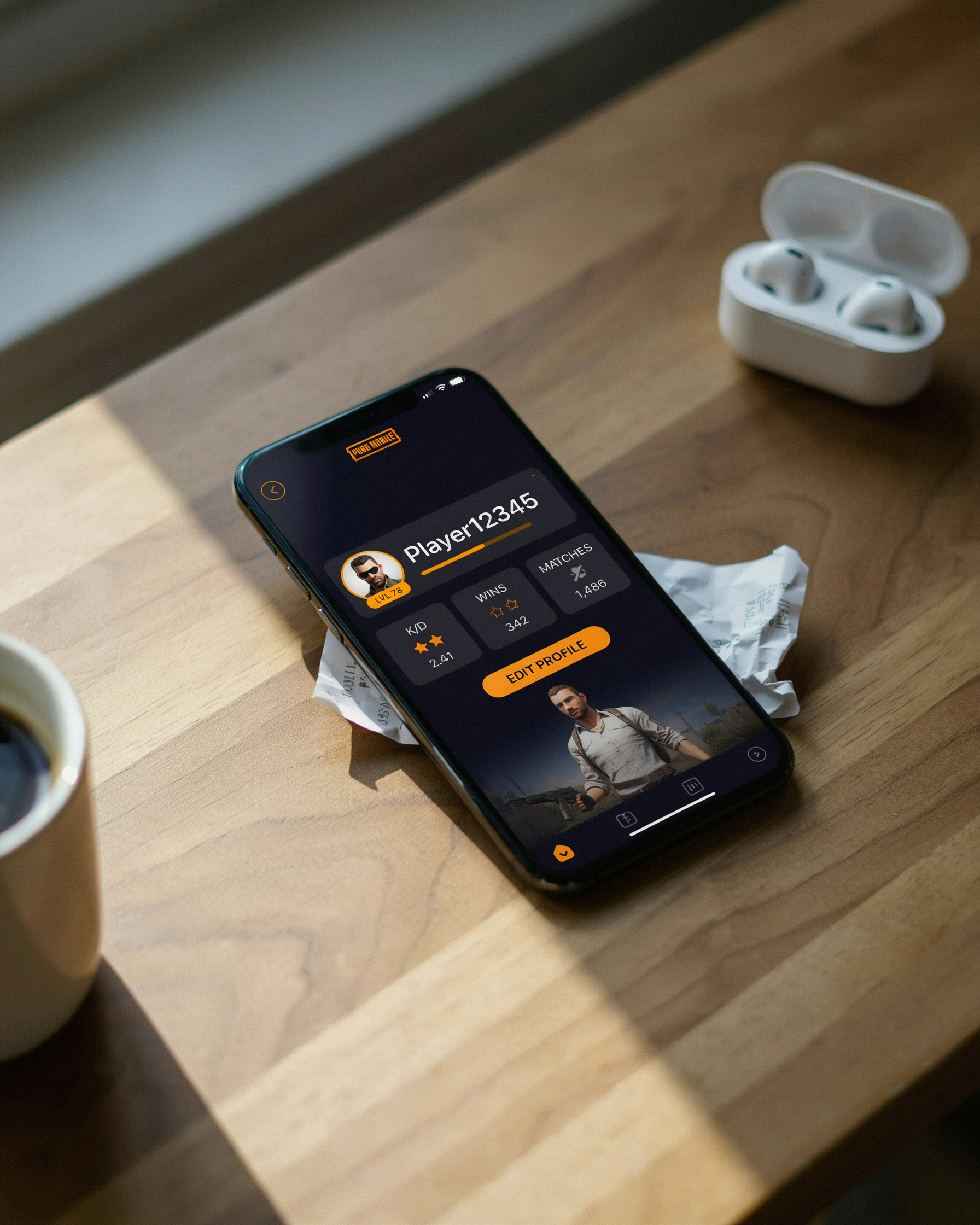
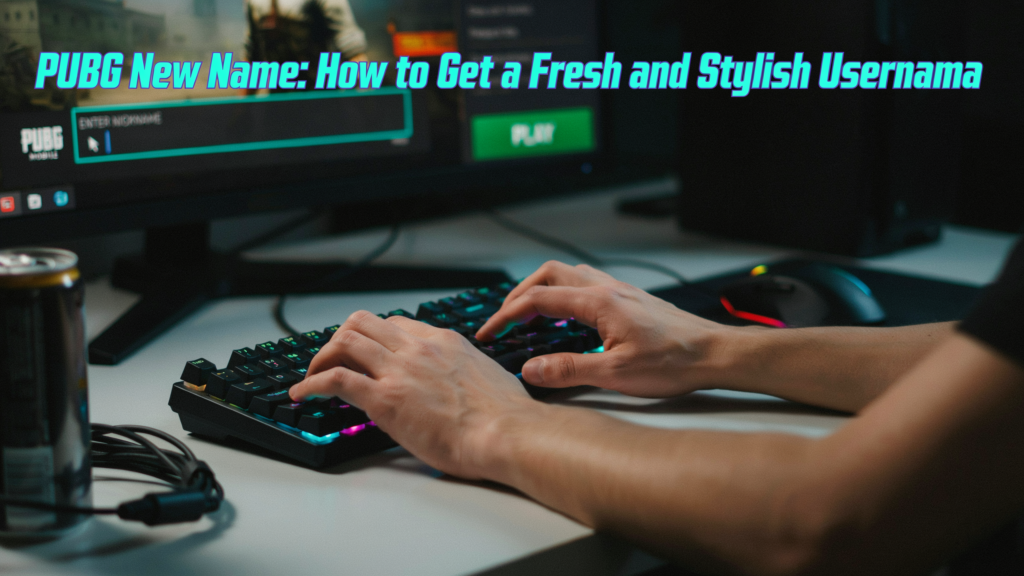
If you’re hunting for a pubg new name, you’re probably ready to ditch an old handle that doesn’t fit anymore. The process is quick once you know the steps, and a fresh username can make the lobby feel different before you even drop in. This guide covers the actual rename mechanics, creative ideas, style fonts, and tools that keep it simple.
Key Takeaways
- Changing your username is quick and costs UC or a rename card, but you must know the exact steps to avoid wasting resources.
- Creative pubg name generator tools and style fonts can help you craft a unique identity that stands out in the lobby.
- Avoid common mistakes like using offensive terms or overly complex symbols that make your name hard to remember or search.
- Secure your new name by enabling two-factor authentication and never sharing account details, because rare names are often targeted by hackers.
Why Your PUBG Name Matters More Than You Think
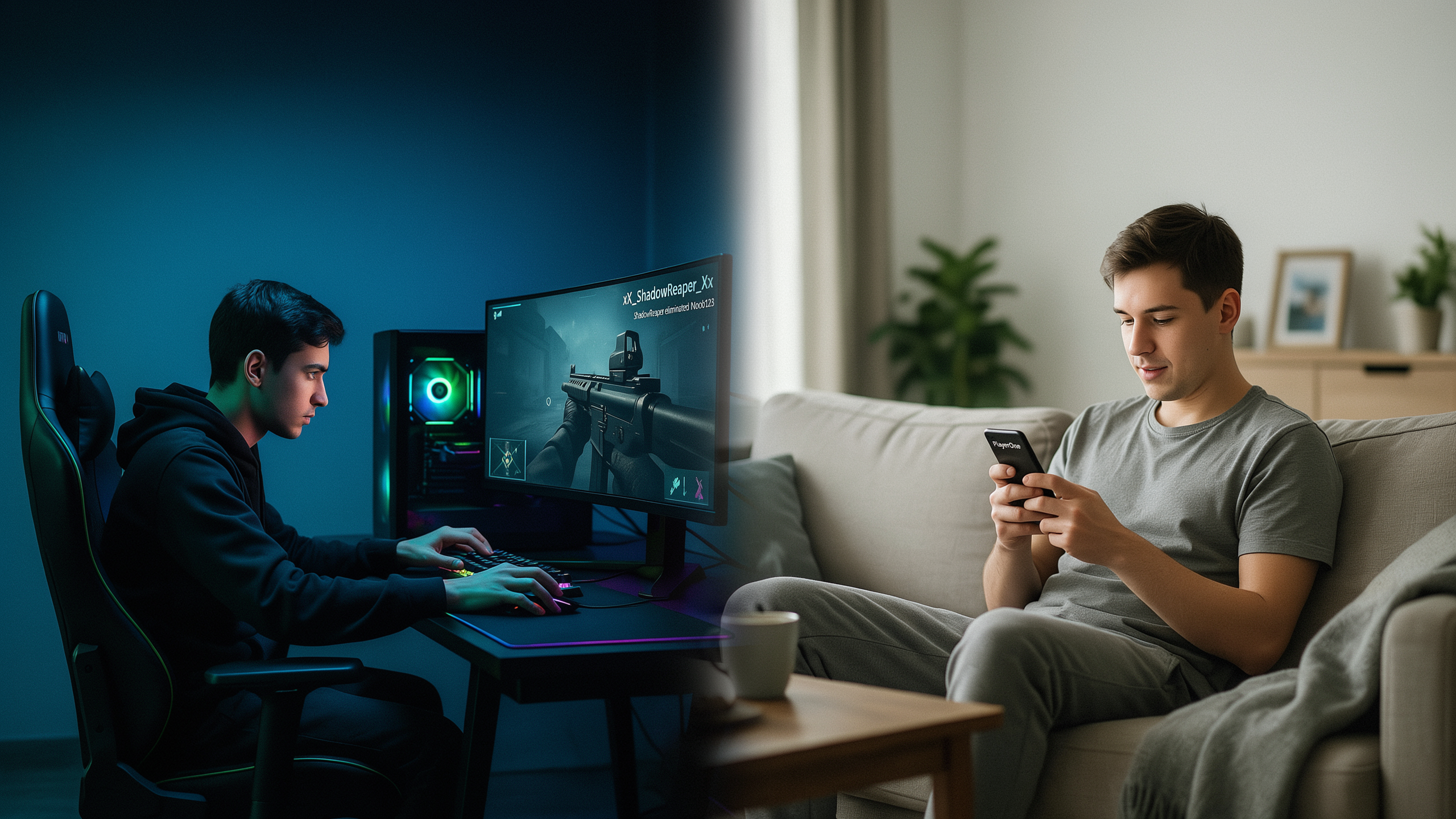
Your username is the first thing other players see, and in PUBG Mobile or BGMI, it sets the tone before you even fire a shot. A clever or intimidating handle can spark curiosity or respect in the lobby, while a generic one often gets ignored. A well-chosen name acts like a digital handshake, hinting at your playstyle or sense of humor. When I switched from a random string of numbers to a name that actually meant something, my squad invites doubled because people assumed I was a serious teammate.
Psychologically, a unique name helps you stand out in a sea of millions. It can boost your own confidence too, especially when you see it on the kill feed after a clutch play. Many players seek a fresh start after a bad season or a losing streak, treating it as a reset. I have seen friends reinvent themselves from passive looters to aggressive rushers simply by adopting a name that sounded bolder. Your name also reflects your personality: a funny name signals you are here for laughs, while a stylish one with symbols shows you care about aesthetics. In a game where reputation matters, your username is your brand, and it is worth investing a few minutes to get it right.
How to Change Your PUBG Name: A Step-by-Step Guide
Switching to a new identity is straightforward once you know the steps, but the process differs slightly between mobile and PC. I have changed my own name several times across both platforms, and the key is having a rename card ready. In PUBG Mobile and BGMI, you can buy a Rename Card from the in-game shop for 180 UC (about $2), or sometimes earn one through events. On PC, the process is similar but uses a different currency and interface. Here is exactly how to do it on each platform.
Changing Your Name in PUBG Mobile / BGMI
- Open the game and tap on the “Inventory” icon at the bottom of the main screen.
- Scroll to the “Consumables” tab and find your Rename Card. If you do not have one, tap the “Shop” button, go to “Items,” and purchase it for 180 UC.
- Tap the Rename Card and select “Use.” A text box will appear where you can enter your new name. Keep it between 3 and 14 characters, using only letters, numbers, and underscores.
- Type your desired name, double-check the spelling, and confirm. The game will instantly update your display name, and you will see it in the lobby and in matches.
One limitation to note: you can only change your name once every 7 days. If you regret your choice, you will have to wait a full week before using another card. Also, the Rename Card is consumed on use, so each change costs another 180 UC. I recommend testing your name with a pubg name generator before committing, to avoid wasting UC on a name you might not like later.
Changing Your Name in PUBG PC (Steam)
- Launch PUBG: BATTLEGROUNDS and click on the “Customize” tab in the main menu.
- Select “Profile” and then click the edit icon next to your current name.
- If you have a Nickname Change item in your inventory, you can proceed. If not, you can buy one from the Steam Community Market or the in-game store for about $10 worth of G-Coin.
- Enter your new name (3-16 characters, alphanumeric plus underscores) and confirm. The change takes effect immediately, and your friends will see the new name in their lists.
On PC, the cooldown is also 7 days, and the cost is higher, so choose wisely. Some players try to bypass the cost by creating a new Steam account, but that means losing all your stats and skins. For most of us, the rename card is the only practical route to a fresh username. Remember that offensive or impersonating names can be reported and may result in a forced rename or even a ban, so keep it clean and unique.
PUBG Name Ideas: Inspiration for Your New Identity
When I first started hunting for a new handle, I spent hours scrolling through random lists and ended up with something I regretted within a week. The trick is to pick a category that matches your personality and then tweak it until it feels like you. Here are my favorite categories, each with a few examples to get your creative wheels turning.
Cool and Fearless Names
These names carry a sense of power and confidence. Think of words that evoke speed, strength, or mystery. I like to combine a strong adjective with a sleek noun.
- ShadowStrike
- VenomFang
- PhantomAce
- BlazeRunner
- FrostByte
A pubg name generator can help you brainstorm similar combos if you get stuck, but the best names often come from your own imagination.
Funny and Quirky Names
If you enjoy making your squad laugh, a humorous name is the way to go. Puns, ironic titles, and playful jabs at the game itself work wonders. Just keep it light and avoid anything offensive.
- NoobMaster69
- LaggingLegend
- ChickenDinnerThief
- PanWielder
- OopsIDiedAgain
Pro and Competitive Names
For those who want to be taken seriously in scrims and tournaments, a clean, short, and memorable name is essential. Avoid numbers and special characters that make you look like a bot. Stick to one or two words that roll off the tongue.
- Vortex
- Kairos
- Zenith
- Raptor
- Nova
Stylish and Aesthetic Names
These names use special Unicode characters to create a unique visual effect. They look great on your profile card and in the kill feed, but be careful not to overcomplicate them. A few well-placed symbols can make a plain word pop.
- ꧁༒☬Sʜᴀᴅᴏᴡ☬༒꧂
- 『ᴅᴀʀᴋ』•ᴋɴɪɢʜᴛ
- ×͜× 𝓛𝓾𝓷𝓪𝓻 ×͜×
- 【ᴘʜᴏᴇɴɪx】
- ミ★ 𝓢𝓽𝓪𝓻𝓵𝓲𝓰𝓱𝓽 ★彡
Remember, no matter which category you choose, your new name should be something you are proud to see on the battlefield. Test it out with friends before you commit, and do not be afraid to iterate until it feels just right.
Crafting a PUBG Unique Name: Tips and Tricks
When I set out to create a unique handle, I start by thinking about what makes me different as a player. Are you a stealthy sniper who never misses a headshot, or a chaotic rusher who thrives in close-quarters combat? Your name should reflect that personality. I like to combine two unrelated words that paint a vivid picture, like “ShadowFalcon” or “VenomWhisper.” The contrast makes the name stick in people’s minds long after the match ends.
Symbols and numbers are powerful tools, but they need a light touch. I avoid overloading a name with random digits because it looks messy and is hard to remember. Instead, I use a single number that has personal meaning, like a lucky number or a birth year, placed naturally at the end. For symbols, I stick to one or two that enhance the theme. A star or a crown can add flair without making the name unreadable. The key is balance: the name should still be easy to type and recognize in a kill feed.
Wordplay is another favorite technique of mine. I look for puns, alliteration, or rhymes that tie into gaming culture. Something like “FragMagnet” or “LootGoblin” instantly communicates your playstyle with a bit of humor. I also experiment with mixing languages or using obscure references that only true fans will catch. Just be careful not to make it so niche that nobody gets it. The best new name is one that sparks curiosity and makes opponents pause for a split second, which is all the advantage you need.
Using PUBG Name Style Fonts to Stand Out
When I first started experimenting with my username, I quickly realized that plain text just doesn’t cut it anymore. The lobby is full of players with flashy, stylized usernames that catch your eye instantly. That’s where pubg name style font generators come in. These tools let you transform a normal name into something that looks completely different, using Unicode characters that mimic cursive, bold, gothic, or even glitchy styles. The best part? You don’t need any technical skills. You just type your desired name, scroll through the generated styles, and copy the one you like.
The magic behind these generators is Unicode. Unlike regular fonts that require installation, Unicode characters are part of a universal text standard that most games, including PUBG Mobile and BGMI, can display. So when you paste a stylized name, the game reads it as text, not an image. I’ve tested dozens of styles, and the ones that work most reliably are the bold serif, double-struck, and small caps variants. Avoid overly complex styles with too many diacritics, because they sometimes get rejected by the game’s naming filter.
To use a pubg name generator for fonts, simply visit a site like ours, enter your base name, and browse the live preview. Once you find a style that fits your vibe, tap the copy button and head to your PUBG profile. Paste it into the name field, and if it’s within the character limit, you’re good to go. I always recommend testing a few options because some styles look great in the generator but appear slightly different in-game due to font rendering differences. For more ideas, check out our stylish text generator.
Stylish Name Generator Tools: A Hands-On Guide
When I first started hunting for a fresh identity, I wasted hours manually typing symbols and testing fonts. Then I discovered stylish name generators, and honestly, it made the whole process feel effortless. These tools let you type a base word, pick a font style, and instantly see dozens of decorated versions you can copy straight into the game. You don’t need any design skills at all.
A good pubg name generator does the heavy lifting by converting plain text into fancy Unicode characters that PUBG Mobile and BGMI both support. I usually start with a keyword like “Shadow” or “Blaze,” then browse through styles like cursive, bold serif, or glitch text. One tip: always preview how the name looks in-game, because some fonts render differently on mobile screens. I’ve learned to avoid overly complex styles that turn into blank squares on my friends’ devices.
To get the best output, I recommend trying three or four different generators and mixing elements from each. For example, take the sleek font from one tool and combine it with a unique symbol from another. Also, keep the name short enough to be readable during a fast-paced match. A stylish name is useless if your squad can’t call you out quickly. With a little experimentation, you’ll land on a handle that feels both personal and polished. If you’re looking for more inspiration, our name ideas page has plenty of examples.
Common Mistakes When Choosing a PUBG New Name
I have seen countless players rush into picking a new handle and then regret it within a week. One of the biggest traps is using overly complex symbols or special characters that look cool on a screenshot but are impossible for squad mates to type or remember. If your teammates cannot invite you because they cannot find your name, you have already lost half the battle. Another common slip is choosing something offensive or edgy just to get a reaction. PUBG Mobile and BGMI have strict naming policies, and a reported name can get you flagged or even temporarily banned. I always tell friends to avoid anything that could be interpreted as hate speech, even as a joke.
Names that are too long or hard to pronounce also backfire. In the heat of a match, nobody wants to shout a ten-syllable username. Keep it short, punchy, and easy to call out. I also see players copying streamer names or using generic terms like “ProSniper123” which just blend into the crowd. A new name should reflect your personality, not someone else’s. Finally, do not underestimate the power of testing a name with a few friends before you commit. A quick sanity check can save you from a costly rename card later.
How to Keep Your PUBG New Name Safe and Secure
When I finally land on a handle I love, the last thing I want is to lose it to a scam or a hacked account. I always enable two-factor authentication in my PUBG Mobile settings because it adds a layer of protection that stops most unauthorized logins. I also avoid sharing my login details with anyone, even friends, and I never click suspicious links that promise free UC or rare skins. A strong, unique password combined with 2FA keeps my account and my hard-earned name safe. For more tips on securing your identity, the official PUBG support page on account safety is a good resource: PUBG Account Security Tips.
FAQ
Can I change my PUBG name for free?
Generally, no. You need a Rename Card, which costs 180 UC in PUBG Mobile/BGMI or about $10 in G-Coin on PC. Sometimes events give away free rename cards, but that’s rare. Keep an eye on in-game events for a chance to snag one without spending.
How often can I change my PUBG name?
You can change it once every 7 days. The cooldown applies across platforms, so if you switch your name on mobile, you’ll have to wait a week before doing it again, even on PC. Plan your rename carefully to avoid being stuck with a name you dislike.
What characters are allowed in a PUBG name?
Only letters (A-Z, a-z), numbers (0-9), and underscores are officially supported. Some special Unicode characters from stylish name generators may work, but they can cause display issues or get rejected. Stick to simple, readable characters to be safe.
Why does my stylish name show up as blank squares?
This happens when the game’s font doesn’t support the Unicode characters you used. Not all devices render fancy text correctly. Test your name on a few different phones or ask a friend to check it before you commit. If it’s blank, switch to a simpler style.
Can I get banned for my PUBG name?
Yes, if it violates the game’s code of conduct. Offensive, hateful, or impersonating names can be reported by other players. Krafton may force a name change or issue a temporary ban. Always keep it clean and original to avoid trouble.