Ultimate Stylish Text Generator: Copy and Paste Fancy Fonts
What Is a Stylish Text Generator and Why Every Gamer Needs One
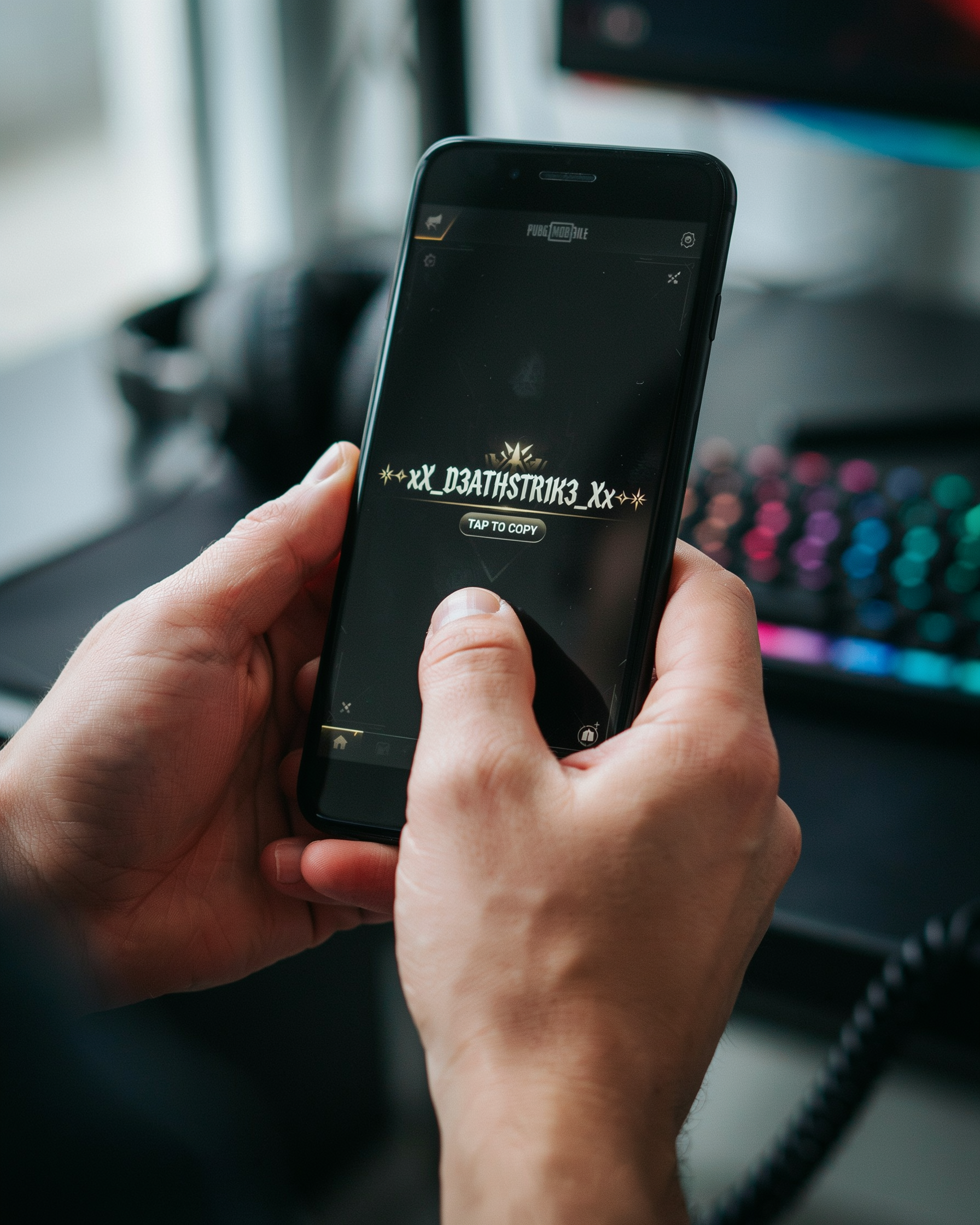
If you’ve ever scrolled through PUBG Mobile or BGMI lobbies and spotted a name written in bold, cursive, or with tiny symbols floating around it, you’ve already seen the work of a pubg name generator that doubles as a stylish text generator. I use one almost every time I create a new account because a plain name like “SniperKing” just doesn’t cut it anymore. A stylish text generator is a simple online tool that takes your ordinary text and instantly converts it into dozens of fancy font styles and decorated versions, all ready to copy and paste into your game profile.
Key Takeaways
- A stylish text generator converts plain text into fancy Unicode fonts and symbols you can copy and paste into games.
- It’s completely safe for PUBG Mobile and BGMI because it uses standard characters, not hacks.
- Combining fonts with symbols creates a unique in-game identity that helps you stand out.
- Most generators work instantly in your browser with no downloads or sign-ups required.
- Testing your styled name in a training lobby avoids display issues before you commit.
For gamers, the purpose goes way beyond looking cool. A unique name helps you stand out in the lobby, makes your squad remember you, and even intimidates opponents before the match starts. I’ve noticed that players with creative, styled names often get more friend requests and squad invites because the name signals effort and personality. The tool works by mapping each letter you type to a set of Unicode characters that look like different fonts, from gothic to bubble letters, without actually changing the underlying text encoding. That means the game reads it as plain text, but everyone else sees a stylish masterpiece.
What I love most is that you don’t need any design skills or special software. You just type your base name, browse the generated styles, pick the one that matches your vibe, and hit copy. The whole process takes less than a minute, and the result is a name that feels completely yours. Whether you want a sleek, minimal look or a chaotic mix of symbols and fonts, a stylish text generator gives you that creative control without any hassle.
How a Stylish Text Generator Works Behind the Scenes
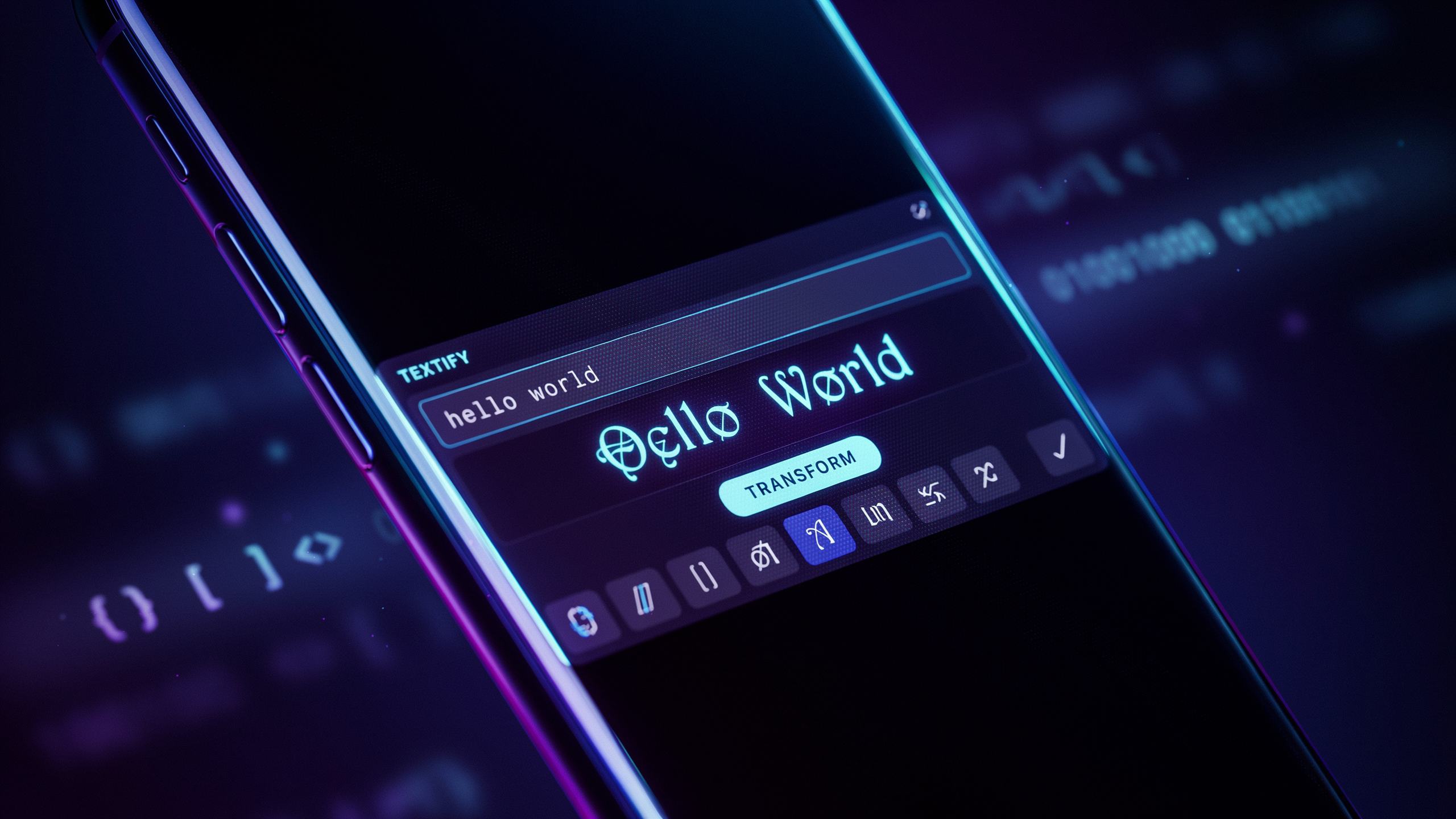
When I first started using a pubg name generator to create unique in-game names, I was curious about the magic behind turning plain text into fancy fonts. The secret is Unicode, a global standard that assigns a unique code to every character across all languages and symbol sets. A stylish text generator doesn’t install new fonts on your device; instead, it maps the standard letters you type to special Unicode characters that look like stylized versions of those letters.
For example, the letter “A” might be replaced with a mathematical bold or script variant from the Unicode table. This process creates the illusion of a custom font, but it’s really just a clever character substitution. Because these characters are part of the Unicode standard, they display correctly on almost any platform, from PUBG Mobile to social media. I’ve noticed that many players don’t realize that the fancy text they copy and paste is actually a string of these special characters, not a new font file.
Understanding this helps you avoid compatibility issues. Since the output is plain text with Unicode symbols, it works smoothly in game chat, profile names, and even clan tags. The next time you use a pubg name generator, you’ll know that behind the scenes, it’s just matching your input to a database of Unicode characters to produce that eye-catching stylish text. For a deeper look at how Unicode enables these transformations, check out the Unicode Consortium’s official site.
Step-by-Step: How to Use a Stylish Text Generator for Your PUBG Name
Using a stylish text generator is the fastest way to get a unique in-game name without memorizing any codes. I’ve tested dozens of tools, and the process is almost always the same. Here’s exactly how I do it when I want a fresh look for my PUBG Mobile or BGMI profile.
- Open a reliable stylish text generator. I usually head straight to a pubg name generator because it’s built specifically for gamers and skips the fluff. The page loads with a simple text box front and center.
- Type your base name. Enter the plain text you want to style. It can be your real name, a gaming alias, or a random word. I typed “Shadow” the last time I tested this.
- Browse the generated styles. Within a second, the tool shows dozens of variations. You’ll see bold, italic, cursive, double-struck, and even glitchy fonts. Scroll until you find one that matches your vibe.
- Copy the styled text. Each style has a copy button next to it. Tap it, and the fancy text is saved to your clipboard. On mobile, I just long-press and select copy.
- Paste into PUBG Mobile or BGMI. Open the game, go to your profile, and tap the edit icon next to your name. Long-press in the text field and choose paste. The styled text appears instantly. Hit save, and your new name is live.
Some tools also let you add symbols before or after the name. I’ll cover that in a later section, but for now, just the basic font change makes a huge difference. If the game rejects a style, try a simpler one or remove any special characters. Most pubg name generator tools label which styles are game-safe.
Top 10 Stylish Text Styles Every PUBG Mobile Player Should Try
When I first started playing PUBG Mobile, I remember scrolling through lobbies and seeing names that looked like they belonged in a cyberpunk movie. That’s when I realized a pubg name generator could be a real advantage for anyone who wants to stand out. Over the years, I’ve tested dozens of styles, and these ten are the ones that consistently get my squadmates asking, “How did you do that?”
1. Cursive Script: This flowing, handwritten look adds elegance to any name. A fancy font generator often includes multiple cursive variants, from delicate loops to bold brush strokes. I like using it for names that feel personal, like “ShadowWhisper” or “MidnightRose.”
2. Bold Serif: Thick, blocky letters with small decorative lines at the ends. This style screams confidence and is perfect for aggressive players. I’ve seen names like “IronFist” and “WarMachine” look twice as intimidating in bold serif.
3. Gothic / Fraktur: Sharp, angular, and medieval-inspired. This is my go-to when I want a name that feels ancient and powerful. A cool text generator can turn “DragonSlayer” into something that looks like it belongs on a coat of arms.
4. Double-Struck / Outline: Letters appear hollow or outlined, giving a modern, techy vibe. I used this style for my alt account “NeonGhost,” and it popped against the dark lobby background.
5. Bubble / Rounded: Soft, inflated letters that feel playful and friendly. It’s great for casual players or streamers who want a lighthearted persona. “HappyPanda” in bubble text always makes me smile.
6. Small Caps: All letters are uppercase, but the first letter of each word is slightly larger. This creates a uniform, professional look. I recommend it for clan names like “EliteSquad” because it looks organized and disciplined.
7. Monospace: Every character takes up the same width, like old typewriter text. It has a retro, hacker-like feel. I once used “C0d3Br3ak3r” in monospace, and it fit the theme perfectly.
8. Strikethrough: Letters have a horizontal line through the middle. It’s edgy and rebellious. I’ve seen players use it for names like “Deleted” or “Error404” to create a glitch effect.
9. Upside-Down: Text is flipped vertically, so it reads normally only if you tilt your head. It’s a fun trick for confusing opponents. I tried “uʍopǝpᴉsdn” once, and my friends spent five minutes figuring it out.
10. Zalgo / Glitch: Letters are surrounded by chaotic diacritical marks, creating a corrupted, horror-like appearance. This style is intense and not for everyone, but it definitely gets attention. I used it for a Halloween event name, and it was a hit.
When I’m experimenting with these styles, I always turn to a fancy font generator because it saves me from manually copying Unicode characters. A cool text generator also helps me preview how the name will look in-game before I commit. The best part is that most of these tools, like the pubg name generator, let you mix and match styles, so you’re not limited to just one look.
Copy and Paste Symbols: The Secret Sauce for Killer In-Game Names
When I first started playing PUBG Mobile, I noticed that the most memorable names in the lobby always had something extra: a tiny crown, a star, or a heart that made the text pop. That’s where copy paste symbols come in. A pubg name generator that includes a symbol library lets you grab these characters instantly and paste them into your game profile. No need to memorize alt codes or dig through character maps.
The real magic happens when you combine symbols with stylish fonts copy and paste from a stylish text generator. I like to sandwich my name between two stars, or add a crown at the start to signal leadership. Symbols like arrows, wings, and zodiac signs can hint at your playstyle or personality. For example, a sniper might use a crosshair symbol, while a rusher could pick a lightning bolt. The key is to keep it readable: one or two well-chosen symbols are far more effective than a cluttered mess.
Most generators organize symbols into categories like hearts, stars, math, and currency, so you can browse quickly. I always test the name in a training lobby first to make sure the symbols render correctly on mobile screens. Some special characters may appear as blank boxes on certain devices, so stick to the common Unicode blocks that PUBG Mobile supports. With a reliable stylish text generator, you can preview the exact look before committing, saving you from a name change cooldown regret.
Creating a Unique Identity: Combining Fonts and Symbols
When I first started playing PUBG Mobile, I noticed that the most memorable players had names that felt almost like a signature. They weren’t just using one fancy font or a single symbol; they were mixing and matching to create something truly their own. A text styles generator makes this process effortless, but the real magic happens when you start combining different elements. Think of it like building a character: you pick the base name, then layer on a font that reflects your personality, and finally sprinkle in symbols that hint at your playstyle or clan affiliation.
For example, I once helped a friend who wanted a name that screamed “silent but deadly.” We started with the word “Shadow” using a bold, gothic font from the generator. Then, we added a subtle crosshair symbol (⌖) before the name and a dagger (🗡) after it. The result, ⌖𝕾𝖍𝖆𝖉𝖔𝖜🗡, was instantly recognizable and told a story before the match even started. The key is to not overdo it. I’ve seen names that are so cluttered with symbols and mixed fonts that they become unreadable. A good rule of thumb is to use no more than two distinct font styles and two to three symbols per name.
Our pubg name generator symbols page is a goldmine for finding the perfect accents. I often browse it for inspiration, looking for symbols that match a theme. For a sniper, you might use a target or a scope symbol. For a rusher, maybe a lightning bolt or a fist. The text styles generator handles the font conversion, so you can focus on the creative pairing. I’ve also found that combining a sleek, modern font with ancient symbols creates a cool contrast that stands out in the lobby. Just remember to test how your name looks in-game, because some symbols might not display correctly on all devices. A quick check before you commit can save you from a broken-looking name.
Stylish Text Generator vs. Manual Styling: Which Is Better?
When I first started customizing my PUBG Mobile name, I spent hours manually hunting for Unicode characters on symbol websites, copying each one individually, and pasting them into the game. It felt like a treasure hunt, but the frustration was real. Half the time the symbols wouldn’t display correctly in-game, and the other half I’d accidentally overwrite my clipboard with something else. A pubg name generator that doubles as a stylish text generator changed everything. Instead of piecing together a name character by character, I could type my base name once and instantly see dozens of styled variations, complete with fancy fonts and symbols that are guaranteed to work in PUBG Mobile and BGMI.
Manual styling does offer a certain creative control: you can mix and match symbols from different Unicode blocks, creating a truly one-of-a-kind look. But that control comes at a steep cost in time and reliability. A dedicated stylish text generator automates the entire process, pulling from a curated library of compatible characters so you never have to worry about blank boxes or unsupported glyphs. The variety is staggering too. With a few clicks, you can preview your name in glitch text, vaporwave styles, bold serif fonts, or surrounded by crown and star symbols. Trying to replicate that manually would take ages, and you’d still risk missing out on hidden gems the generator surfaces automatically.
In my experience, the generator wins for speed and convenience, especially when you’re experimenting with different vibes for your in-game identity. Manual styling still has its place if you want to tweak a pre-generated name by adding a specific symbol from a pubg name generator symbol library. But for most players, the sheer ease of a stylish text generator makes it the clear choice. You get more options in less time, with zero guesswork about compatibility. That means more time actually playing the game, which is the whole point.
Common Mistakes When Using a Stylish Text Generator (and How to Avoid Them)
Even the best stylish text generator can trip you up if you’re not careful. One of the biggest headaches is picking characters that look cool but don’t display in-game. PUBG Mobile and BGMI only support a limited set of Unicode symbols, so that fancy swirl or wingding you copied might show up as a blank box or a question mark. I always test a new style in the training lobby before committing it to my profile. If a symbol breaks, swap it for a simpler one from the generator’s preview.
Another common slip is ignoring the character limit. PUBG names cap at 14 characters, and BGMI is similar. A pubg name generator often shows the total length, but some stylish fonts expand a single letter into multiple Unicode codepoints. For example, a bold serif “A” might count as two or three characters behind the scenes. I keep a notepad counter open and trim any style that pushes past 12 characters to leave room for clan tags.
Readability is the silent killer. A name that looks like a cryptic puzzle might impress your squad, but it confuses enemies and stream viewers. I stick to one or two stylistic flourishes per name and avoid overloading with diacritics. If I can’t read it at a glance during a kill feed, I simplify it. Remember, a stylish text generator is a tool, not a crutch. The goal is a name that stands out for the right reasons, not one that makes people squint.
How to Make Your Stylish Name Stand Out in BGMI and PUBG Mobile Lobbies
Once you’ve used a pubg name generator to craft a base stylish text, the next step is making sure it pops in the lobby. I’ve spent countless hours tweaking my own name, and I’ve learned that small details make a huge difference. The first trick is color codes. In BGMI and PUBG Mobile, you can add hex color codes before your name to change its appearance. For example, [FF0000]YourName will render your name in bright red. Experiment with different codes to match your clan or personal vibe. Just remember that some codes may not work after updates, so test them in the training lobby first.
Spacing is another underrated tool. Adding invisible characters or extra spaces between letters can give your name a clean, spaced-out look that stands out from the usual clutter. You can find these special spaces in many symbol libraries, but I prefer using a pubg name generator that includes them automatically. When you combine spacing with a unique font from a stylish text generator, your name becomes instantly more memorable. I’ve seen players with names like “S N I P E R” dominate lobbies simply because their tag looks different.
Trend awareness is also key. Keep an eye on what top players and streamers are using. Right now, minimalist names with one or two symbols are popular, but trends shift quickly. A good stylish text generator lets you preview multiple styles so you can adapt without starting from scratch. I always check the latest lobby screenshots on social media to see what’s catching on. Finally, don’t overcomplicate it. A name that’s too long or cluttered with symbols can be hard to read and may even get you reported. Stick to one or two standout elements, and let the stylish text do the heavy lifting.
The Evolution of In-Game Names: From Plain Text to Stylish Masterpieces
I remember the early days of online gaming when your name was just a string of letters and numbers. In PUBG Mobile’s first seasons, most players used simple tags like “SniperKing” or “ProGamer123”. There was no real identity behind those names. They were functional, not personal. But as the community grew, so did the desire to stand out. Players started experimenting with special characters and symbols they could copy from websites or forums. That was the first wave of in-game name styling, and it changed everything.
The real shift happened when Unicode styling became more accessible. Suddenly, you could turn a plain name into something that looked like it belonged in a sci-fi movie. I saw players using fancy font generators to create names with cursive, bold, or glitch effects. This wasn’t just about looking cool. It was about building a brand. In BGMI and PUBG Mobile, your name is the first thing people see in the lobby. A unique, stylish name signals that you’re serious about the game. It’s like a digital signature that sets you apart from millions of other players.
Today, the community has fully embraced this trend. I’ve noticed entire clans coordinating their names with matching fonts and symbols. It creates a sense of unity and intimidation. The rise of the pubg name generator tools has made this process easier than ever. Instead of manually hunting for Unicode characters, you can just type your name and browse dozens of styles instantly. This shift from plain text to stylish masterpieces reflects how gaming culture has matured. We’ve moved from generic tags to carefully crafted online personas. And with a good pubg name generator, anyone can join this creative movement. A stylish text generator is now an essential part of that toolkit, helping players transform ordinary names into unforgettable identities.
Frequently Asked Questions
Is using a stylish text generator safe for my PUBG Mobile account?
Yes, using a pubg name generator to create fancy text is completely safe because it only changes how your name looks, not the game files. The text you copy and paste is just standard Unicode characters that PUBG Mobile and BGMI support natively, so there’s no risk of a ban when you use a stylish text generator responsibly.
Can I use a stylish text generator on any device?
Absolutely. A stylish text generator works on any device with a browser, including Android, iOS, and PC. Since the output is plain text, you can copy it from your phone and paste it directly into the game’s name field. The process is identical whether you’re playing PUBG Mobile, BGMI, or even other games that support Unicode text.
Will my stylish name look the same for other players?
In most cases, yes. The fancy fonts and symbols from a stylish text generator are made from standard Unicode characters that modern devices display correctly. However, some older devices or apps might show blank boxes if they lack certain symbol support. To be safe, test your name with a friend or use the pubg name generator preview feature before finalizing it.
How can I make sure my stylish name is unique?
To create a unique name, combine multiple styles from a stylish text generator with rare symbols. For example, mix a bold font with a star or crown symbol, then add a personal touch like your favorite number. Avoid overused combinations like simple italic text with a single heart; instead, layer two or three elements so your name stands out in every lobby.
Do I need to download any software to use a stylish text generator?
No downloads are needed. A stylish text generator runs entirely in your web browser, so you just visit the site, type your desired name, and choose a style. There’s no app to install and no risk of malware, making it a hassle-free way to get cool text for your gaming profile.