Ultimate Nickname Generator Random: Find Your Perfect Gamer
A nickname generator random tool solves the oldest problem in gaming: you sit down to create a new PUBG or BGMI account, and your brain goes blank. You type a few names, they’re all taken, and twenty minutes later you’re still staring at the character-entry screen. We built pubgnamegenerator.net to kill that dead time, and the random approach is why it works.
Key takeaways
- A random nickname generator produces dozens of usable options in seconds, not hours.
- Manual brainstorming stalls because you reuse the same mental patterns; randomness breaks the loop.
- You can copy any generated name straight into PUBG Mobile or BGMI without editing.
- Style filters for symbols and fonts let you match a clan, a mood, or a specific aesthetic.
- The tool is free and works on any device, no signup required.
Here’s the thing about brainstorming: your brain likes patterns. When you try to invent a gamer tag from scratch, you recycle the same syllables, the same adjectives, the same half-remembered names from streamers you watched last week. After three or four attempts, every idea sounds like a worse version of the last one. A random nickname generator sidesteps that entirely because it doesn’t care what you thought of five minutes ago. It pulls from a much wider pool of combinations than a single person can hold in working memory, which means you see options you would never have assembled yourself.
There’s also a speed argument. A manual session might yield five usable ideas in half an hour, and half of those will be taken when you test them in-game. The generator on pubgnamegenerator.net returns a full screen of candidates in under a second, and because the combinations are less predictable, fewer of them collide with names other players already grabbed. You spend your time testing names, not inventing them.
One more point worth making: randomness removes the pressure to be clever. When you’re not trying to impress yourself, you’re more willing to pick a name that simply sounds good in the kill feed. That’s usually the better call anyway.
How the Random Nickname Generator Works
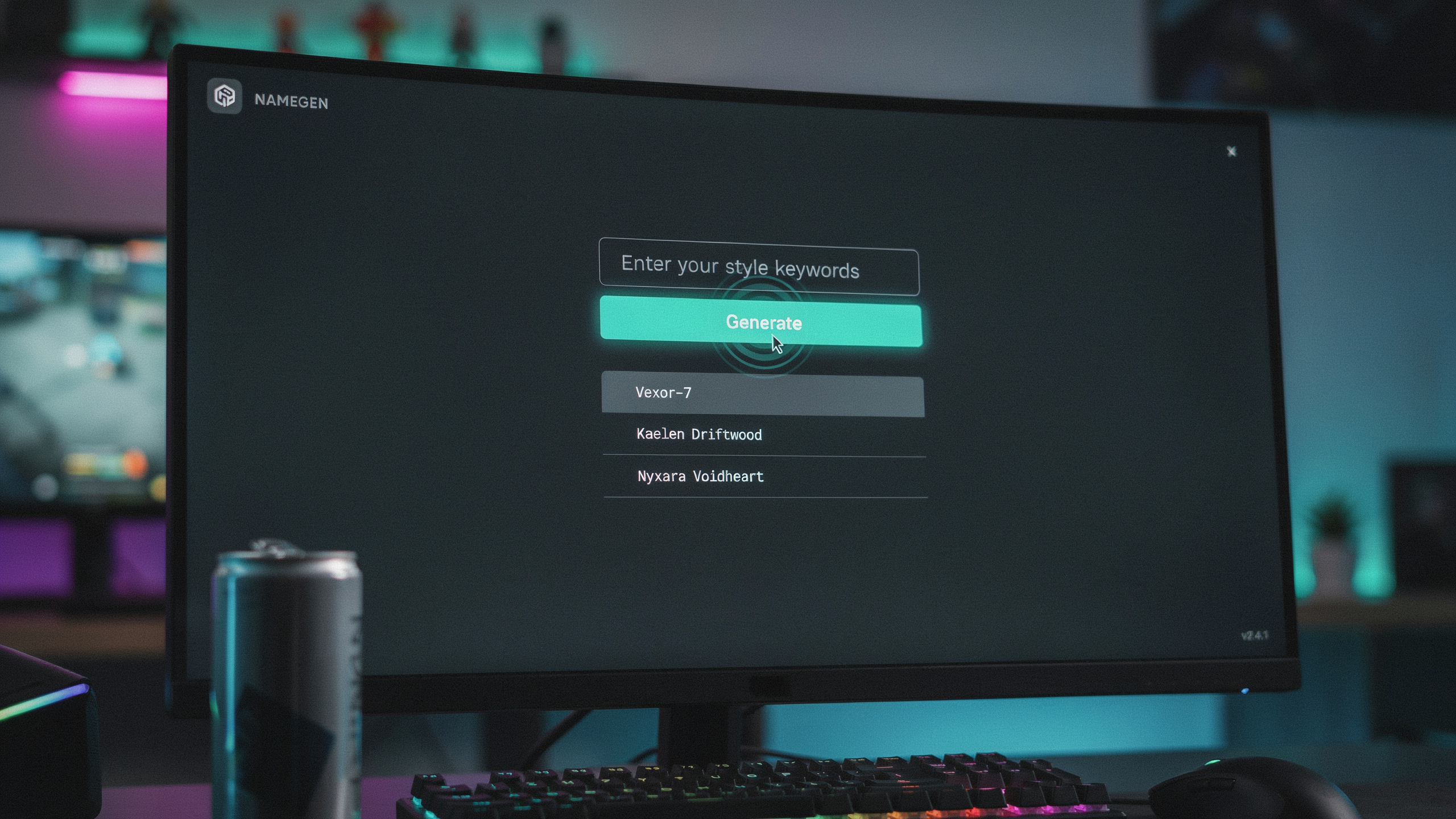
A nickname generator random tool isn’t magic, but it feels close. Behind the button sits a set of word pools: aggressive terms, animal names, weapon references, short verbs, and a few oddball nouns that just sound right in a kill feed. The tool pulls from those pools, mixes them, and applies style filters on top.
Style filters are where things get interesting. One pass might add a symbol like a skull or a crown. Another pass swaps standard letters for Unicode lookalikes, the kind that make a name read as stylish without breaking the character count. Font choices change the visual weight, and a filter for cool nicknames can push the output toward short, punchy tags instead of long phrases.
Most generators, including the one we run at pubgnamegenerator.net, work in three quick stages: pick a base word, apply a modifier, then run it through the character and style rules for your platform. That’s the same logic we explain in our breakdown of How PUBG Name Generator Work, where we walk through the exact pools and filters used for PUBG Mobile and BGMI names.
The result is copy-ready. You tap generate, scan a few options, and copy the one that fits. No brainstorming session, no staring at a blank username field. The random nickname generator does the mixing so you only have to make the final call.
Step-by-Step: Generate and Copy Your Gamer Tag
Here’s the exact sequence to follow when you want a fresh name without sitting there staring at a blank text field. The whole thing takes under a minute once you know where everything lives.
- Open the tool. Head to pubgnamegenerator.net and wait for the main page to load. You’ll see the input box right at the top, no signup, no email wall.
- Pick a style. Before you hit generate, glance at the style options below the box. You can choose a clean font, a symbol-heavy look, or a mix of both. If you’re not sure, leave it on the default and adjust later.
- Type a base word or leave it blank. You can enter a word you like, something like “shadow” or “frost,” or just let the gamer tag generator pull from its own pool of ideas. Blank works fine if you want pure randomness.
- Hit generate. Click the button and you’ll get a batch of results at once. Scroll through them. Most people find one they like within the first two or three batches, but you can regenerate as many times as you want.
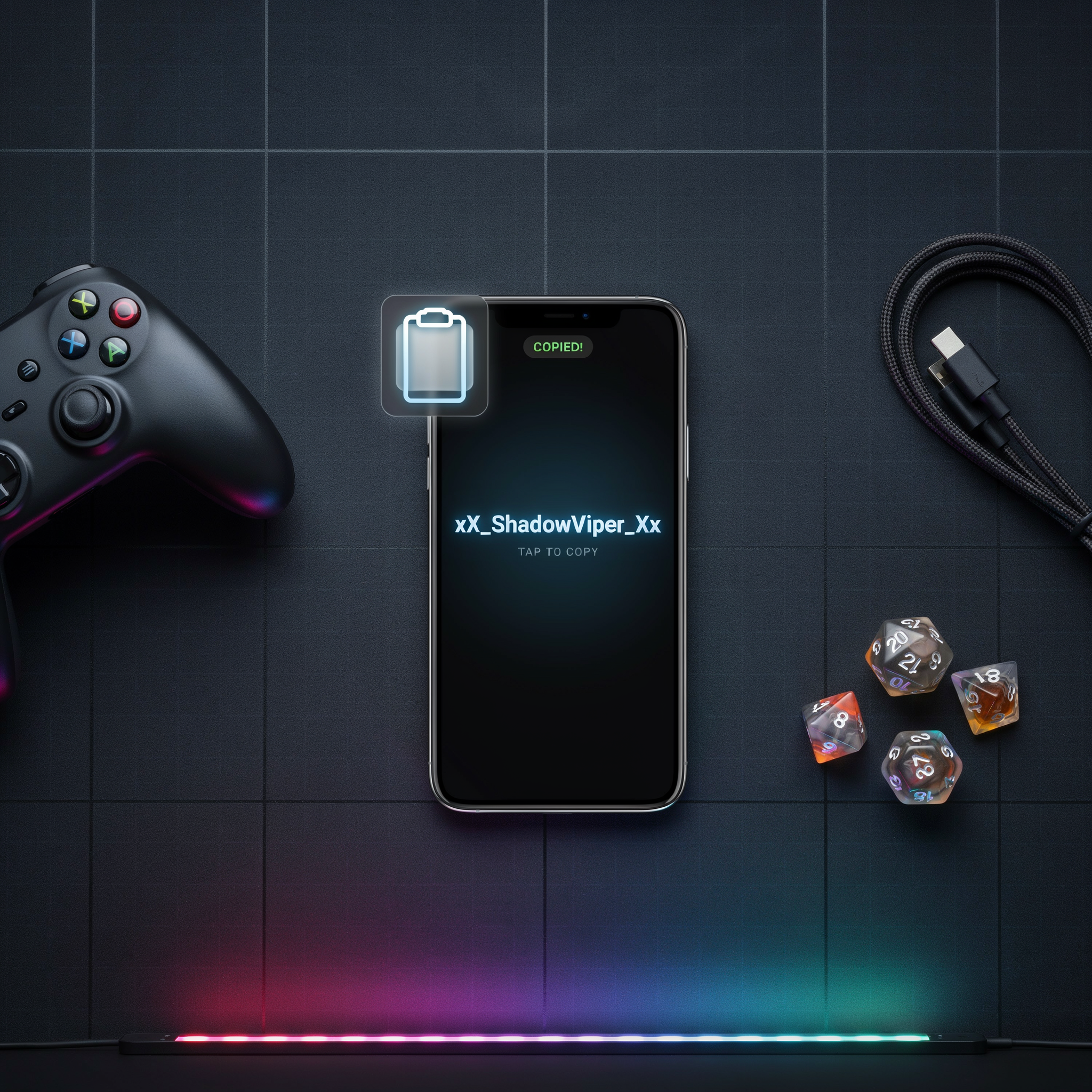
- Copy the name. Each result has a copy button next to it. Tap that and the name goes straight to your clipboard. No manual highlighting, no typos.
- Paste into PUBG Mobile or BGMI. Open the game, go to your profile, and tap the rename option. Paste the name in. If it fits the character limit, you’re done. If not, trim a symbol or two and try again.
One thing to keep in mind: don’t overthink the base word. The generator does better when you give it something short and let the tool do the styling work. A two-syllable word plus a few symbols usually reads cleaner than a long phrase crammed into the field.
Style Options: Symbols, Fonts, and Special Characters
Once the random nickname generator hands you a base name, the real fun starts with styling. Pubgnamegenerator.net splits its style tools into a few clear categories, and each one changes how your tag reads in the kill feed. Stylish text swaps standard letters for Unicode variants that look bolder or sharper, while a Ultimate Stylish Text Generator: Copy and Paste Fancy Fonts gives you dozens of those swaps in one place. The result is a name that still spells normally but hits harder visually.
Cute fonts go the opposite direction. They round out the letterforms, add little flourishes, and soften the whole tag, which is why so many players pair them with playful nickname ideas. The Cute Font Generator: The Ultimate Guide to Adorable PUBG styles work especially well for support mains or anyone who wants their name to feel friendly before the first bullet flies.
Symbols and special characters are the third layer. You can add a crown, a skull, a star, or a pair of wings around your name, and PUBG Mobile renders most of them without issue. Invisible characters are trickier. They create a blank space inside your tag, which can make a name look like it has no letters at all, but some versions of the game filter them out. Test the copy-paste result in the actual rename field before you commit, because what works in a browser preview does not always survive the game client.
Character Limits and What Actually Fits in PUBG and BGMI
PUBG Mobile and BGMI both cap in-game names at 14 characters, and that includes spaces, symbols, and any special characters you paste in. A nickname generator random tool can produce a 20-character masterpiece, but the game will cut it off or reject it outright. We’ve seen players lose the last few letters of a name mid-match because they never checked the count before hitting save.
BGMI follows the same 14-character ceiling, though the name-change card system means you pay for every rename after the first free one. So getting the length right the first time matters more than most players realize.
| Platform | Max Characters | Symbols Allowed | Common Rejection Causes |
|---|---|---|---|
| PUBG Mobile | 14 | Yes, limited set | Profanity, banned words, unsupported symbols |
| BGMI | 14 | Yes, limited set | Profanity, emoji, characters outside supported set |
Rejections usually come down to three things. First, the game’s filter flags certain letter combinations even when they look harmless. Second, some Unicode symbols render fine in a browser but break inside the game client, so the name gets refused. Third, emoji almost never work in PUBG or BGMI names, even though they paste in cleanly from a Ultimate Stylish Text Generator: Copy and Paste Fancy Fonts output.
To trim a generated name down to size, cut vowels before consonants, drop decorative symbols first, and keep the core word intact. A name like “ShadowStrikeX” is 13 characters and fits. “ShadowStrikeXxX” is 15 and gets chopped. When you use a gamer tag generator, paste the result into a character counter before you commit, because the in-game preview doesn’t always show the full string.
One more thing: PUBG Mobile and BGMI treat uppercase and lowercase as distinct characters, but the count is the same. So “ghost” and “GHOST” both take five slots. That’s worth knowing when you’re deciding between a clean lowercase name and a stylized one with extra symbols.
Cool Nicknames That Still Read as You
Random generators throw a lot at you. Most of it is noise. The trick is filtering the output through one question: does this sound like a name I would actually keep after a week?
Start with your playstyle. If you push buildings first and trade aggressively, short, sharp names work better than long phrases. A rusher wants something that reads fast in the kill feed. A sniper or support player can get away with something slower and more atmospheric. Squad roles matter too. If you always run the same role with your team, your PUBG Nick: The Ultimate Guide to Cool and Stylish Nickname should match that identity, not fight it.
Cool nicknames usually share a few traits. They are easy to say over voice chat, they do not need a pronunciation guide, and they hold up when a stranger reads them in the lobby. That is harder than it sounds. A name full of symbols might look stylish in a screenshot but fall apart when someone tries to call it out mid-fight.
Here is a simple filter to use on random results. Keep the name if you can imagine a teammate yelling it in a clutch moment without laughing. Drop it if you would feel embarrassed explaining it to a random squad. That one test cuts most bad nickname ideas before they ever reach your profile.
Personality is the other half. Some players want menace, some want humor, some want something clean and minimal. None of those are wrong. The generator gives you raw material. You decide what fits.
Free Tool vs Manual Creation: What Saves More Time
Manual creation sounds noble until you’re 20 minutes deep, hunting through a symbol keyboard for a character that actually renders in PUBG Mobile. Squadmates have burned an entire lobby wait trying to paste a name that keeps coming out as blank boxes. The honest math: a Pubg Name Generator: Free Tool vs Manual Creation comparison comes down to minutes, not effort. A random nickname generator spits out a copy-ready tag in seconds. Typing one by hand, testing it, discovering the font doesn’t work, and starting over can eat 15 to 30 minutes.
That time gap matters more than most players admit. Every minute spent fiddling with a name is a minute not spent in the lobby, checking settings, or warming up. The tool also solves a problem manual typing can’t: it knows which symbols PUBG and BGMI actually accept. You can paste a fancy sigma or a wingding from a random site and watch it turn into a question mark in-game. The generator filters for what works.
Manual creation does have one edge. If you want a name tied to a specific inside joke with your squad, no tool will guess that. But even then, starting from a generated base and tweaking one word is faster than building from zero. Use pubgnamegenerator.net for exactly that: generate, copy, adjust if needed, and you’re in the match.
BGMI-Specific Naming Tips
BGMI shares most naming rules with PUBG Mobile, but a few quirks catch players off guard. The biggest one is the rename card. You get a limited number of free rename cards through events and the Royale Pass, and once they’re gone, you pay UC for a new one. So before you commit to a random nickname generator result, test how it looks in a squad lobby and on the kill feed. Some fonts look great in the generator preview but turn into boxes in the actual game client.
Region matters too. The Indian version of BGMI runs its own servers and its own moderation filters, so a name that passes on a global PUBG Mobile account can get flagged or rejected in BGMI. Players have copied a stylish name from a global server only to find it blocked after an update cycle. The safest approach is to generate the name, paste it into the rename field, and check the preview before spending the card.
Symbols are the other trap. BGMI renders certain Unicode characters differently depending on the device and the Android version. A symbol that shows cleanly on a OnePlus phone might appear as a hollow square on a Samsung device. If you’re building a name around a specific symbol, test it on at least two devices or ask a squadmate to screenshot your name from their screen. The BGMI Nickname Generator filters out the symbols that commonly break, which saves you from wasting a rename card on a name that only looks right on your own phone.
One more BGMI-specific detail: the game sometimes rejects names with too many consecutive special characters, even when the total character count is under the limit. Stick to one or two symbols per name, and put them at the start or end rather than in the middle. That pattern survives updates better and reads cleanly on the kill feed.
Username Generator for Other Platforms
The same random nickname generator approach works outside PUBG and BGMI too, because most games and platforms share one core need: a handle that’s short enough to type, easy to remember, and not already taken. A username generator built around symbols and special characters gives you options that plain brainstorming misses.
On platforms like Discord, Steam, and Roblox, character limits and allowed symbols vary. Discord usernames cap at 32 characters and allow most Unicode symbols, while Steam display names accept a wide range but strip some emoji. A random nickname generator that lets you toggle symbols on or off helps you stay within each platform’s rules without guessing.
We still point PUBG and BGMI players back to PUBG Name Generator 2026 first, because it’s tuned for the exact character limits and style conventions those two games use. But the same copy-and-paste workflow carries over. Generate a few options, pick the one that fits the platform, and paste it in.
One thing to watch: some platforms reject certain Unicode ranges or invisible characters. If a name fails to save, strip the special characters and try a plain version. The How PUBG Name Generator Work guide explains why some symbols pass and others don’t, and the logic applies to most other services.
Common Mistakes That Ruin a Good Gamer Tag
We see the same handful of errors every time someone pastes a name from a nickname generator random tool without checking it first. The biggest one is unreadable symbols. A name like Xx_ßłãđê_xX looks cool for about five seconds, then your squad can’t type it, can’t tag you, and can’t remember it. If your teammates can’t say your name out loud, it’s already failed.
Length is the second trap. PUBG Mobile and BGMI cap character counts, and names that push the limit often get cut off mid-symbol or rejected entirely. A gamer tag generator can produce long stylish strings, but you should trim them to something you can actually type into a search bar. Keep it under 12 characters when you can.
Broken characters are sneakier. Some fonts and symbols copy fine from a generator but render as blank boxes or question marks in-game. Always paste into a notepad first, then into the game. If it looks wrong in notepad, it will look worse in a lobby.
Finally, avoid names that get flagged. PUBG and BGMI filter certain words, and repeated reports can force a rename. A random nickname generator is a starting point, not a finished product. Check the result, shorten it, and test it before you commit.
Frequently Asked Questions
Can I use a nickname generator random tool for PUBG and BGMI?
Yes. A nickname generator random tool works for both PUBG and BGMI because both games use the same character system and naming rules. You can generate a name, copy it, and paste it into either game’s profile settings without any extra steps.
How many characters can a PUBG name have?
PUBG and BGMI allow up to 14 characters for your in-game name. That includes letters, numbers, and most symbols. If a generated name feels too long, trim it before pasting so it fits the limit and still looks clean.
Are symbols and special characters allowed in gamer tags?
Most symbols work fine, but some are blocked by the game’s filter. Stick to common ones like stars, hearts, and basic Unicode characters. If a symbol doesn’t paste correctly, swap it for a simpler one and test again.
What makes a cool nickname that actually stands out?
Short names with a strong word plus a symbol or number tend to read best. Avoid random letter strings that look like spam. A name like “ShadowX” or “Viper_7” is easier to remember and looks intentional compared to something like “xX_aBc123_Xx”.
Can I change my PUBG name later if I don’t like it?
Yes, you can change your name, but PUBG and BGMI limit how often you can do it. You may need a rename card or wait a set period between changes. Generate a few options first so you pick one you’ll actually keep.
Do random nickname generators work for other platforms too?
They do. The same gamer tag generator approach works for Steam, Discord, Valorant, and most other platforms. Just check each platform’s character limit and banned symbol list before you paste the name in.