Ultimate Fancy Font Generator for PUBG: Stylish Name
A fancy font generator takes plain text and converts it into stylish, decorated characters that look completely different from standard letters. When you type a name like “ShadowSniper” into pubgnamegenerator.net, the tool swaps each regular character for a Unicode equivalent from a different script or symbol set. The result looks like a custom font, but it’s actually just clever character mapping.
Here’s the key thing most players don’t realize: these aren’t real fonts at all. A real font file changes how every character renders across a whole system. What a fancy text generator does instead is replace your standard letters with visually similar Unicode characters from other alphabets and symbol blocks. The letter “a” might become a mathematical script “a”, a fullwidth “a”, or a circled “ⓐ”. Each one looks different, but they’re all valid Unicode characters that PUBG Mobile and BGMI can display.
This matters because PUBG doesn’t support custom font uploads. You can’t install a new typeface and expect it to show up in the game. But Unicode characters are already built into the game’s text rendering system. So when you paste a name full of fancy Unicode characters into the username field, the game displays them without any extra work. That’s why this approach works so reliably across devices, from budget Android phones to high-end iPhones.
We built pubgnamegenerator.net around this exact mechanism. The tool maintains a curated set of Unicode character mappings that look good in PUBG’s interface, filtering out symbols that render as blank boxes or break the name entirely. You type a name, pick a style, and copy the result straight into the game. No downloads, no font files, no complicated setup.
Key Takeaways
- A fancy font generator converts plain text into Unicode-styled characters that PUBG Mobile and BGMI accept in player names.
- You can copy a finished name straight from the tool and paste it into the game, no downloads or extra apps needed.
- Not every style survives PUBG’s name filter, so test a name in a custom room or training lobby before committing to it.
- Combining two or three styles usually looks better than layering five different fonts into one long name.
- Pubgnamegenerator.net keeps the whole process free and browser-based, which matters when you want a new name between matches.
Why PUBG Players Care About Fancy Names
Your in-game name is the first thing opponents see in the kill feed, on the leaderboard, and in squad invites. A plain name like “player48291” disappears into the crowd. A pubg fancy font name with symbols and unique characters does the opposite. It makes people pause, remember you, and sometimes even fear you before the match starts. That’s why so many players spend time getting their name right.
There’s a practical side too. In squad matches, a distinctive name helps teammates call out targets fast. If three players have similar default names, communication gets messy. A stylish name cuts through the noise. It also signals experience. A player with a carefully styled name usually knows the game, knows the community, and has put in the hours. That reputation matters in competitive lobbies.
The copy-paste workflow is what makes this accessible. You don’t need to memorize Unicode codes or learn how symbols work. A fancy font generator gives you a ready-made styled name. You copy it, open PUBG Mobile or BGMI, paste it into the name field, and you’re done. The whole process takes under a minute. That speed matters because players want to try different names, see what fits, and change them without friction.
There’s also a social layer. Friends share name ideas, squads coordinate matching styles, and clans build identity around a shared look. A fancy name becomes part of your in-game persona. It’s not just decoration. It’s how you present yourself to every player you meet in Erangel, Miramar, or Sanhok.
How the Tool Works Behind the Scenes
Every fancy font generator, including the one at pubgnamegenerator.net, leans on a simple idea: your name is still your name. The tool doesn’t change the letters you typed. It swaps each character for a visually similar Unicode symbol that lives in a different code block, so the game engine reads the same underlying text while your screen shows something much more stylish.
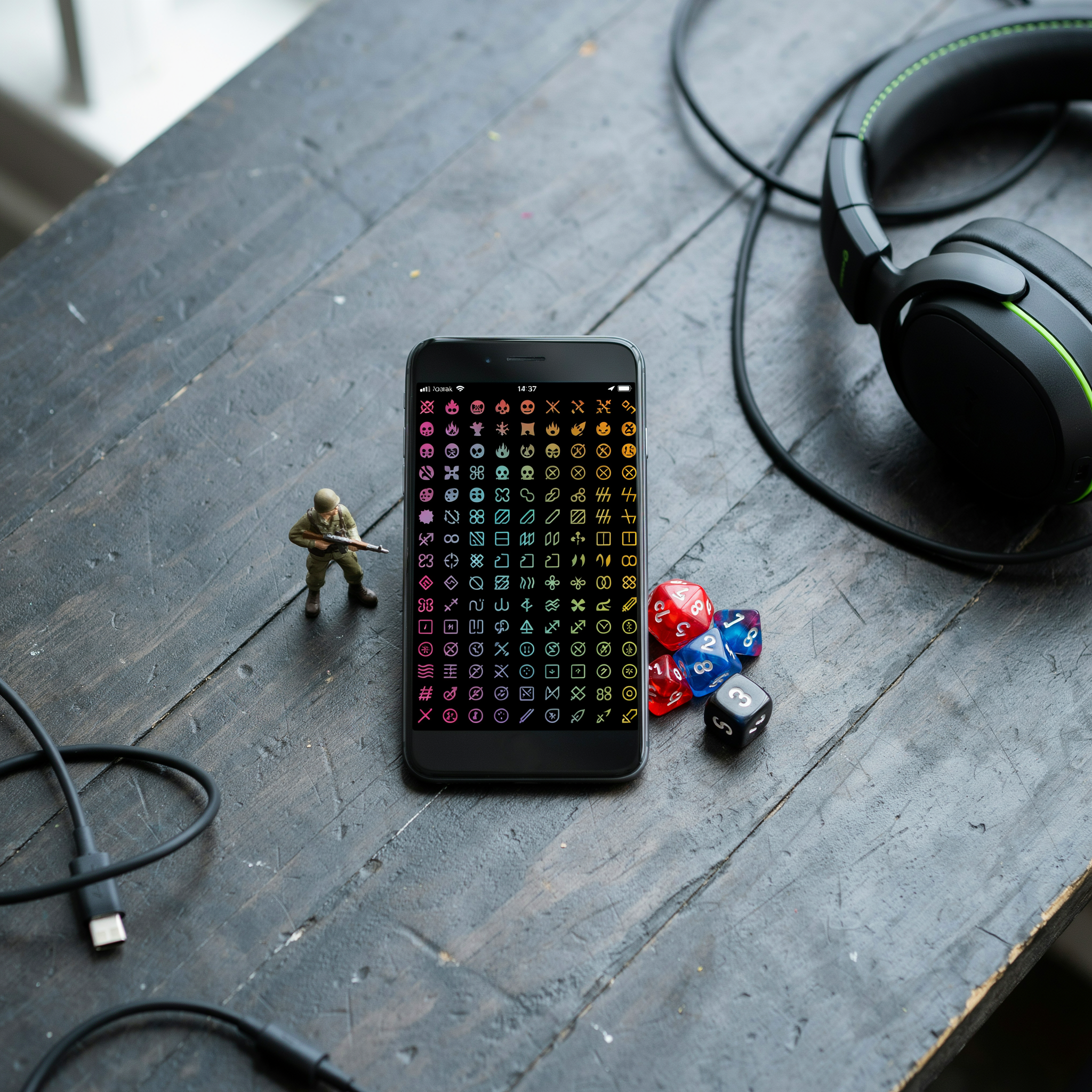
Unicode is the global standard that assigns a unique number to every character across writing systems. Latin letters like “A” and “a” have their own codes. But Unicode also contains thousands of lookalike glyphs tucked into blocks like Mathematical Alphanumeric Symbols, Letterlike Symbols, and Fullwidth Forms. A fancy text generator maps your plain “A” to a bold script “𝓐”, a double-struck “𝔸”, or a fullwidth “A”, depending on the style you pick. PUBG Mobile and BGMI support most of these Unicode ranges in the username field, which is why the styled text renders correctly in lobbies, kill feeds, and friend lists.
That rendering matters. The game doesn’t treat “Sniper” as a different name from “Sniper” because the underlying code points still resolve to the same letters. What changes is purely visual. A cool font generator simply runs a lookup table: each standard character on the left, its styled counterpart on the right. When you paste the result into your profile, the server stores the Unicode sequence, and your device draws the fancy glyphs. No fonts are installed, no game files are modified, and nothing breaks on other players’ screens as long as their devices support the same Unicode blocks, which modern phones do.
That’s also why some styles work better than others. Certain decorative symbols render as blank boxes on older Android builds or in specific in-game menus. The safer choices are the ones built from widely supported ranges like Mathematical Bold and Fullwidth, which is exactly what a well-built stylish font generator prioritizes. The underlying mechanics stay invisible. You type a normal name, the tool returns a fancier version, and PUBG displays it without a second thought.
Styles You Can Generate
A good stylish font generator gives you more than one trick. The best tools group their output into clear categories so you can scan fast and pick the style that matches your in-game vibe. Here’s what you’ll usually see when you type a name and hit generate.
Bold and heavy styles make short names feel solid. These work well for aggressive call signs and clan tags where you want the name to read clearly at a glance. Bold variants often use fullwidth Unicode characters, which look wider and denser than normal letters.
Italic and slanted styles add motion. A slanted name reads like it’s moving forward, which suits rushers and aggressive players. These styles use Unicode mathematical italic characters, so the slant is baked into the letterforms rather than applied as a visual effect.
Cursive and script styles feel personal. They mimic handwriting and work best for names that are meant to look elegant or mysterious. Keep these short, because long cursive names get hard to read on a small phone screen during the lobby countdown.
Gothic and blackletter styles bring a medieval, heavy-metal feel. They use fraktur Unicode characters that look ornate and sharp. These are popular for clan names and for players who want their tag to feel intimidating before the match even starts.
Symbol and decorative styles wrap letters with circles, boxes, stars, or hearts. You’ll see options like ⓢⓣⓨⓛⓔ or ꧁༺𝓝𝓪𝓶𝓮༻꧂. These are the most visually distinct, but they also carry the highest risk of not displaying correctly in every PUBG Mobile or BGMI build, so test them in the actual rename screen before you commit.
Invisible characters are a special case. A fancy font generator that supports invisible names outputs zero-width Unicode characters that take up a name slot without showing anything. This creates a blank or near-blank username, which some players use for anonymity or for a clean minimalist look. Not every region or version accepts these, so expect some trial and error.
Most tools let you mix styles within one name, like a bold first letter with cursive for the rest. The real value of a stylish font generator is that you can preview every option side by side and copy the exact string that works, instead of guessing which Unicode block a character came from.
Step-by-Step: Creating Your First Fancy Name
Open PUBG Name Generator 2026 and type a base name in the input box. Something short works best, like “Ghost” or “Reaper”. The tool instantly shows dozens of styled versions below the box, each using different Unicode characters that PUBG Mobile and BGMI both accept.
- Type your base name. Keep it under 12 characters so the styled versions stay readable in the kill feed.
- Scroll through the generated styles. You’ll see bold, italic, cursive, gothic, and symbol-heavy options. Tap any style to preview it at full size.
- Pick a style that fits your playstyle. A sniper might want a sharp, angular font. A support player often picks something softer and rounder.
- Tap the copy button next to the style you like. The fancy text is now on your clipboard, ready to paste.
Paste the copied name into PUBG Mobile or BGMI’s rename field. If the game rejects it, the style probably includes a character that version doesn’t support. Go back and try a different style from the same generator. Most players find a working option within two or three tries.
For a faster workflow, the Ultimate Fancy Font Maker for PUBG: Stylish Names in Seconds page groups styles by category, so you can jump straight to gothic or cursive without scrolling through everything. That’s handy when you’re renaming mid-season and want to get back into a match quickly.
Test the name in a training match before you commit. Some symbols look fine in the rename screen but turn into blank boxes in the lobby or on the scoreboard. A quick test saves you a rename card later.
What Works in PUBG Mobile vs BGMI
PUBG Mobile and BGMI share the same underlying name system, so most fancy text behaves the same in both games. The practical difference comes down to how each version handles Unicode symbols and how strict the filter is on a given day. A cool font generator that produces standard Unicode characters will usually pass in both, because neither game blocks the full Unicode range. What gets rejected is usually a name that mixes too many symbol classes at once, or one that uses characters the game flags as invisible or control characters.
Character limits are the same in both: 14 characters for the in-game name. That limit counts every symbol, letter, and space. A fancy name that looks short on screen can still hit the cap because each styled character is one Unicode code point. If you paste a name and the game trims it, you have hit the limit, not a filter problem.
The real filter difference is regional. BGMI, being the India-specific build, has historically been stricter about names that resemble real player IDs or contain certain symbol combinations. PUBG Mobile’s global build tends to allow a wider range of decorative characters. Neither game officially documents its filter rules, so the safest approach is to test a name in a custom room before committing to it in ranked play.
Styles that survive well in both: small caps, circled letters, and the basic superscript set. Styles that get rejected more often: heavy use of combining marks, zero-width characters, and symbols that look like letters but are actually from a different Unicode block. A name like Shadow using fullwidth characters usually works. A name with three different fancy styles crammed into 14 characters often does not.
One practical tip: generate the name, copy it, then paste it into the game’s name field and look at the preview. If the preview shows boxes or blank spaces, the game will not render it correctly for other players even if it accepts the input. That is the difference between a name that works technically and one that actually looks good in a kill feed.
Common Mistakes That Break Fancy Names
The same handful of errors shows up every time someone pastes a generated name into PUBG Mobile and watches it turn into a row of empty boxes. The most common one is using characters the game’s font simply doesn’t support. A fancy font generator pulls from Unicode blocks that cover hundreds of scripts, but PUBG’s rendering engine only draws a subset of those. If your name shows as squares or blank space, the symbol you picked is outside that subset.
Over-styling causes the second problem. Stacking three or four different decorative marks around every letter looks impressive in the preview, but it pushes the character count past the game’s limit and makes the name unreadable in the kill feed. A single accent or one stylized letter reads far better in the lobby than a wall of ornaments.
Invisible characters are the sneakiest trap. PUBG’s name system blocks many zero-width and space-like Unicode characters, so a name that looks empty on the generator may get rejected outright when you hit save. If the game refuses your name, strip the invisible symbols first and test it with only visible letters.
The fix is usually simple: paste the name into a plain text field first, delete anything that renders as a box or blank, and keep the styling to one or two characters. A short, clean fancy name survives the filter far more often than a heavily decorated one.
Free Tool vs Manual Creation
You can build a fancy PUBG name two ways: let a generator do the work, or copy individual Unicode characters from a chart and paste them together yourself. Both get you a stylish result, but the experience is nothing alike.
Manual creation sounds appealing if you want total control. You open a Unicode table, hunt for a specific script letter, copy it, switch back to PUBG, paste, repeat. For a six-letter name that’s six round trips, and if you want mixed styles like one letter in fraktur and another in script, you’ll spend ten minutes toggling between tabs. It’s fiddly, and it’s easy to grab a character that PUBG Mobile renders as a blank box.
A Pubg Name Generator: Free Tool vs Manual Creation comparison shows the practical gap. The tool assembles the full name in one pass, keeps every character within the supported Unicode ranges, and gives you copy-paste-ready output. You’re not cross-checking character tables or second-guessing whether that fancy ‘a’ will display in the lobby. The trade-off is that you’re choosing from preset style families rather than hand-picking each glyph, but for most players that’s a feature, not a limitation.
Manual work does have one edge: if you want a truly one-off look that no generator template offers, assembling it yourself is the only route. But the failure rate is higher, and the time cost is real. For speed and reliability, the generator wins. For pure novelty, manual can work if you’re patient and test the result in a custom room before committing to it.
Where to Find More Name Ideas
Once you’ve got the hang of the fancy font generator, you’ll probably want to explore more name styles. The main PUBG Name Generator 2026 page is the best starting point. It pulls together hundreds of curated name ideas, from aggressive callouts to clean, minimal tags, and each one is copy-and-paste ready. We keep that list updated as new trends pop up in the PUBG Mobile and BGMI communities, so it’s worth checking back whenever you’re stuck for inspiration.
If you want something beyond the standard generator output, the Ultimate Stylish Name Generator: Create Cool Names for PUBG article goes deeper into themed names. It covers categories like sniper-focused tags, squad leader handles, and names built around specific weapons or playstyles. That’s useful when you want a name that says something about how you actually play, not just one that looks fancy.
For a different angle, try the Cute Font Generator: The Ultimate Guide to Adorable PUBG page. It’s not all hearts and sparkles. You’ll find soft, rounded font styles that work surprisingly well for support players or anyone who wants a less aggressive look in the kill feed. The same copy-paste approach applies, so you can grab a style and test it in-game in seconds.
We also recommend mixing and matching. Take a base name from the main generator, then run it through the fancy font generator to see how different Unicode styles change the feel. Sometimes a name that looks average in plain text becomes memorable with the right font treatment. And if you’re not sure which style fits your playstyle, start with two or three options and ask your squad which one they’d remember after a match.
Frequently Asked Questions
Are fancy font names permanent in PUBG?
No. You can change your PUBG name using a rename card, which costs UC or can be earned through events. Once you apply a fancy name, it stays until you change it again. There is no automatic expiry, so your stylish name remains as long as you keep it.
Do fancy fonts work in ranked mode?
Yes, they work in ranked matches. The game renders Unicode characters the same way in every mode, so your fancy name shows up on the leaderboard, kill feed, and squad list. Some symbols may not display on older devices, but the name still functions normally.
Why do some characters show as boxes or question marks?
That happens when a device lacks the font needed to render a specific Unicode symbol. PUBG Mobile and BGMI support most common fancy characters, but rare symbols from obscure scripts can break. Stick to widely used styles from a PUBG Name Generator 2026 to avoid blank boxes in your name.
Can I use a fancy font generator for free?
Yes. Most fancy font generators are completely free and work instantly in your browser. You type a name, pick a style, copy the result, and paste it into PUBG. No downloads, no signups, no hidden charges. The tool converts plain text into Unicode characters that the game accepts.
Will a fancy name get my account banned?
No. Fancy names use standard Unicode characters that PUBG officially supports. As long as you avoid offensive language or hate speech, a stylish name is perfectly safe. Krafton bans players for inappropriate content, not for using decorative fonts. You can check the Unicode FAQ for more on how these characters work.