Ultimate Stylish Name Generator: Create Cool Names for PUBG
If you’ve ever dropped into Erangel or Sanhok and felt your default username didn’t match your skills, a stylish name generator is exactly what you need. I’ve spent countless hours tweaking my own PUBG Mobile and BGMI display names, and I know how much a unique, eye-catching name can boost your confidence before the plane even takes off. A good name isn’t just about looking cool, it’s about standing out in the kill feed, earning respect from your squad, and building a personal brand that other players remember. In this guide, I’ll walk you through everything I’ve learned about using a stylish name generator to craft names that turn heads, from font styles and symbols to common mistakes you’ll want to avoid. By the end, you’ll have all the tools to create a name that feels truly yours, whether you’re a casual player or an aspiring esports star.
Key Takeaways
- A stylish name generator lets you instantly create unique, eye-catching PUBG and BGMI names with custom fonts, symbols, and styles, saving you hours of manual brainstorming.
- Using a dedicated pubg name generator gives you access to hundreds of font variations and symbol combinations that are hard to replicate manually, helping your profile stand out in the lobby.
- Focus on readability and personal expression when choosing a stylish name, avoid overcomplicating with too many symbols, and test how the name looks in-game before finalizing.
- Always check that your chosen name complies with game guidelines and is available across platforms, especially if you play both PUBG Mobile and BGMI, to avoid bans or forced renames.
- Pairing a generator with your own creativity yields the best results, start with a generated base, then tweak it to reflect your personality or clan identity for a truly one-of-a-kind name.
What Is a Stylish Name Generator?
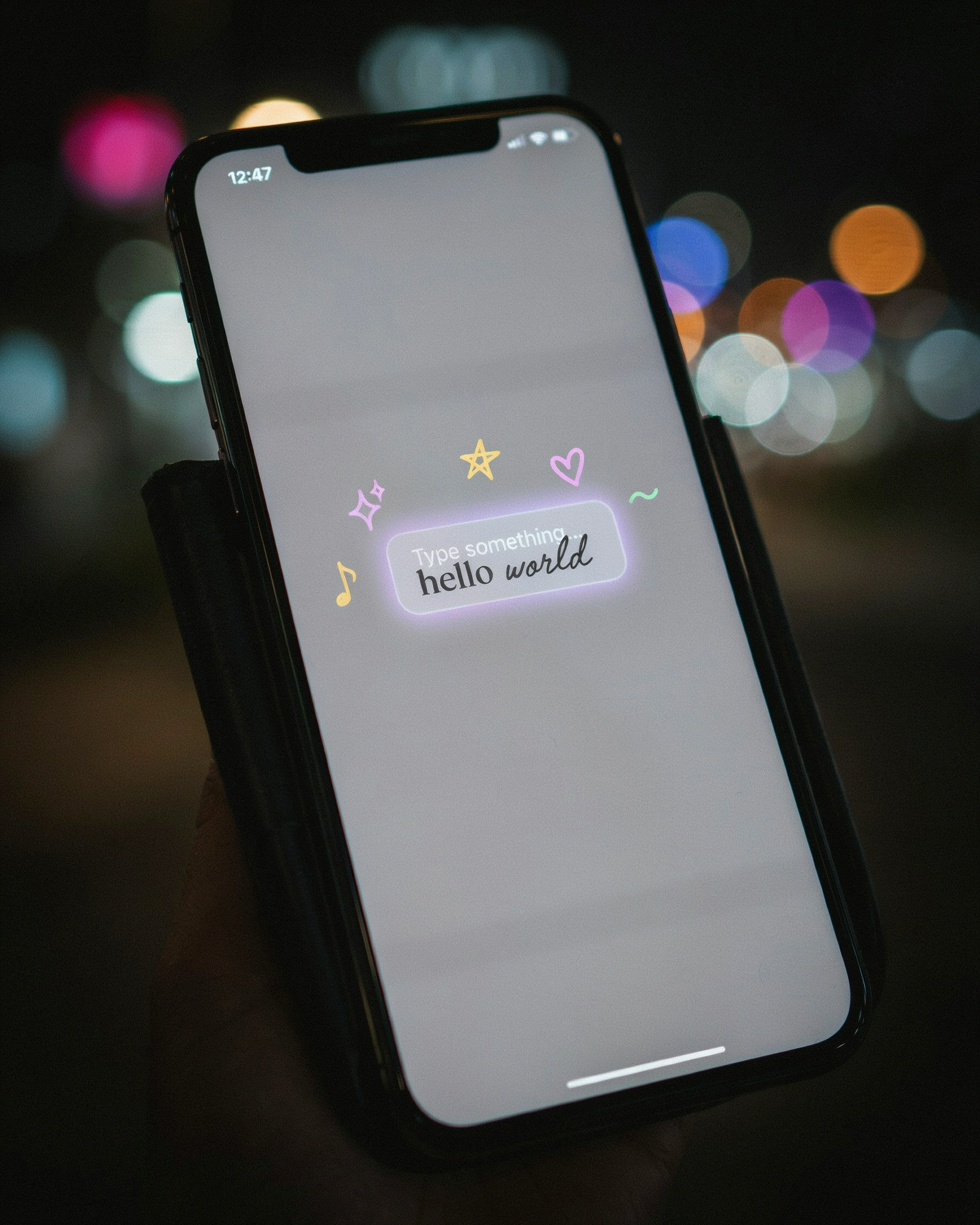
A stylish name generator is a simple online tool that transforms ordinary text into eye-catching, decorated usernames by applying special Unicode fonts, symbols, and stylistic flourishes. Instead of sticking with plain letters, you can instantly turn a basic name like “Alex” into something like “𝔄𝔩𝔢𝔵” or “ᗩᒪᗴ᙭” with just a few clicks. These generators work by mapping standard characters to their fancy Unicode equivalents, which are supported across most platforms, including PUBG Mobile and BGMI. Because the output is just text, not images, the stylish names display correctly in-game without any compatibility issues.
For PUBG and BGMI players, a stylish name generator is a go-to resource for standing out in the lobby. The tool typically offers a preview area where you type your desired name, and it instantly shows dozens of style variations, from cursive and gothic to bubble letters and glitch text. Many generators also include a library of symbols like stars, crowns, and arrows that you can copy and paste directly into your name. I have used a pubg name generator myself, and the process is seamless: pick a style, copy the decorated text, and paste it into the game’s name change field. It is that easy.
Why Your PUBG or BGMI Name Matters
I have seen it happen countless times in the lobby: a player with a name like “꧁༒☬S҉A҉V҉A҉G҉E҉☬༒꧂” enters, and the whole squad goes quiet. Your in-game name is your first impression. It is a signal that tells others whether you are a casual player or someone who takes the game seriously. A well-crafted stylish name can intimidate opponents before the match even starts, making them second-guess their approach when they see you in the kill feed. I have noticed that players with unique, bold names often get more friend requests and squad invites because they stand out in a sea of generic tags.
Beyond intimidation, your name is a form of personal branding. In the PUBG Mobile and BGMI community, a memorable name helps you build recognition. If you stream or post highlights, a consistent stylish name makes it easier for fans to find and remember you. It becomes your identity, something that teammates and rivals associate with your playstyle. I have watched players become known simply by their creative names, and that recognition can open doors to clans, tournaments, and a stronger social circle within the game. A name is not just text; it is your banner in every match.
How to Use a Stylish Name Generator for PUBG and BGMI
I’ve used a pubg name generator many times, and the process is simple enough that you can do it on your phone between matches. A stylish name generator takes your base name and transforms it using special Unicode characters that PUBG Mobile and BGMI both support, so you get a name that stands out in the lobby without any third-party mods. Here is how I do it step by step.
- Pick your base name. Start with a word or phrase that reflects your playstyle, like “Ghost”, “SniperKing”, or your real nickname. The base name is the readable part that your friends will recognize, so keep it short and memorable. I usually brainstorm two or three options before opening the generator.
- Open the stylish name generator. On your mobile browser, navigate to your chosen tool. I prefer sites that load fast on mobile data because I often tweak names while waiting for a match. Once the page loads, you will see a text box where you can type your base name.
- Type your base name and browse styles. Enter your base name into the input field and tap the generate button. The generator will instantly show dozens of variations, each using different pubg name style font options like bold, italic, cursive, or gothic. Scroll through the list and look for a style that matches your vibe. Some generators even let you filter by font category, which saves time.
- Add symbols for extra flair. Many generators include a library of symbols you can insert before or after your name. I like to add a crown or a skull to make the name feel more intimidating. Just tap the symbol you want, and it will be copied along with the styled name. This is where a pubg font symbol can really make your name pop.
- Copy the styled name. Once you find a combination you like, tap the copy button next to that variation. The generator copies the text to your clipboard, including all the special characters. On mobile, a toast message usually confirms the copy, so you know it worked.
- Paste it into PUBG Mobile or BGMI. Open the game and go to your profile. Tap the edit icon next to your current name. In the name change field, long-press and select paste. You will see the styled text appear. Before confirming, double-check that all characters display correctly. Some rare symbols might show as boxes, so I always test with a rename card if I have one to spare.
A few practical tips from my own experience: always keep a backup of your original name in case the style does not render well on all devices. Also, note that name change cards cost UC or are earned through events, so plan your rename carefully. If you are using a bgmi stylish name generator, the process is identical because both games share the same text engine. I have found that shorter base names work best because they leave room for symbols without getting cut off in the friends list. Finally, if you want to check how your name looks in-game, ask a squadmate to read it back to you before you finalize the change.
Popular Font Styles for PUBG Names
When I first started playing PUBG Mobile, I spent hours scrolling through a pubg name generator just to see how different fonts looked. The right style can make your name stand out in the lobby and even intimidate opponents before the match begins. A stylish name generator typically offers a range of font styles, each with its own vibe. Here are some of the most popular ones I have tested in-game.
Cursive and script fonts give your name a flowing, elegant look. They work well for players who want a classy or mysterious persona. For example, a name like 𝒮𝓃𝒾𝓅𝑒𝓇𝒬𝓊𝑒𝑒𝓃 appears as a sleek signature on the kill feed. These styles use Unicode characters that mimic handwriting, and most PUBG Mobile and BGMI versions render them cleanly.
Bold and gothic fonts are all about making a statement. Think of heavy, dark lettering that screams dominance. A name like 𝕯𝖊𝖆𝖙𝖍𝕸𝖆𝖈𝖍𝖎𝖓𝖊 feels aggressive and is easy to read even on small screens. I have noticed that many competitive players prefer this style because it looks sharp and professional.
Glitch or zalgo text adds a corrupted, digital effect by stacking diacritical marks. It is perfect for a hacker or cyberpunk theme. However, I must warn you: some symbols may not display correctly in BGMI, so always test your name in the training grounds. A stylish name generator will let you preview these effects before you commit.
Adding Symbols to Your PUBG Name
Symbols like stars, hearts, and arrows can make your PUBG name stand out in the lobby. I use a pubg name generator that includes a symbol library, so I can just click to add a crown or a skull without hunting for Unicode characters. If you prefer manual input, you can copy symbols from a character map and paste them directly into the name field. The key is to place symbols where they enhance readability, not clutter it. A single star on each side of your name looks clean, while a string of random symbols can make your name unreadable.
When using a stylish name generator, you will often see preset symbol combinations that are tested for compatibility. PUBG Mobile and BGMI support most common Unicode symbols, but some special characters may appear as blank squares on certain devices. I always test my name in the training lobby to see how it renders. A good rule is to limit yourself to two or three symbols per name. For example, a heart at the start and an arrow at the end can frame your name nicely. Avoid using symbols that are too similar to letters, because that can confuse other players and even get your name flagged by the game’s moderation system.
Creating a Unique Name: Tips and Tricks
I have spent countless hours in the lobby, and I can tell you that the most memorable names are the ones that feel personal. A stylish name generator gives you a great starting point, but adding your own twist makes the name truly yours. Start by combining two words that mean something to you: a favorite animal and a mood, a food and a color, or a hobby and a mythical creature. For example, “BlazePhoenix” or “ChocoStorm” are simple mashups that stick in the mind.
Inside jokes with your squad are gold. If you have a funny moment from a match, turn it into a name. I once saw a player named “PanWizard” after a clutch pan kill, and it was legendary. Mixing languages also works wonders. A Hindi word paired with an English action verb, like “ShaktimanStrike” or “JungleeSniper,” feels authentic and stands out in the lobby. Just make sure the combination is easy to read and pronounce, so your teammates can call you out quickly.
Avoid clichés like “Xx_Pro_xX” or “DarkLord123.” These are overused and make you blend in. Instead, think about what makes your playstyle unique. Are you a stealthy player? Try “SilentMist” or “ShadowStep.” If you are the squad’s medic, “ReviveKing” or “HealBot” can be both funny and descriptive. The goal is to create a name that feels like a signature, not a generic tag. When you use a pubg name generator, take the suggestions and remix them. Change a letter, add a number that has personal meaning, or swap a word to make it yours. Originality is what gets you noticed and remembered long after the match ends.
Common Mistakes to Avoid When Choosing a Stylish Name
Even with a reliable pubg name generator, it is easy to fall into traps that make your name less effective. I have seen countless players regret their choices after a few matches. The first mistake is picking a name that is too long. PUBG Mobile and BGMI often truncate lengthy names in the kill feed or on the scoreboard, so anything beyond 14 characters can become a jumbled mess. Keep it short and punchy.
Another common error is using fonts that are impossible to read. While a fancy pubg name style font looks cool in a preview, in-game it may appear as blank boxes or garbled text on other devices. Always test your name on a friend’s screen before committing. I learned this the hard way when my clan could not tag me because my symbols turned into question marks.
Offensive or toxic terms are a surefire way to get reported. PUBG and BGMI have strict naming policies, and using slurs, hate speech, or even mildly inappropriate words can lead to a forced name change or a temporary ban. The stylish name maker tools are for creativity, not for skirting the rules. Also, avoid copying popular streamers or pro players verbatim. It might seem fun to impersonate your idol, but it confuses teammates and can come off as unoriginal. Instead, use a stylish name generator to remix elements of their style into something uniquely yours.
Finally, do not overcomplicate the design. A name cluttered with too many symbols or alternating fonts becomes an eyesore. Remember, your name is your identity in every lobby. A clean, memorable stylish name will earn more respect than a chaotic string of characters. When in doubt, simplicity wins.
How to Change Your Name in PUBG Mobile and BGMI
Once you have used a pubg name generator to find the perfect stylish name, the next step is getting it into the game. Both PUBG Mobile and BGMI let you change your name, but you need a Rename Card. You can buy one in the shop for UC or Unknown Cash, or you might get one from events and the Royale Pass. Here is how to do it step by step.
- Open the game and go to your profile by tapping your avatar in the top-right corner.
- Tap the edit icon (a small pencil) next to your current name.
- A pop-up will ask you to enter a new name. Paste or type the stylish name you created.
- Confirm the change. The game will check if the name is available and follows the rules, like length limits and no banned words.
- If everything is fine, the Rename Card will be used and your new name will show up right away.
Keep in mind that you can only change your name once every 15 days, so pick carefully. Also, some special symbols might not work in the game, so test your name first. A stylish name generator can help you avoid characters that cause errors. If the name is taken, try adding a small variation like an extra symbol or a different font style.
Stylish Name Generator vs. Manual Creation
I have tried both methods over the years, and each has its own appeal. A pubg name generator gives you instant results with zero effort. You type a base word, pick a font, add symbols, and you are done in under a minute. It is perfect when I need a quick name for a new account or when my creativity hits a wall. The variety of fonts and symbols means I can experiment with looks I would never think of on my own.
Manual creation, on the other hand, feels more personal. I can spend an hour tweaking a name until it perfectly reflects my style. I might combine a favorite word with a symbol that has meaning to me, or I might craft a pun that only my squad understands. The downside is time and the risk of hitting a dead end. Sometimes I end up with a name that looks great on paper but is already taken in the game.
For most players, I recommend starting with a stylish name generator to get a solid base, then manually tweaking it. This hybrid approach saves time while keeping the name unique. The generator handles the heavy lifting of font styles and symbol placement, and you add the final personal touch.
Frequently Asked Questions
Can I use a stylish name generator on any device?
Yes, most stylish name generators work right in your browser on phones, tablets, and PCs. They don’t need downloads or special apps, so you can create a name on the go. Just open the site, type your base name, and copy the styled result into PUBG Mobile or BGMI.
Are stylish names allowed in PUBG and BGMI?
Stylish names using Unicode symbols and special fonts are generally allowed, as long as they don’t violate the game’s terms of service. Avoid offensive language or symbols that could be reported. Krafton’s rules focus on behavior, not font styles, so most decorative names are fine.
What is the character limit for PUBG names?
PUBG Mobile and BGMI limit names to 14 characters, including spaces and symbols. Some special Unicode characters count as one character each, but complex symbols may take up more space. Always check your final name length in the generator before applying it in-game.
Is it safe to use online name generators?
Reputable stylish name generators like pubg name generator are safe because they process everything in your browser without storing data. Avoid sites that ask for logins or personal info. Stick to well-known tools with no download requirements to keep your account secure.
Can I change my name multiple times?
Yes, you can change your PUBG or BGMI name multiple times, but each change usually costs UC or requires a rename card. The first change is often free, so plan your stylish name carefully. After that, you’ll need to spend in-game currency for each new name.