Ultimate Nickname Generator Random: Find Your Perfect PUBG
A nickname generator random tool is the quickest fix when you’re stuck staring at the PUBG Mobile or BGMI sign-up screen, trying to invent a tag that doesn’t look like everyone else’s. You sit there typing and deleting, watching every decent name get rejected because it’s already taken. That’s where PUBG Name Generator 2026 comes in. It spins up fresh, stylish, copy-and-paste-ready names in seconds, so you can stop overthinking and get into the lobby. Whether you want something clean, aggressive, or with symbols that actually render in-game, the right tool saves you a lot of wasted time.
Key Takeaways
- A nickname generator random tool gives you fresh, ready-to-copy PUBG and BGMI name ideas in seconds, so you skip the blank-screen struggle.
- You can filter or regenerate results until a name matches your play style, whether that’s aggressive, funny, stylish, or weapon-inspired.
- Most generated names work best when you tweak them slightly, adding a symbol, a number, or a personal touch so they feel like yours and stay unique.
- Using a bgmi nickname generator is faster than manual brainstorming and gives you combos you probably wouldn’t have tried on your own.
- Copy the name, paste it into the game’s rename field, and check that it follows PUBG or BGMI’s character limits before you confirm.
Why PUBG and BGMI Players Struggle to Find a Good Name
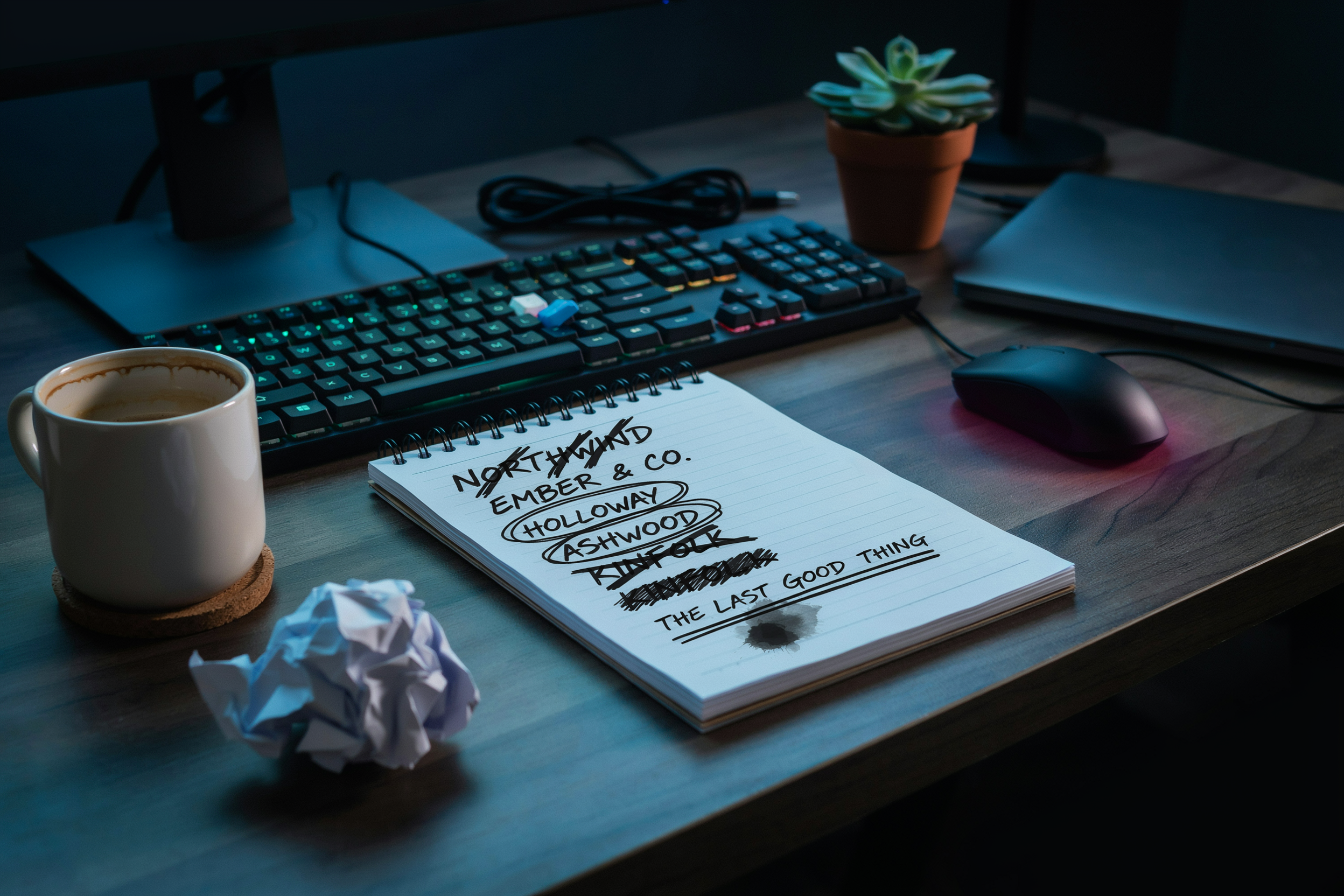
PUBG Mobile and BGMI together host hundreds of millions of registered accounts. That scale creates a problem most new players hit within their first session: every short, clean username is already taken. You type in “Ghost” or “Reaper” and the game tells you it’s unavailable, so you start adding numbers and underscores until the name barely resembles what you wanted. The result is a tag that looks like a license plate, not a callsign.
Character limits make it worse. PUBG Mobile allows up to 14 characters for a name, and BGMI follows the same cap. That’s enough for a word or two, but not enough for the multi-word phrases players often imagine. You can’t fit “SilentAssassinFromMumbai” into the field, so you’re forced to abbreviate, and the abbreviation usually loses the personality you were going for.
There’s also the style problem. A plain name like “Player48291” works fine mechanically, but it does nothing for how you feel in the lobby or how teammates read you before a match. Players want something stylish, memorable, and a little intimidating. That’s exactly why a pubg nickname generator has become the fastest way past the wall of taken usernames: it combines words, symbols, and fonts you wouldn’t have tried on your own, and it does it in seconds. The struggle isn’t a lack of creativity. It’s that the obvious names are gone and the good ones are hard to assemble by hand.
What a Random Nickname Generator Actually Does
A random nickname generator takes a set of inputs and mixes them into combinations you probably wouldn’t have tried on your own. The tool pulls from word lists, symbol sets, and font libraries, then shuffles them until something clicks. You might get a two-word combo like “VenomReaper” or a single word with a Unicode flourish attached. The point isn’t to hand you a finished identity. It’s to break the blank-page problem and give you raw material to react to.
Most generators work on a simple loop: pick a base word, pick a modifier, apply a style, and output the result. The base word might come from a category like animals, weapons, or myth. The modifier could be a number, a short adjective, or a special character. The style layer handles fonts and symbols, which is where things like invisible characters and fancy Unicode letters come in. When you hit the button again, the same logic runs with different picks. That’s the core mechanic.
What separates a useful tool from a gimmick is how much control you keep. A good random nickname generator lets you set a theme first, so you’re not scrolling through names that have nothing to do with your playstyle. If you want a sniper-focused tag, you should be able to tell the tool that and get results built around precision and distance. If you want something funny, the output should lean that way. The randomness is a feature, not a replacement for your own taste.
The style layer matters more than most players expect. PUBG and BGMI both support a range of Unicode characters, so a generator can produce names that look completely different in the lobby even when the base word is ordinary. A name like “Ghost” becomes something else entirely when it’s rendered in a stylized font with a symbol on each side. That’s why the best tools let you preview the name before you copy it. You need to see how it actually renders in-game, not just how it looks in a browser window.
How to Use the Nickname Generator Random Tool
Open PUBG Name Generator 2026 and you’ll see a clean interface with a few style toggles. Pick a category first. Invisible names, weapon-inspired tags, stylish fonts, and cute symbols are all available. The tool filters results based on that choice, which saves you from scrolling through names that don’t fit your vibe.
Hit the generate button and a batch of suggestions appears. Each one is copy-and-paste ready, so you don’t need to manually add symbols or special characters. If nothing clicks, generate again. The random nature means every refresh pulls a new set, and you can keep going until something sticks.
When you find a name you like, tap the copy icon next to it. Then open PUBG Mobile or BGMI, go to your profile, and select the rename option. Paste the name into the field. The game accepts most Unicode symbols, but a few are blocked, so if you get an error, try a different suggestion from the same style category.
One thing worth knowing: the bgmi nickname generator works the same way, but BGMI has slightly different character limits than global PUBG. If a name fits in PUBG but gets rejected in BGMI, trim a symbol or two and try again. The tool usually handles this automatically, but it’s good to know why an occasional paste fails.
You can also mix styles. Generate a weapon-inspired base name, then switch to the stylish font option and run it through again. That gives you a unique tag without manual editing. It’s the fastest way to get a name that looks custom without spending an hour on it.
Style Options: From Invisible Names to Weapon-Inspired Tags
Once you have a base name from the nickname generator random tool, the real fun starts. Style is where a plain tag becomes something people remember. Most players land in one of five lanes: symbols, fonts, special characters, invisible names, or weapon-inspired tags.
Symbols are the easiest upgrade. A simple name like “Raven” becomes “꧁Raven꧂” or “Raven✦” with a couple of flourishes. These work because PUBG Mobile and BGMI both render common Unicode symbols cleanly in the lobby and kill feed. Stick to symbols you can actually see on your own screen. Some obscure glyphs show up as boxes on certain devices, which ruins the effect.
Fonts are a bigger visual shift. The Ultimate Stylish Name Generator: Create Cool Names for PUBG and BGMI converts standard letters into bold, cursive, or gothic Unicode variants. These read as normal text to the game server but look completely different to other players. One caution: font-heavy names can be hard to read in the kill feed, so keep the core word recognizable.
Special characters sit between symbols and fonts. Things like underscores, dots, and rare Unicode marks let you claim a name that is already taken by breaking it up visually. “NightWolf” becomes “N i g h t W o l f” or “Night.Wolf” without changing the actual letters.
Invisible names are the most requested style we see. The trick uses zero-width Unicode characters that take up a name slot but display as blank space. It looks clean, but it has a real downside: teammates cannot tag you by name, and some players report issues with friend requests.
Weapon-inspired tags are the last big category. Names built around guns like “AWM_OneTap” or “M416_Melter” signal your playstyle before the match even starts. These work best when the weapon matches how you actually play. A sniper name on a rusher reads as a lie to anyone who spectates you.
Random Generation vs. Manual Brainstorming
Manual brainstorming has a certain appeal. You sit down, think about your playstyle, maybe jot down a few words that describe you, and try to combine them into something that sounds cool. The problem is that PUBG and BGMI have millions of players, and the obvious combinations are almost always taken. You’ll spend twenty minutes trying variations of “Shadow” or “Ghost” only to find every single one is already in use, often with a string of numbers tacked on the end.
A username generator flips that process. Instead of starting from a blank page and hoping inspiration strikes, you start from a pool of pre-built combinations that already work. The tool mixes adjectives, nouns, symbols, and sometimes numbers in ways you wouldn’t have tried on your own. That’s the real advantage: it breaks you out of the mental loop where every name you invent sounds like a worse version of one you’ve already seen.
That said, manual brainstorming isn’t useless. If you have a specific word or phrase that means something to you, a gamertag generator won’t know that. It can’t pull from your inside jokes or your favorite weapon skin. The best approach is usually a hybrid: use the generator to produce a dozen or so options, pick the one that feels closest to what you want, then tweak it by hand. That gets you the speed of automation with the personal touch of manual work.
| Factor | Random Generation | Manual Brainstorming |
|---|---|---|
| Speed | Seconds to get dozens of options | Can take 20+ minutes with no result |
| Creativity | High, but sometimes generic | High only if you’re naturally creative |
| Uniqueness | Moderate, needs tweaking | Potentially high, but hard to verify |
| Effort | Near zero | Significant |
Where the generator really wins is volume. You can look at fifty names in the time it takes to brainstorm three by hand, and seeing that many options side by side makes it easier to spot what you actually like. Manual brainstorming gives you depth on a single idea, but it’s slow and often ends in frustration when the name is taken.
Common Mistakes When Picking a PUBG Name
Most bad names come from the same handful of habits. Players rush, copy someone else, or stack so many symbols that the name becomes unreadable in the kill feed. Here are the mistakes I see most often, and how to avoid them.
- Making it too long. PUBG Mobile and BGMI cap character counts, and a 14-character name with three words gets cut off in squad menus. Keep it under 10 characters when you can. Short names read faster and look cleaner on leaderboards.
- Overloading symbols. One or two special characters add style. Seven or eight turn your name into noise. If a teammate can’t type it or call it out in voice chat, it’s already failed.
- Copying a streamer’s exact tag. It feels tempting, but you’ll get lost in a sea of clones. Borrow the vibe, not the letters. A PUBG Name Generator 2026 can spin a familiar style into something that’s actually yours.
- Picking something offensive or edgy. Reports add up fast, and BGMI has cracked down on names that violate community guidelines. A clean name lasts longer.
- Ignoring how it sounds out loud. Your squad will say your name dozens of times a night. If it’s awkward to pronounce, they’ll shorten it into something you didn’t choose.
Before you lock a name in, read it three times: once fast, once out loud, and once in all caps. If it survives all three, you’ve probably got a keeper.
Making the Name Yours: Tweaking Generated Suggestions
A generated name is a starting point, not a finished product. The best PUBG tags almost always get a small human edit before they go live. Take what the tool gives you and make it feel like something you actually chose.
Numbers are the easiest tweak. Swap a generic “123” for your birth year, your squad number, or a number that already means something to you. Capitalization matters more than most players think. Changing “shadowstrike” to “ShadowStrike” or “SHADOWSTRIKE” completely shifts how the name reads on a kill feed. Symbols work the same way: a single underscore or a well-placed special character can turn a plain name into something that stands out in the lobby.
One trick we use often: run the generator two or three times, then combine the best parts of different results. The first half of one name plus the second half of another often produces something better than either original. This is where a PUBG Name Generator 2026 really earns its keep, because you can generate as many variations as you want without burning creative energy.
Don’t overdo it. Too many symbols make a name hard to read and harder for teammates to call out in a firefight. Keep the tweaks small enough that the name still sounds like a name, not a keyboard smash.
Frequently Asked Questions
Can I use a random nickname generator for PUBG and BGMI?
Yes. A nickname generator random tool works for both games because they share the same naming system. The generator pulls from style categories like symbols, fonts, and special characters, so you get copy-ready names that fit either PUBG Mobile or BGMI without extra editing.
How do I make my PUBG name unique?
Start with a generated base, then swap one word or add a number that means something to you. Avoid copying trending names exactly. Mixing a weapon term with a personal marker, like your birth year or a favorite map, usually keeps the name original without overcomplicating it.
Are special characters allowed in PUBG names?
Most special characters and symbols work, but some get stripped or cause display issues on certain devices. Stick to the character sets the generator offers, since those are tested for in-game compatibility. If a symbol doesn’t render, replace it with a simpler one from the same style.
Can I change my PUBG name later?
Yes, but it usually costs a rename card or in-game currency, and there may be a cooldown between changes. That’s why testing a generated name before committing matters. Copy it, check how it looks in a lobby, and only then apply the rename.
What makes a good BGMI nickname?
A good BGMI nickname is short, easy to read, and memorable in a kill feed. Avoid random number strings and overly long symbol chains. The strongest names combine a clear word with one style accent, which is exactly what a bgmi nickname generator is built to produce.
Final Thoughts and Next Steps
Finding a name that feels right shouldn’t take an entire evening. A nickname generator random tool strips away the blank-page problem and gives you a starting point you can actually work with. We built pubgnamegenerator.net for exactly that reason: type in a base word, pick a style, and copy a name that’s ready for the lobby.
If you’re still unsure, run the generator a few times. Mix two suggestions. Swap a symbol. The goal isn’t the first result, it’s one you won’t want to change after a week. And when you land on it, test it in a custom room before committing your rename card.
Try the PUBG Name Generator 2026 now and grab something that actually sounds like you.