Ultimate BGMI Name Symbol: How to Add Stylish Characters
I still remember the first time I saw a player with a bgmi name symbol in the kill feed. It was a statement. That tiny crown, the sleek arrow, or the bold star next to their ID made them stand out instantly. I knew right then that I wanted the same kind of presence in every match I played. And if you’re reading this, I’m guessing you do too. Adding a bgmi name symbol is one of the easiest ways to make your profile memorable, but it can be tricky if you don’t know where to start. In this guide, I’ll walk you through everything I’ve learned about finding, choosing, and using these symbols. We’ll cover the best sources for bgmi symbols, how to create a unique bgmi name style, and even how to use a name generator to speed things up. Whether you’re after a symbol for pubg or a full pubg font symbol makeover, I’ve got you covered. Let’s give your in-game name the upgrade it deserves.
Key Takeaways
- Adding a bgmi name symbol is a simple copy-paste process that instantly makes your in-game identity stand out from the millions of generic names.
- You can find symbols for PUBG and BGMI on dedicated websites like our name generator, which offers a curated collection of Unicode characters that work inside the game.
- Combining symbols with creative text creates a unique bgmi name style that reflects your personality, whether you prefer sleek minimalism or bold decorative flair.
- Not every symbol works in BGMI, so testing a few options and sticking to widely supported Unicode ranges saves time and frustration.
- A distinctive name with a well-chosen pubg name symbol boosts your presence in lobbies and helps teammates recognize you instantly during intense matches.
What Are BGMI Name Symbols and Why Use Them?
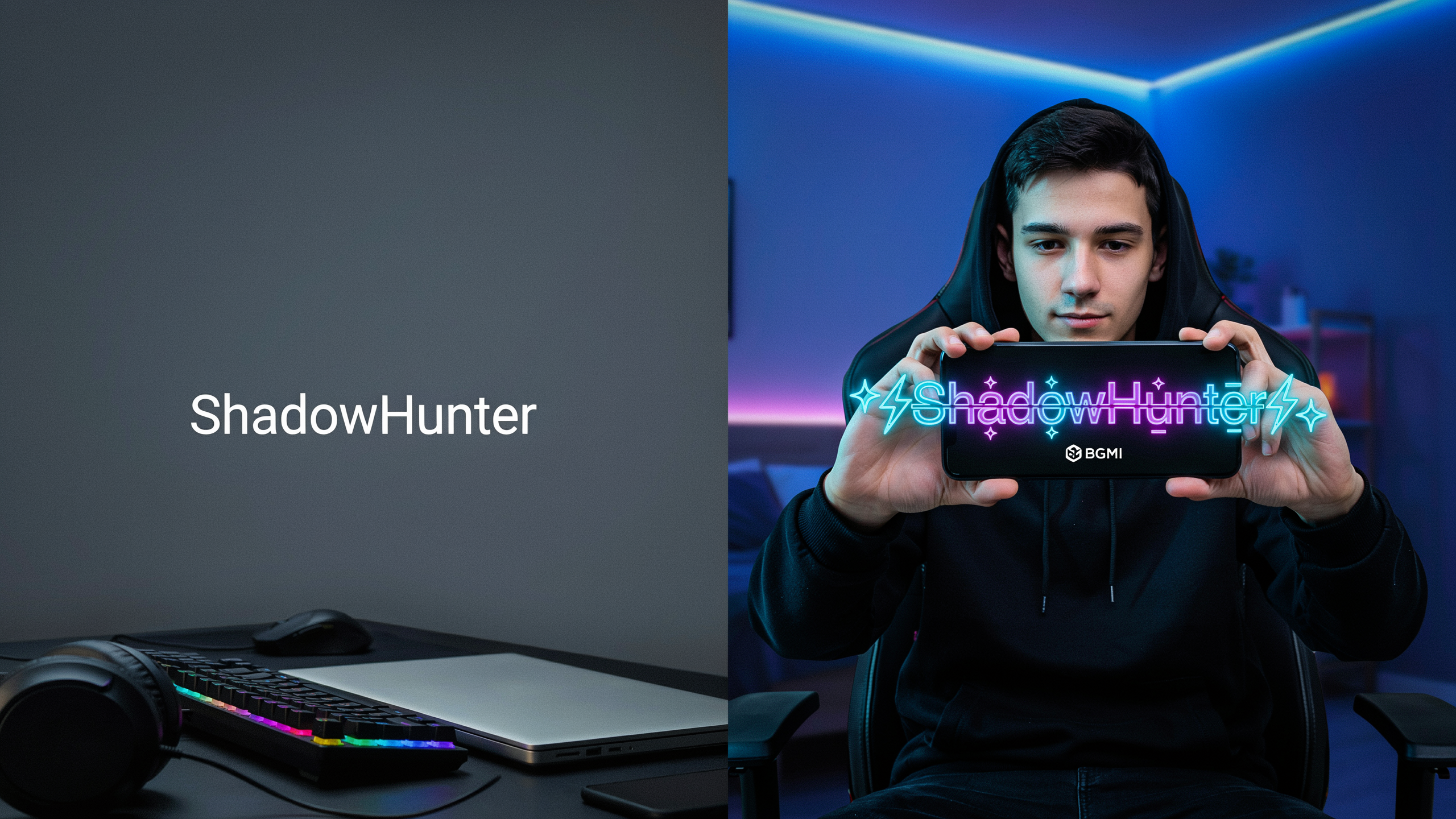
A bgmi name symbol is a special Unicode character that you can insert into your in-game name to make it look unique. These aren’t regular letters or numbers; they include things like stars (★), hearts (♥), musical notes (♪), and hundreds of other decorative glyphs. I’ve been using them for years, and they instantly transform a plain name like “SniperKing” into something like “★SniperKing★” that catches everyone’s eye on the kill feed.
Why bother? First, standing out in the lobby and during matches is a big deal. When you’re scrolling through the friends list or the post-match screen, a name with a bgmi name symbol pops. It’s a quick way to express your personality without saying a word. A skull (☠) might signal you’re a fierce competitor, while a crown (♛) suggests you play like royalty. I’ve seen players use symbols to represent their clan, their favorite weapon, or just a vibe they want to project.
These symbols work across BGMI and PUBG Mobile because both games support Unicode text input. That means the same symbol for pubg you use in one game will show up in the other. It’s a universal trick that doesn’t require any mods or hacks. Just copy, paste, and you’re good to go.
Beyond looks, a memorable name helps you build a reputation. If you’re active in the community or streaming, a distinctive name with a pubg name symbol makes you easier to remember. I’ve had people recognize me from previous matches just because of the unique symbols in my name. It’s a small touch that can have a big impact on your gaming identity.
How to Find the Perfect Symbol for PUBG and BGMI
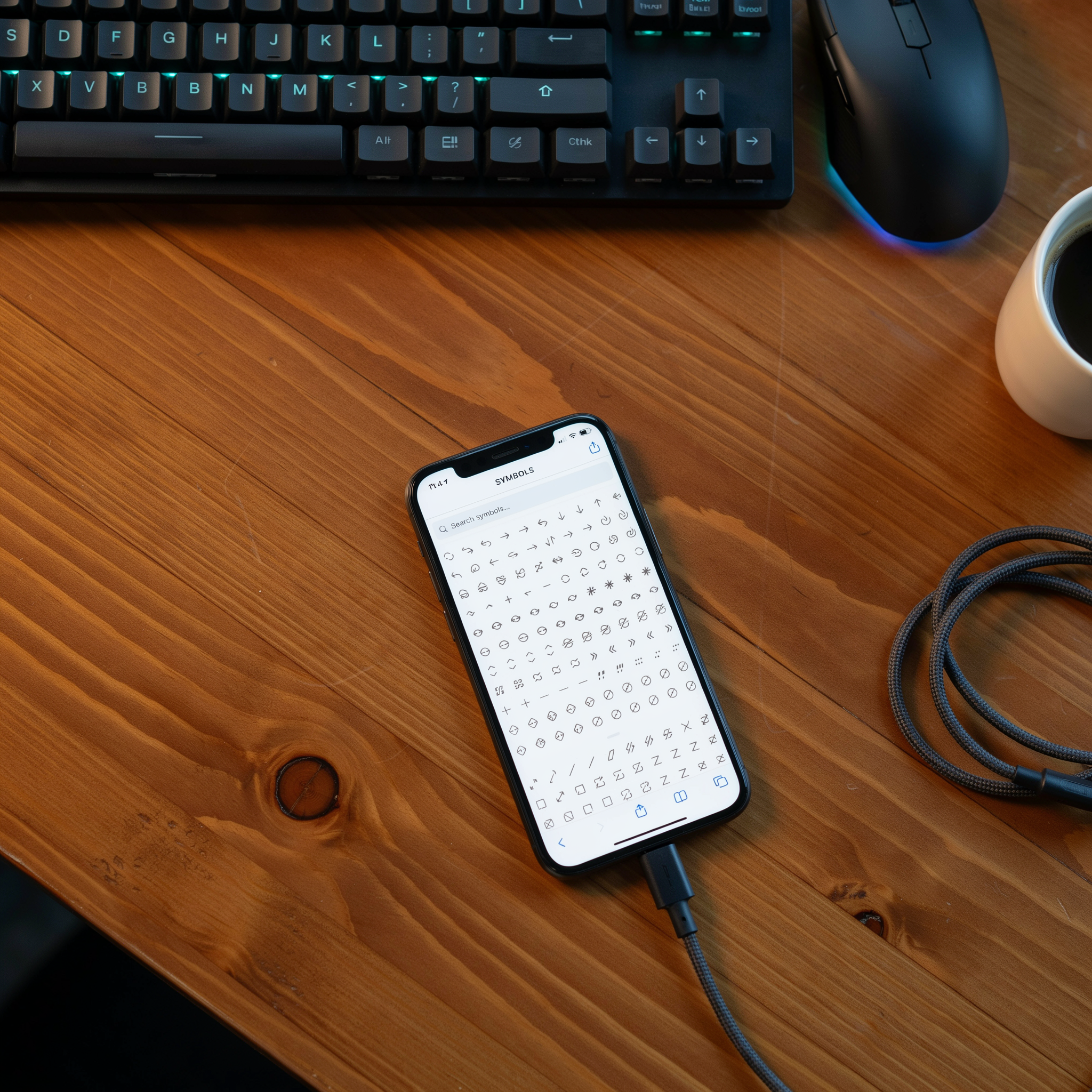
Finding the right symbol for pubg or BGMI is simpler than most players think. I usually start with my device’s built-in character map. On Android, long-pressing a letter on the keyboard reveals accented variants like é or ñ. On iOS, holding a key brings up a pop-up with diacritics. These small tweaks can turn a plain name into something that stands out in the kill feed.
When I need something more exotic, I head to online symbol libraries. Sites like Unicode-table let you browse hundreds of characters, from stars and arrows to Greek letters and mathematical symbols. You just tap to copy, then paste directly into the game’s name field. It’s that fast. I’ve built a personal collection of favorites over time, which saves me from hunting every time I want to refresh my look.
Dedicated tools like a name generator speed things up even more. They combine symbols with stylish fonts and suggest full names you can tweak. I’ll often take a generated name, swap a few symbols, and make it my own. The key is to test the name in the game right away, because not every Unicode character renders correctly in BGMI. A quick check in the profile screen confirms whether your chosen symbol shows up as intended.
Copy-pasting is the easiest method by far. I keep a note on my phone with a dozen symbols I use regularly, like ꧁༒☬ or ツ, so I can drop them into any new name in seconds. This approach lets you experiment without typing complex codes. Whether you want a subtle accent or a bold clan tag, the perfect symbol is just a few taps away. For more ideas, check out our symbols page.
Step-by-Step: Adding a BGMI Name Symbol to Your Profile
I have changed my BGMI name more times than I can count, and the process is straightforward once you know where to tap. The key is having your chosen symbol copied to your clipboard before you open the game. I usually keep a note on my phone with a few favorite symbols so I can swap them out whenever I want a fresh look. Here is exactly how I add a bgmi name symbol to my profile, step by step.
- Copy your symbol. Find the symbol you want to use (from a website, a friend’s name, or a notes app) and long-press it, then tap “Copy.” Make sure you copy only the symbol itself, not extra spaces or characters around it.
- Open BGMI and go to your profile. Launch the game and tap your avatar in the top-right corner of the main lobby screen. This opens your profile page where you can see your current name, level, and stats.
- Tap the edit icon next to your name. On the profile page, you will see a small pencil or edit icon beside your in-game name. Tap it to open the name-change dialog. If you have a Rename Card available, the game will let you proceed; if not, you will be prompted to buy one from the shop.
- Paste the symbol and type your new name. In the text field, long-press and select “Paste” to insert the symbol. Then type the rest of your name around it. For example, if I paste a crown symbol and type “King,” my name becomes “
♛King.” You can paste multiple symbols or place them at the beginning, middle, or end. - Check for unsupported characters. BGMI does not accept every Unicode symbol. If you see an error message like “Invalid name” or “Unsupported characters,” the symbol you pasted is not allowed. Try a different symbol from the same style family; simple shapes like stars, hearts, and arrows usually work.
- Confirm and save. Once your name looks right, tap the confirm button (usually labeled “OK” or “Change”). The game will deduct one Rename Card and apply the new name immediately. You can verify the change by checking your profile or asking a squadmate to read your name in the lobby.
If you are on a phone with a finicky clipboard, I recommend using a dedicated name generator that lets you copy symbols with one tap. Some keyboards also have a clipboard history that makes it easier to retrieve symbols you copied earlier. The whole process takes less than a minute once you get the hang of it, and the result is a name that stands out in every match.
Popular BGMI Name Styles and Symbol Combinations
After experimenting with hundreds of combinations, I have noticed that the most memorable bgmi name style choices fall into a few clear categories. The key is matching the symbol’s personality to the vibe you want in the lobby. A crown instantly signals royalty, while a skull adds a dark, aggressive edge. Here are some of the combinations that consistently get compliments from my squad.
For a classic royal look, try ꧁༺Royal༻꧂ or 『King』. These use decorative brackets and wingdings to frame the text, creating a banner effect that stands out in kill feeds. If you prefer something sleek and modern, minimalist names like Shadow or Phantom work well with a single symbol on each side. I often pair a simple word with a star or a small arrow to keep the name clean but distinctive.
Hearts and flowers are perfect for a softer, more playful aesthetic. Names like Luna or Blossom feel warm and inviting. You can also mix symbols to create a unique pattern, for example Gamer combines a crown, a star, and a skull for a layered effect. When I want to project confidence, I use a name generator to find fresh symbol combinations and then tweak them by hand. The best bgmi name style is one that feels authentic to you, so do not be afraid to experiment until you find a signature look that your friends will recognize instantly.
Using a PUBG Name Symbol Generator for Quick Results
When I want a fresh bgmi name symbol without spending hours scrolling through Unicode charts, I turn to a name symbol generator. These tools automate the whole process, letting you type a base name and instantly preview it with dozens of stylish symbols, fonts, and decorations. For players who care about speed, a name generator can produce a battle-ready name in under a minute, which is a lifesaver when you are itching to drop into Erangel. The convenience is hard to beat: you skip the manual copy-paste dance and get a curated list of options that are already tested for BGMI compatibility.
Most generators work the same way. You enter your desired text, pick a category like crowns, hearts, or arrows, and the tool wraps each letter or the whole string in matching Unicode symbols. The output is a complete name you can copy straight to your clipboard. I have found that using a dedicated pubg name symbol tool cuts out the guesswork because the symbols are pre-filtered to display correctly in the game’s chat and kill feed. Not every Unicode character renders properly in BGMI, and a good generator knows which ones to avoid. This means you spend less time troubleshooting invisible boxes and more time flexing a name that actually shows up.
One thing I appreciate is the creative spark these tools provide. Even when I have a rough idea, seeing a generator’s suggestions often leads me to a bgmi name symbol combination I wouldn’t have thought of on my own. It’s like having a design assistant that understands the game’s aesthetic. Whether you want a minimalist look with a single bullet point or a fully decked-out name with wings and stars, a generator can serve up multiple styles in seconds. For anyone who values quick results and a polished final product, it’s an essential part of the naming toolkit. You can also explore our fonts page for more styling options.
Troubleshooting: When Symbols Don’t Work in BGMI
I have run into this more times than I can count. You copy a cool symbol for PUBG, paste it into your name, and it shows up as a blank box or a weird rectangle. It is frustrating, but the fix is usually simple. The most common cause is that BGMI does not support every Unicode character. The game only renders symbols that are part of its built-in font set, so a symbol that works in your phone’s notes app might not work in the game. When this happens, my first move is to try a different but similar symbol. For example, if a fancy star fails, I switch to a basic star or a different wingding character. I keep a short list of reliable symbols that I know work, and I test them one by one.
Another issue is name length. BGMI has a character limit, and some symbols count as more than one character. If your name is already long, adding a symbol might push it over the limit. The game will simply reject the name without a clear error. I always check the length by typing the name in a text editor that shows character count. If it is too long, I shorten the base name or use a single compact symbol instead of a string of them.
Game updates can also break symbols. After a major patch, I have seen symbols that worked fine suddenly turn into boxes. This is because the developers sometimes update the font files or restrict certain character ranges to prevent abuse. If your bgmi name symbol stops working after an update, the best fix is to search for a new symbol from a trusted source. I often use a name generator that stays updated with the latest working symbols. It saves me the trial and error. Also, make sure your game is updated to the latest version, because an outdated client might not support newer symbols that the server allows. If all else fails, I fall back to simple ASCII symbols like underscores or hyphens, which always work and still add a bit of style. For a deeper dive into name styling, visit our BGMI name style ideas page.
Creative Ideas for Your BGMI Name with Symbols
Once you have the basics down, the real fun begins: experimenting with themes that make your name stand out. I love seeing how a simple bgmi name symbol can transform a plain ID into something that tells a story. For example, if you run with a squad, adding a clan tag like [X] or 「PHX」 before your name instantly signals your crew. Pair it with a fire emoji or a crown symbol, and you have a look that feels both organized and aggressive.
Role-based symbols are another favorite of mine. Snipers often use crosshairs (⨁ or ⌖), while medics might pick a caduceus (⚕) or a heart (♥). I have even seen support players use a shield (⛨) to show they have your back. These small touches let your teammates know your playstyle before the match even starts. And if you want to go all out, consider seasonal symbols: a snowflake (❄) in winter, a pumpkin (🎃) around Halloween, or a firework (🎆) for New Year events. It keeps your profile fresh and shows you are paying attention to the game’s calendar.
Do not be afraid to mix and match. I once combined a lightning bolt (⚡) with a star (★) to create a name that felt fast and elite. The key is to keep it readable, so avoid stacking too many symbols together. A good bgmi name symbol should enhance your name, not swallow it. Try out a few combinations in a notes app before committing, and ask your squad for feedback. After all, your name is the first thing enemies see when you knock them out, so make it memorable.
The Impact of a Unique Name on Your Gaming Experience
I have noticed that a well-crafted bgmi name symbol changes how I feel when I drop into Erangel. The moment I see my custom name with its glowing crown or lightning bolt, I stand a little taller. It is about owning my presence in the lobby. Friends recognize me instantly, and random squadmates often comment on the design before the match even starts. That small boost of confidence carries into my gameplay, making me more decisive in gunfights.
There is also a subtle intimidation factor. When an enemy sees a name with a rare symbol for pubg, they sometimes hesitate. I have watched opponents pause for a split second after knocking me, as if they are reading the name. That extra moment has let my teammates secure the revive. It sounds silly, but in a game where milliseconds matter, a distinctive name can be a tiny psychological edge.
Beyond the match, a unique name helps build a personal brand. Whether I am streaming or posting clips, viewers remember a name that stands out. I have built a small community around my in-game identity, and it all started with a simple name generator search. A memorable bgmi name symbol is more than decoration; it is a statement that I take the game seriously and have fun doing it. For more on why your username matters, read our guide on PUBG usernames.
Frequently Asked Questions
Do BGMI name symbols affect gameplay or performance?
No, adding a bgmi name symbol is purely cosmetic. It does not change your in-game stats, ping, or frame rate. The game treats symbols as regular text characters, so you can style your name without worrying about lag or bans.
Are symbols in BGMI names allowed by the game’s terms of service?
Yes, using standard Unicode symbols is allowed. Krafton does not prohibit decorative characters as long as they are not offensive or impersonating official accounts. Stick to common symbols from a name generator to stay safe. You can check the official BGMI terms of service for details.
How can I change my BGMI name multiple times?
You can change your name using a Rename Card, which costs 180 UC or is sometimes earned through events. After using one, there is a 7-day cooldown before you can change it again. Plan your bgmi name style carefully to avoid wasting cards.
Why do some symbols show as boxes or question marks in BGMI?
This happens when the symbol is not supported by the game’s font. BGMI uses a limited character set, so fancy fonts or emojis often fail. Test symbols from a pubg font symbol list in the training ground before finalizing your name.
Can I use the same symbol for PUBG Mobile and BGMI?
Yes, both games share the same text engine, so any symbol for pubg works in BGMI. However, some symbols may appear differently on iOS and Android, so check on your device first.