PUBG Name Change: Costs, Limits, and How to Rename
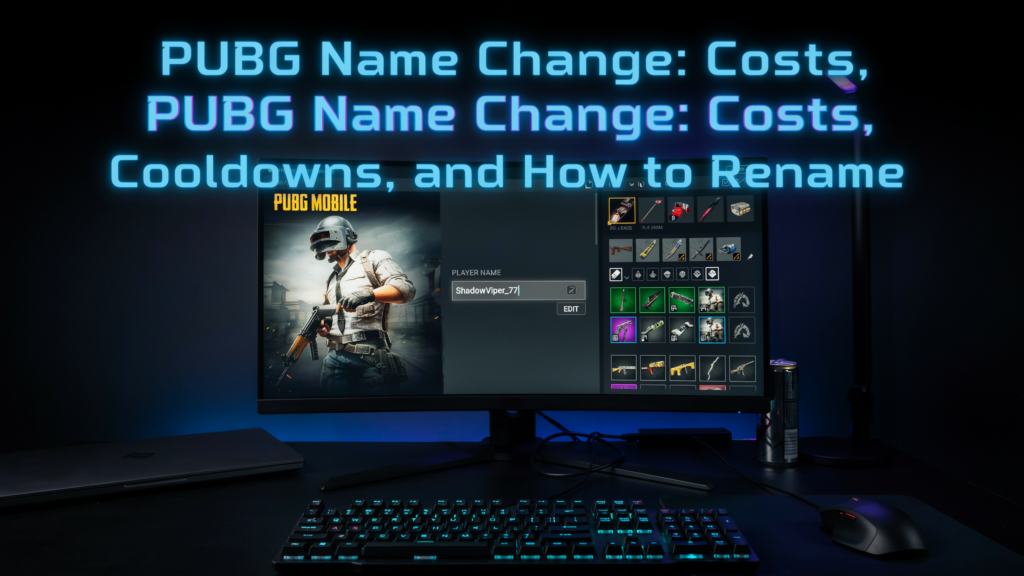
A pubg name change is one of the first things I did after my first chicken dinner, my default name felt like a placeholder, and I wanted something that actually represented my playstyle. Whether you’re tired of your old tag, want to match your squad, or just found a cooler idea, renaming your character is quick and surprisingly fun. I’ve helped dozens of squadmates walk through the process, and I’ll show you exactly how it works, what it costs, and how to pick a name that turns heads in the lobby. Let’s get your new identity live before your next match.
Key Takeaways
Before you jump into a pubg name change, here’s what you need to know. First, your first rename is free, but subsequent changes cost UC or Battle Coins depending on your region. You can only change your name once every 7 days, so pick carefully. Creative options like pubg name generator tools and style fonts can help you craft a pubg unique name that stands out in the lobby. Finally, avoid special characters that break the game’s naming rules, or you’ll waste your rename card. Whether you want a pubg name boy style or something edgy, the process is quick once you know the steps.
Why Change Your PUBG Name?

I’ve seen countless players stick with the default name they picked in a hurry, only to regret it later. A pubg name generator can spark ideas, but the real motivation usually runs deeper. Maybe you joined a competitive clan that requires a clan tag, or you want to shed a childish handle for something that reflects your current skill level. Rebranding yourself after a long break can make the game feel fresh again, and a pubg unique name helps you stand out in the lobby instead of blending into a sea of generic tags. I’ve also seen players change their name simply because they discovered a clever pun or a pop-culture reference that fits their personality better. Whatever your reason, the option to reinvent your in-game identity is one of the easiest ways to keep PUBG Mobile and BGMI exciting.
How to Change Your PUBG Name: Step-by-Step
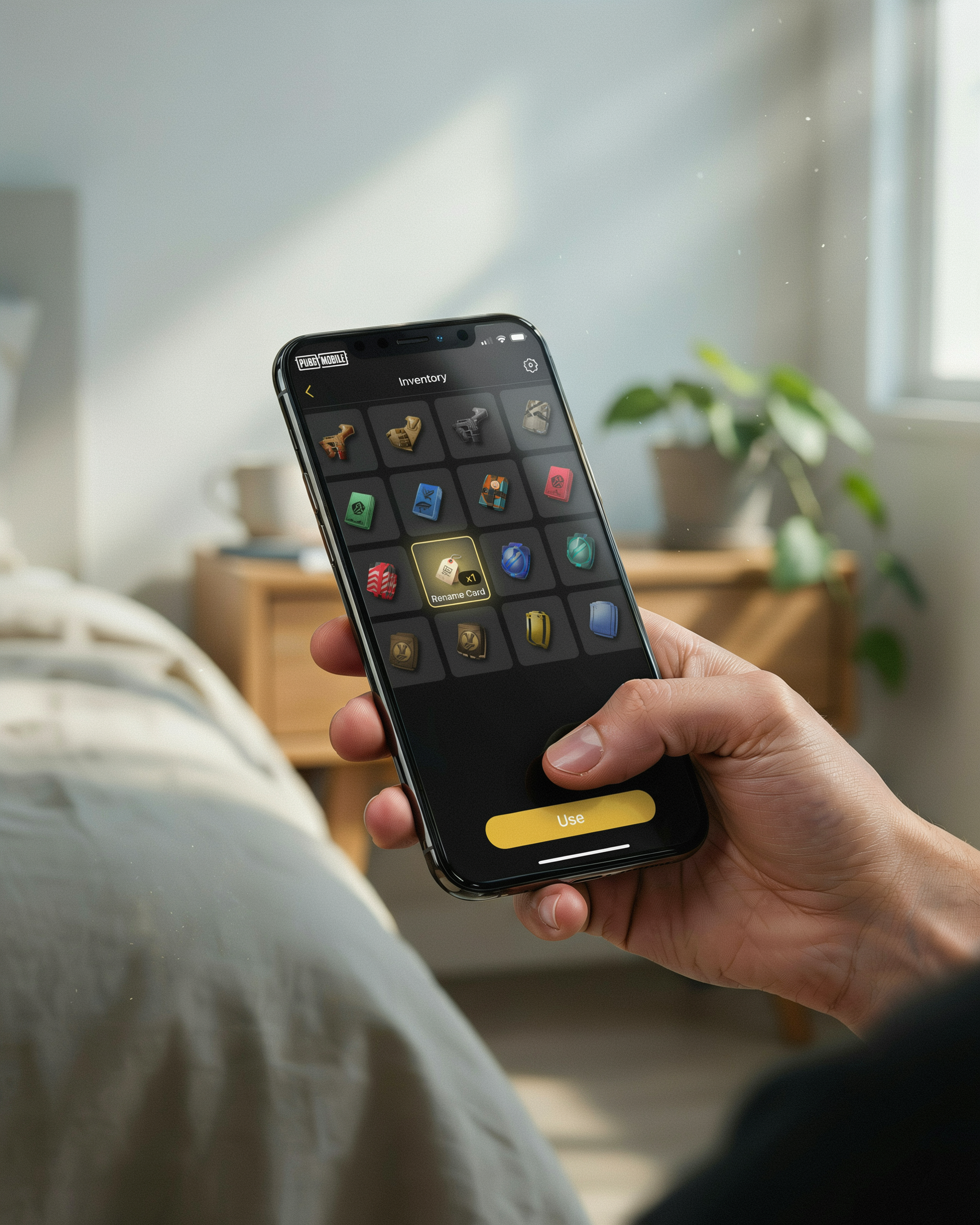
A pubg name change in PUBG Mobile or BGMI is straightforward once you know the steps. I’ve done this multiple times, and the process is nearly identical on both Android and iOS. The key requirement is a Rename Card, which you can earn or buy. Here’s my hands-on walkthrough.
- Open the game and go to your profile. Tap your avatar in the top-right corner of the main lobby. This takes you to your player profile screen, where you can see your stats and current name.
- Tap the edit icon next to your name. On the profile screen, you’ll see a small pen or edit icon beside your current PUBG name. Tap it to open the name change pop-up.
- Enter your new name. A text field appears where you can type your desired pubg new name. The game checks availability instantly. If the name is taken, you’ll see a red error message; try variations until you find one that’s unique. I recommend having a few pubg name ideas ready before you start.
- Confirm the change. Once you have a valid name, tap the confirm button. The game deducts one Rename Card from your inventory and applies the new name immediately. You’ll see it updated in your profile and on the friends list.
After a successful pubg name change, you can’t change your name again for 15 days. This cooldown applies to both PUBG Mobile and BGMI, so choose carefully. I rushed a name once and had to wait two weeks to fix it. If you don’t have a Rename Card, you can buy one from the in-game shop for 180 UC (PUBG Mobile) or 180 Unknown Cash (BGMI). Occasionally, events or Royale Pass rewards give free Rename Cards, so keep an eye on those. The whole process takes less than a minute, but the 15-day lock makes it a decision worth planning. For more inspiration, you can use a pubg name generator to brainstorm options before committing your card.
PUBG Name Change Cost and Limitations
Before you start a pubg name change, it’s important to understand what it’ll cost you and what restrictions apply. The game doesn’t let you swap names freely. Each change comes with a price tag and a cooldown period, so planning ahead saves you from wasting resources or getting stuck with a name you don’t like.
The standard cost for a pubg name change is 3,000 UC, which is roughly $30 USD depending on your region and any ongoing promotions. If you’re a free-to-play player, that can feel steep, but there’s a workaround. You can also use 180,000 BP (Battle Points) to purchase a name change card. BP is earned through gameplay, so it’s a grind, but it’s the free option. I’ve done it both ways, and the BP route is satisfying if you have the patience to save up.
There’s also a hard limit on how often you can pull off a pubg name change. Once you use a name change card, you must wait 15 days before you can change your name again. This cooldown is non-negotiable and applies whether you paid with UC or BP. I rushed into a name I didn’t love once and had to stare at it for two weeks. The character limit for your new name is 14 characters, including spaces and special symbols. That’s not a lot of room, so every letter counts. If you try to use more, the game simply won’t let you save it.
Another limitation to keep in mind is that your new name must follow PUBG Mobile’s community guidelines. Offensive or inappropriate names can get reported and may lead to a forced name change or even a temporary ban. I always recommend testing a name with a few friends before you commit to a pubg name change, just to make sure it doesn’t cross any lines you didn’t intend. For official rules, check PUBG Mobile’s community guidelines.
Creative PUBG Name Ideas for Every Style
When I’m brainstorming pubg name ideas, I always start by thinking about the vibe I want to project in the lobby. A name is your first impression, and the right one can make you memorable before you even fire a shot. I’ve put together some of my favorite categories to help you find a name that fits your personality and playstyle.
Cool and Pro Names
These names exude confidence and skill. I like to use short, punchy words or references to speed and precision. Think of terms like Ghost, Vortex, Phantom, or Blitz. Adding symbols like underscores or periods can help you claim a taken name, turning Shadow into _Shadow_ or Shadow.01.
Funny and Meme Names
I’ve seen some hilarious names that always get a reaction in all-chat. A well-timed joke name can tilt opponents or make random squads laugh. Try NoobMaster69, LaggyMcLagFace, PanWielder, or ChickenDinnerThief. The key is to keep it light and avoid anything offensive that might get reported.
Aggressive and Intimidating Names
If you want to strike fear into the hearts of your enemies, go for something that sounds ruthless. I’ve used names like DeathDealer, HeadHunter, Rampage, and SilentKiller. Pairing a strong adjective with a weapon or action word works wonders.
Stylish and Unique Names
For a pubg name boy who wants something truly distinctive, I recommend mixing aesthetics with meaning. Combine cool words with special characters: ŦʘӾɪƇ, Ɗʌʀᴋʂʜᴇʟʟ, or 𝕾𝖙𝖔𝖗𝖒. You can also use a pubg name generator to spark ideas and then tweak them with unique spellings or symbols.
Clan and Team Names
When I play with a regular squad, we often use a clan tag followed by our individual names, like [ACE]Razor or [WOLF]Luna. This shows unity and makes your team look organized. Keep the tag short and easy to remember. For more clan name inspiration, check out our name ideas page.
Using Style Fonts for Your PUBG Name
I love seeing a kill feed filled with names that pop visually, and a pubg name style font is the easiest way to make your tag stand out. The game itself only supports plain text, but you can paste Unicode characters that look like fancy fonts. These aren’t actual fonts in the traditional sense. They’re special characters from the Unicode standard that resemble bold, italic, cursive, or gothic letter shapes. When you paste them into the name field, the game renders them just like any other text, so they work on every device without mods or hacks.
To get these stylish characters, I use a pubg name generator tool that converts normal text into dozens of Unicode styles. You simply type your desired name, pick a style you like, and copy the converted text. Then, when you perform a pubg name change, you paste that text into the rename field. The process is the same as a regular name change, but the result is a name that looks like it uses a custom font. Just be aware that some special characters may not display correctly on all devices, so it’s wise to test your new name with a friend before committing your rename card. Our fonts page has a live preview tool to help you experiment.
How to Pick a PUBG New Name That Stands Out
I’ve spent hours scrolling through name lists and testing combinations, and I can tell you that a pubg new name needs to do more than just look cool. It should be easy for squad mates to call out in voice chat, memorable enough that rivals remember you, and unique enough that you never have to add random numbers at the end. When I brainstorm a pubg unique name, I start with a word that reflects my playstyle or personality, then twist it with symbols, mixed case, or a short clan tag. For example, a passive sniper might go with “ShadoWisp” while an aggressive rusher could use “BliTzKrieg”. Avoid names that are too long because they get cut off on the kill feed, and skip overused words like “Pro” or “YT” unless you genuinely create content. I also recommend saying the name out loud a few times to make sure it rolls off the tongue during intense firefights. A good trick is to combine two short words that contrast, like “FrostFlame” or “SilentStorm”, which creates a vivid image and sticks in people’s minds. Finally, check the name on a pubg name generator to see if similar styles spark fresh ideas, but always tweak the result to make it your own.
Common PUBG Name Change Problems and Fixes
Even when you follow the steps, a pubg name change can hit a few snags. I’ve run into most of these myself while helping friends set up their pubg new name, and the fixes are usually simple. The most frequent headache is seeing the “name already taken” error. If your dream name is claimed, try adding an underscore, a number, or swapping a letter for a similar-looking character. I once wanted “Shadow” and ended up with “Shad0w” after a quick tweak, and it still looked clean in the kill feed.
Another common issue is special characters not working. PUBG Mobile and BGMI only support a limited set of symbols from the in-game keyboard. If you paste a fancy font from a pubg name generator and it gets rejected, stick to the built-in style options or test one character at a time. I’ve had a whole string of cursive letters get blocked mid-match before.
Rename card errors can also pop up. If you own a Rename Card but the game says you don’t, restart the app and check your inventory under “Consumables.” Sometimes the card hides there after an update. If the button is still grayed out, wait 24 hours; PUBG enforces a cooldown between name changes, and trying too soon locks the option. For persistent bugs, clearing the cache or reinstalling usually does the trick, but always link your account first so you don’t lose progress.
Frequently Asked Questions
How much does a pubg name change cost?
A pubg name change costs 180 Unknown Cash (UC) in PUBG Mobile and BGMI. You can purchase UC through the in-game shop, and the rename card is available in the shop under the “Items” tab. Prices may vary slightly by region, but 180 UC is the standard rate for a single rename.
How often can I change my PUBG name?
You can change your PUBG name once every 24 hours after purchasing a rename card. There’s no lifetime limit, but each change requires a new card. I recommend planning your pubg new name in advance to avoid wasting UC on frequent swaps.
What is the character limit for a PUBG name?
PUBG names can be up to 14 characters long, including spaces and special symbols. If you want a pubg unique name, try mixing letters, numbers, and style fonts to stay within the limit while standing out. Shorter names are often easier for friends to remember and type in search.
Can I use special fonts or symbols in my PUBG name?
Yes, you can use special symbols and style fonts in your PUBG name. Many players use a pubg name generator to find stylish options that include Unicode characters. Just copy and paste the styled text into the rename field, but test it first because some symbols may not display correctly in-game.
Why is my new PUBG name not showing up?
If your pubg name change doesn’t appear immediately, try restarting the game or waiting a few minutes for server sync. Sometimes a slow connection delays the update. If the issue persists, check that the name follows the game’s content policy because offensive or banned terms will be rejected automatically.