Fancy Text: The Complete Guide to Stylish Username Fonts
Fancy text is the fastest way to stop blending in on the PUBG Mobile and BGMI kill feed. Most players run the same plain usernames, so a styled name with symbols, special characters, and unusual fonts instantly marks you as someone who cares about their in-game identity. We built PUBG Name Generator 2026 for exactly that reason: a free tool that turns a normal name into something people notice before the match even starts. Below we cover what fancy text actually is, how to copy and paste it safely, which styles fit PUBG and BGMI, and the character limits you need to respect.
Key Takeaways
- Fancy text is a Unicode-based styling trick that turns plain letters into bold, cursive, gothic, or symbol-rich versions, and it works in PUBG Mobile and BGMI because both games accept these characters in usernames.
- A fancy font generator converts your normal name into dozens of styled options instantly, so you don’t need to memorize any character codes or install extra software.
- The fastest workflow is fancy text copy and paste: type your base name, tap a style you like, copy the result, and paste it directly into the game’s name field.
- Watch out for character limits and readability. Some fancy letters look great in a preview but turn into unreadable boxes in the lobby, so test your name in-game before you commit to it.
What Fancy Text Actually Is
Fancy text looks like a custom font, but it is not one. Your phone or PC only renders the fonts installed on the device, and PUBG Mobile and BGMI do not let you upload new typefaces. What a fancy font generator actually does is swap your normal letters for Unicode characters that look fancier. The letter “a” becomes “ᴀ”, “ⓐ”, or “𝕒”. The game sees each one as a valid text symbol, so it displays in your username without any font installation.
Unicode is the global standard that assigns a code to every character across writing systems. It includes mathematical script letters, circled symbols, fullwidth forms, and dozens of other decorative variants. Those are the building blocks behind fancy letters. A stylish text generator maps your plain input to those Unicode equivalents, and the result is a string that reads like a styled name but is technically just a sequence of special characters.
That distinction matters for two reasons. First, it explains why the text works in almost any field that accepts standard input: the game client, the friends list, the clan tag. Second, it explains the occasional oddity. Some Unicode variants render as boxes or blank spaces on certain devices, especially older Android versions. When you copy a name and it shows up as squares for a friend, that is a font support issue on their end, not a broken generator. Most modern phones handle the common decorative ranges without trouble, which is why these names have stayed popular for years.
Why Plain Usernames Get Ignored
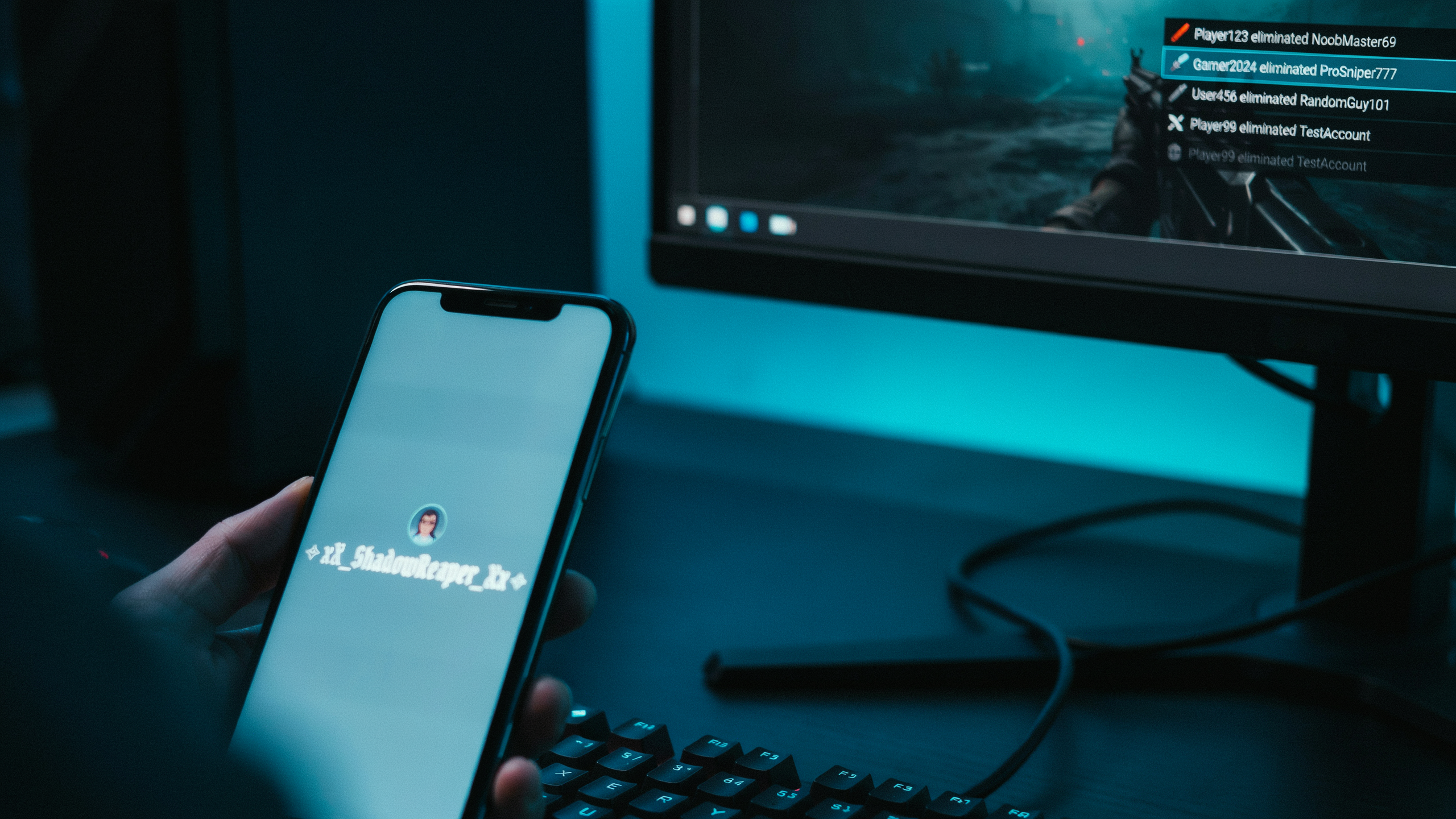
PUBG Mobile and BGMI lobbies move fast. Before the match even starts, players scan the kill feed, the squad list, and the final circle. A name like “Player8492” or “Rahul123” doesn’t register. It just blends into the background with every other default handle. The plain names get skipped over, and the ones with styled letters pull attention immediately.
That attention matters more than most players think. When your name stands out in the lobby, teammates are more likely to remember you after a good clutch, and opponents are more likely to notice you in the kill feed. It’s about being seen in a space where hundreds of names flash by in seconds.
The practical fix is simple. A fancy font generator turns a basic name into something visually distinct in under a minute. You type the name, preview the styled versions, and copy the one that fits. No manual symbol hunting, no trial and error in the rename screen.
Plain names also signal something subtle: the player hasn’t put thought into their identity. In a game where cosmetics, skins, and titles all carry weight, a default-looking name reads as an afterthought. Stylish text changes that impression instantly. It’s one of the few upgrades in PUBG Mobile that costs nothing and takes less time than a single lobby wait.
How a Fancy Font Generator Works
Here’s the part that surprises most people: a fancy font generator doesn’t actually create new fonts. It maps the letters you type onto Unicode characters that already exist in the standard. Your keyboard types basic Latin letters, but Unicode contains thousands of stylized variants, like mathematical script, circled letters, fullwidth forms, and small caps. The generator swaps each character for its fancier counterpart, and the result still reads as text, not as an image.
On pubgnamegenerator.net, the flow is simple. Type your base name into the input box. The tool instantly renders it in dozens of styles, so you can scroll through cursive, bold, gothic, bubble, and glitch looks without refreshing the page. When a style catches your eye, tap it and the converted text copies to your clipboard. Then you paste it straight into the PUBG Mobile or BGMI name field.
What makes this work in-game is that PUBG accepts most Unicode characters in the name field. The game doesn’t render a separate font file; it just displays whatever characters you submit. That’s why a name like “Sniper” can become “𝕊𝕟𝕚𝕡𝕖𝕣” or “ꜱɴɪᴘᴇʀ” and still show up on the leaderboard. The trade-off is that some symbols and rare characters get stripped or replaced with a box on certain devices. Stick to the common Unicode ranges and you’ll avoid most issues.
If you want a deeper walkthrough of the copy-and-paste process, the Ultimate Stylish Text Generator: Copy and Paste Fancy Fonts guide covers the exact steps with examples. The core mechanic is the same everywhere: input, convert, copy, paste. No downloads, no font installation, no technical setup.
Styles That Suit PUBG Mobile and BGMI Names
Not every style works in a kill feed. Some fonts look incredible in a chat box but turn into unreadable mush when they scroll past at speed. We stick to six categories that hold up in PUBG Mobile and BGMI.
Cursive styles are the most popular for a reason. They flow, they look personal, and they read clearly even on a small phone screen. A name like RogueShadow in a flowing script font feels like a signature, not a username. Bold styles do something different. They add weight, which helps when you want your name to feel heavy and aggressive. A bold IRONFIST lands harder than the same name in a thin default font.
Gothic fonts bring a darker, sharper edge. They suit players who run black outfits and sniper loadouts. The letters have angular cuts and pointed serifs that feel medieval or industrial. Circled styles wrap each character in a ring, which creates a clean, uniform look. They work especially well for short names because the circles add visual structure without clutter.
Small caps are underrated. They keep your name readable while giving it a quiet, disciplined feel. Symbols are the wildcard. Adding a crown, a skull, or a lightning bolt to the front or back of your name makes it instantly recognizable in the lobby. The trick is restraint: one or two symbols, not five.
If you want to see exactly how these styles render before you commit, the Ultimate PUBG Name Style Font: How to Get Fancy Text page walks through each category with live previews. What looks good in a preview usually looks good in game, but always test a name in a custom match first. Some symbols that render fine on the generator can break on certain devices, and you won’t know until you see it in the kill feed.
Fancy Text Copy and Paste: The Right Way
The copy-paste workflow sounds obvious, but most players do it wrong. The trick is to copy from a clean source, not from a chat message or a screenshot. When you use a fancy text copy and paste tool, the generated characters are already in Unicode, which is what PUBG Mobile and BGMI accept. Open the generator, type your base name, pick a style, and tap the copy button. That’s it.
Now paste it into the game. In PUBG Mobile, go to your profile, tap the edit icon next to your name, and paste into the name field. BGMI works the same way. Do not paste into the chat box first, because some chat clients strip or alter special characters. Paste directly into the rename field.
If the game rejects the name, don’t panic. PUBG Mobile and BGMI block certain Unicode ranges, especially emoji and some combining marks. The fix is simple: try a different style from the same generator. Styles built from Latin letter variants usually pass, while heavy symbol styles get rejected. You can also remove one or two characters and try again. The game’s character limit is strict, and a name that looks fine in a browser can still trip the filter.
One more thing: test the name in a custom room before you commit. If it displays as boxes or blank spaces for other players, it won’t read as fancy text on their screens. A name that only you can see correctly is worse than a plain one.
Cool Text Generator Options for Different Vibes
A cool text generator tends to lean into aggressive, sharp, or edgy styles: heavy bold fonts, lightning bolts, skulls, and angular symbols that make a name feel like it belongs to someone who rushes every hot drop. That works for players who want their tag to read as a threat before the match even loads. A stylish text generator, by contrast, goes for cleaner lines, cursive flourishes, and subtle spacing that reads more like a crafted signature than a war cry.
The difference matters more than most players expect. A sniper who wants to be remembered as precise often picks a stylish approach, while a close-range rusher usually grabs a cool text generator output with jagged edges and stacked symbols. Neither is better; they just signal different things to the people who see your name in the kill feed.
If you’re not sure which direction fits, the Ultimate Stylish Name Generator: Create Cool Names for PUBG page lets you preview both vibes side by side so you can see how the same base name changes character. That’s the fastest way to test whether your tag should whisper or shout.
Some players even keep two versions of the same name: one cool, one stylish, and they swap them depending on the season or the squad they’re running with. It’s a small touch, but it keeps the name feeling fresh without losing the identity you’ve already built.
Character Limits and Game Rules
PUBG Mobile and BGMI both cap usernames at 14 characters, and that count includes every symbol, space, and letter you paste in. A name like “SniperKing” uses 10 slots, so you have room to add a couple of fancy letters before you hit the wall. The game counts Unicode characters individually, which means a stylized “𝕊” takes up the same single slot as a plain “S”.
Most letters from the Mathematical Alphanumeric Symbols block, like double-struck, fraktur, and script forms, pass through the filter without trouble. Small caps, superscripts, and a handful of decorative symbols also tend to work. What usually gets stripped are emoji, arrows, hearts, and characters from newer Unicode blocks that the game’s font simply doesn’t support. When that happens, the symbol either vanishes or the whole name gets rejected.
There is no published whitelist from Krafton, so nothing here is guaranteed. The safest approach is to test a name right after you generate it. If the game accepts it in the rename screen, it will almost certainly display correctly in lobbies and kill feeds. If a symbol disappears, swap it for a different style from the same generator and try again.
One more thing worth knowing: some symbols pass the rename check but render as blank boxes on other devices. That is a font issue on the viewer’s end, not a ban risk. Still, if you want your name to look the same everywhere, stick to the older, widely supported Unicode ranges that PUBG Stylish Fonts are built around. You can also check the Unicode Consortium for the official character charts if you want to see exactly which ranges are standard.
Making a Name That Lasts
Pick a style you can actually read at a glance. Cursive fonts look great in screenshots, but in a squad fight your teammates need to call your name fast. If they squint at it, you’ve made their job harder. Stick with one or two decorative characters around a clean core word, not a full string of symbols.
Test the name on a phone screen before you commit. Some fancy letters render fine in the lobby but turn into boxes or question marks on older devices. Ask a friend on a different phone model to check it. If it breaks there, it will break for someone in your lobby.
Think about how the name sounds when spoken. A stylish text generator can make “Nova” look sharp, but if the decorative marks make people unsure how to pronounce it, the name loses its purpose. Keep the spoken version obvious.
Also consider how long you’ll want to live with it. Names tied to a current meme or a seasonal trend feel dated within weeks. A name built on a word you actually like, styled lightly, lasts longer. Our PUBG New Name: The Complete Guide to a Fresh and Stylish username walks through the same thinking when you’re ready for a full reset.
Where Fancy Text Fits Beyond the Username
Your in-game name is only the start. The same fancy text you picked for PUBG Mobile works in your clan tag, your profile bio, and the social handles you share with your squad. Clan tags are short, so a single styled word or a two-letter combo with symbols reads better than a full sentence. Bios give you more room, and that’s where a light touch matters: one or two styled words stand out, while a whole block of fancy text gets hard to read.
We see players reuse the same style across platforms so their identity stays consistent. A name that looks sharp in the lobby should look the same on Discord or Instagram. The Ultimate BGMI Nickname Generator: Create Unique In-Game page is useful here because it treats the name as one part of a wider identity, not a one-off pick. Copy the generated text once, then paste it into each place you want it to appear.
One caution: some social platforms strip certain Unicode characters or render them as blank boxes. Test your fancy text in a draft before you commit to it everywhere. If a symbol breaks on one platform, swap it for a simpler style that still matches your in-game name. Consistency beats complexity when your squad needs to find you fast.
Frequently Asked Questions
Is fancy text allowed in PUBG Mobile?
Yes, in most cases. PUBG Mobile accepts Unicode characters, which is what fancy text uses. The game filters a few symbols, but standard styled letters and decorative fonts usually pass. If a name gets rejected, try a simpler style or remove special symbols.
Why does my fancy text show as boxes?
Boxes appear when a device or game client doesn’t support the Unicode characters you copied. Older Android versions and some emulators lack the needed fonts. Switching to a more common fancy style, like bold or cursive letters, usually fixes the display problem.
Can I use fancy text in BGMI?
Yes. BGMI uses the same Unicode system as PUBG Mobile, so most fancy text styles work. Keep the name within the character limit and avoid symbols the game blocks. A quick test in the rename screen shows whether your chosen style renders correctly before you commit.
How do I copy fancy text without it breaking?
Use the one-tap copy button on a PUBG Name Generator 2026 tool, then paste directly into the game’s name field. Avoid pasting into notes or chat apps first, since some strip formatting. If characters look wrong, clear the field and paste again.